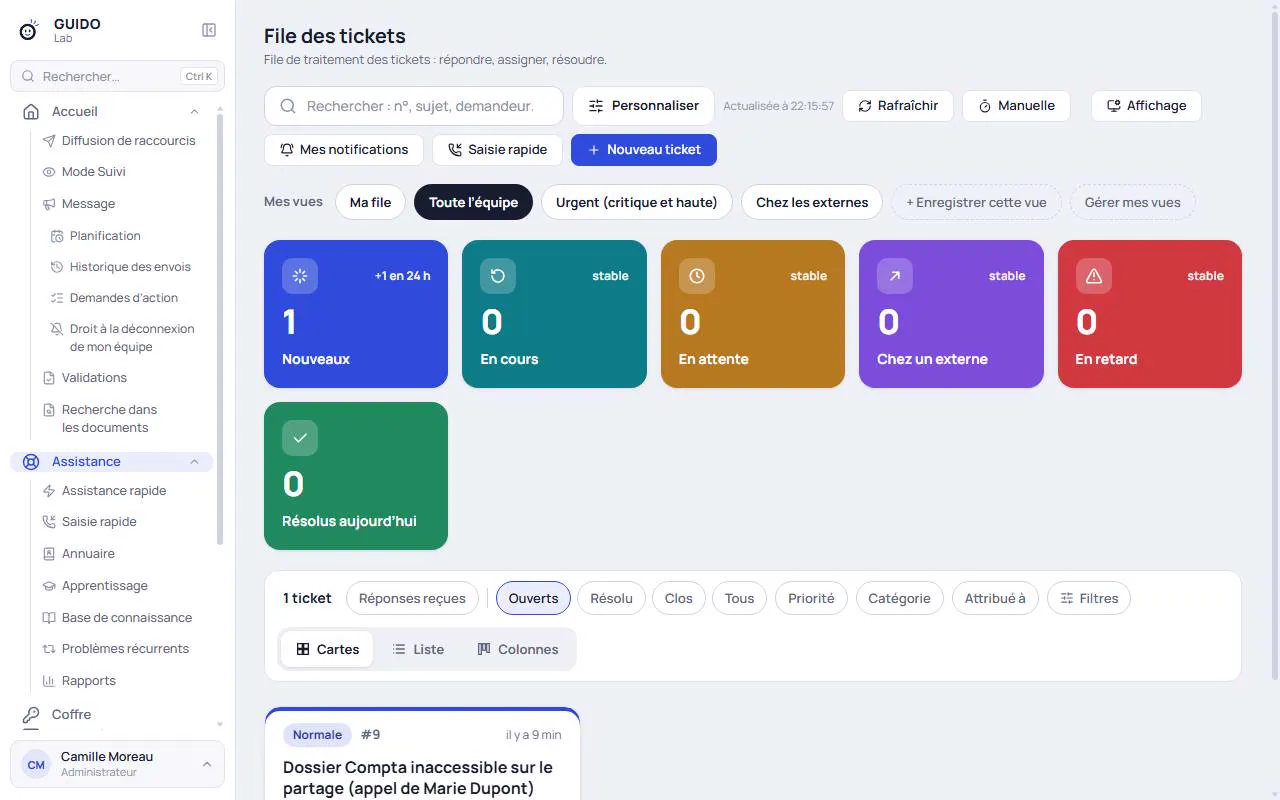
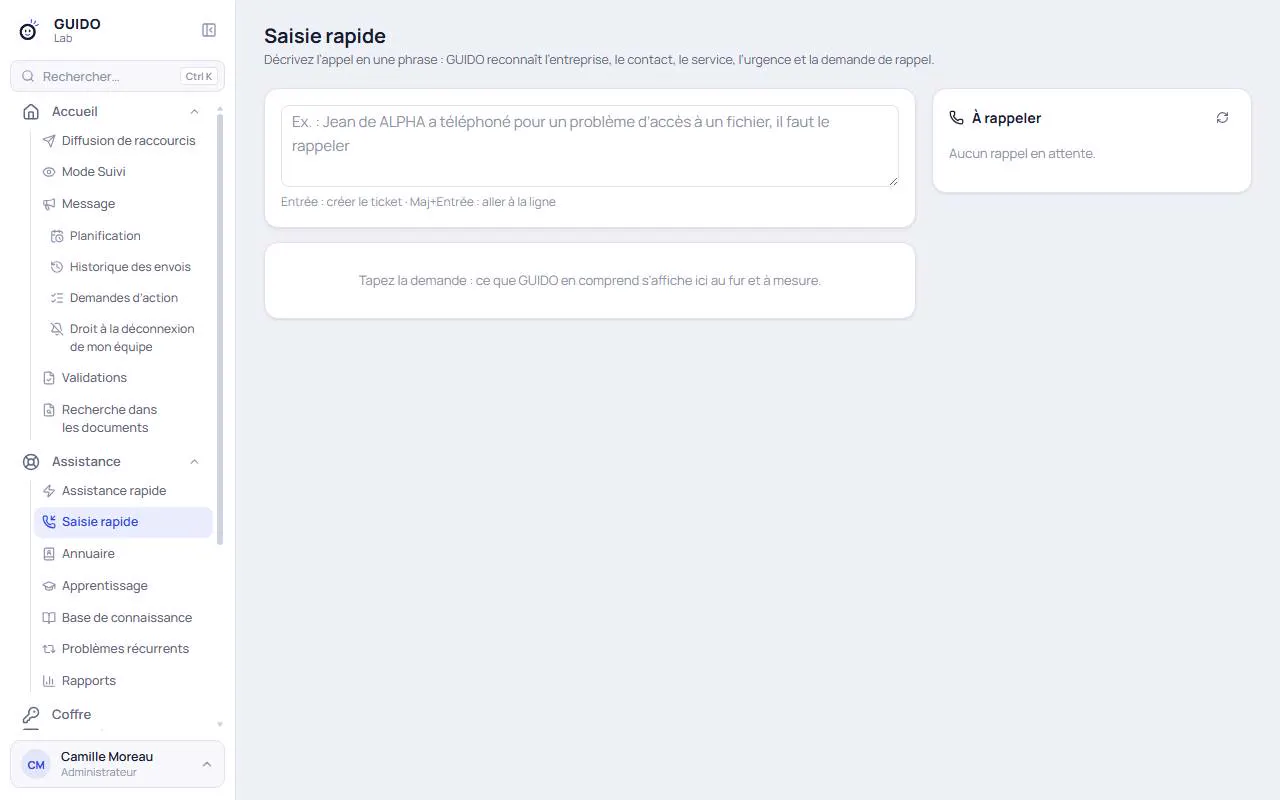
- Step 1
Type the call in one sentence
In quick entry, write what you hear. GUIDO recognizes the contact, the urgency and the callback request, and asks a question when two services fit.
Screen Help desk, Quick entry
- Step 2
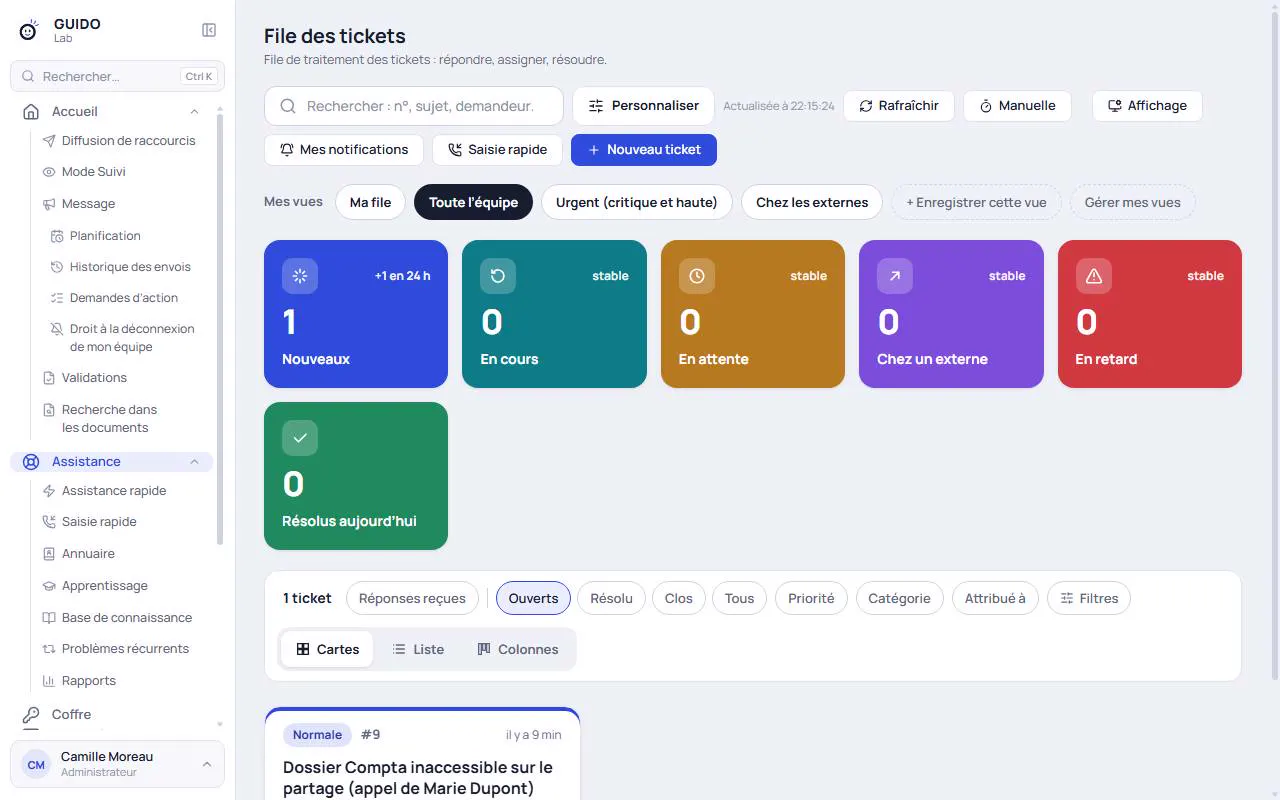
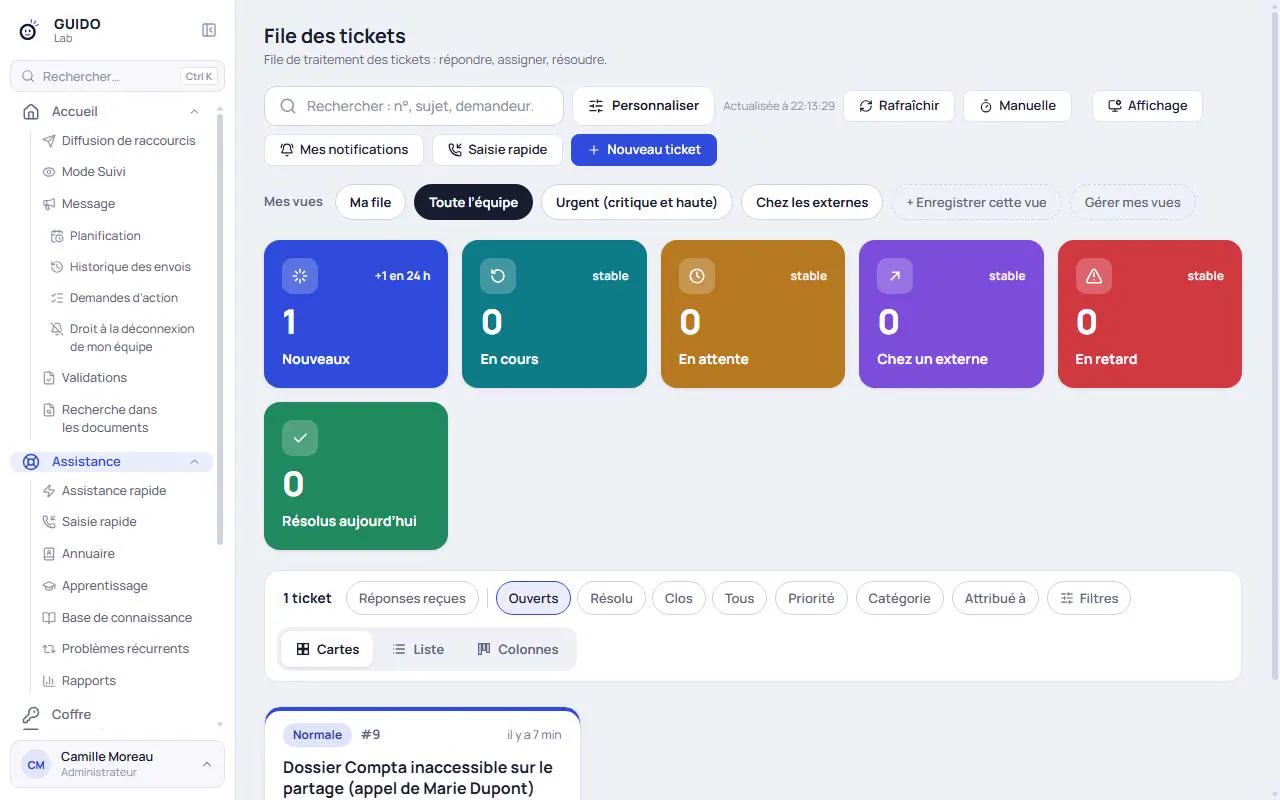
Read the record and its deadlines
The record shows the handling and resolution deadlines under the contract, the configuration applied, and the computer and session captured.
Screen Help desk, ticket record
- Step 3
Diagnose the file
Enter the file path and run the diagnosis: GUIDO says whether the file was moved, offers the new location and shows the person’s effective rights, read-only.
Screen Help desk, ticket record, File and tile
- Step 4
Fix the tile with the person’s consent
In “Ask the user first” mode, the person sees the before and after path in their ticket and clicks Accept or Refuse.
Screen Help desk, ticket, Offer to fix the tile
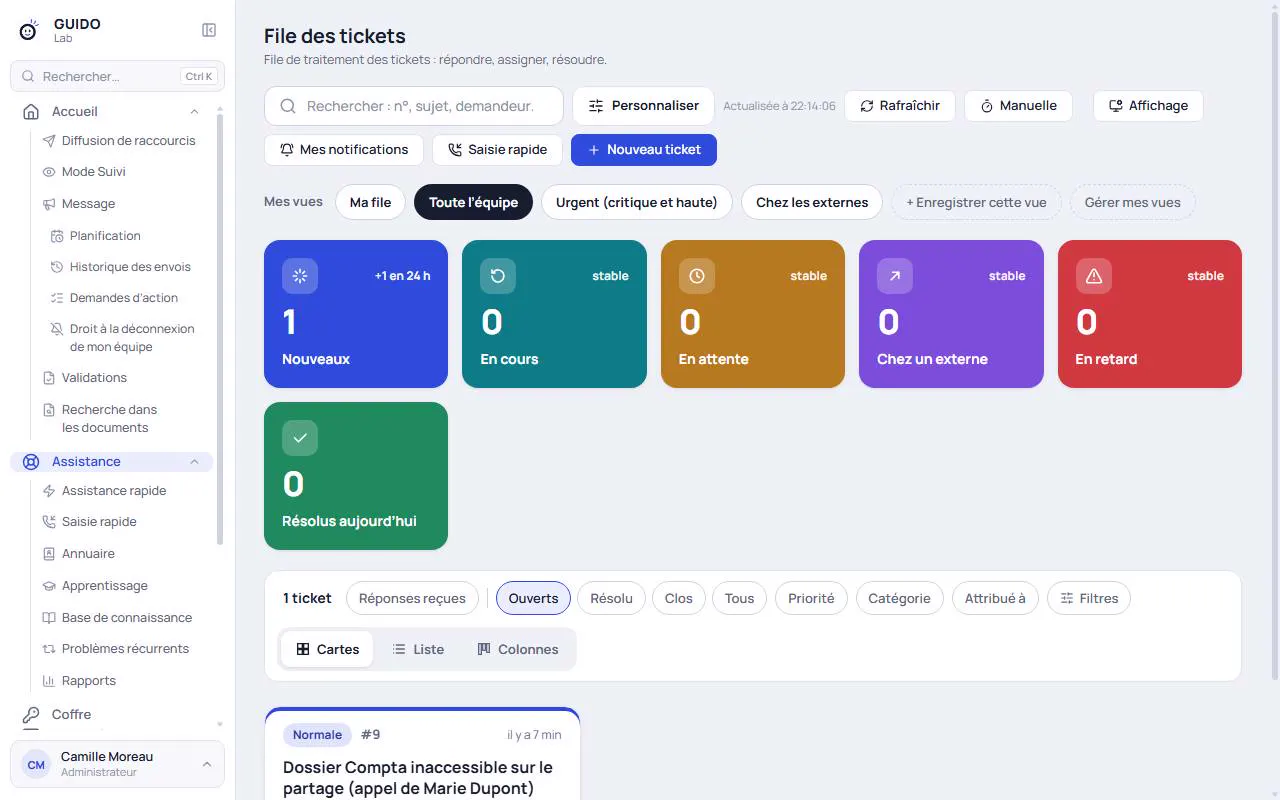
- Step 5
Close and keep the solution
Close with a message. GUIDO offers to add the resolution to the knowledge base, with personal data removed. With no reopening within seven days, the ticket becomes Resolved.
Screen Help desk, ticket, Close