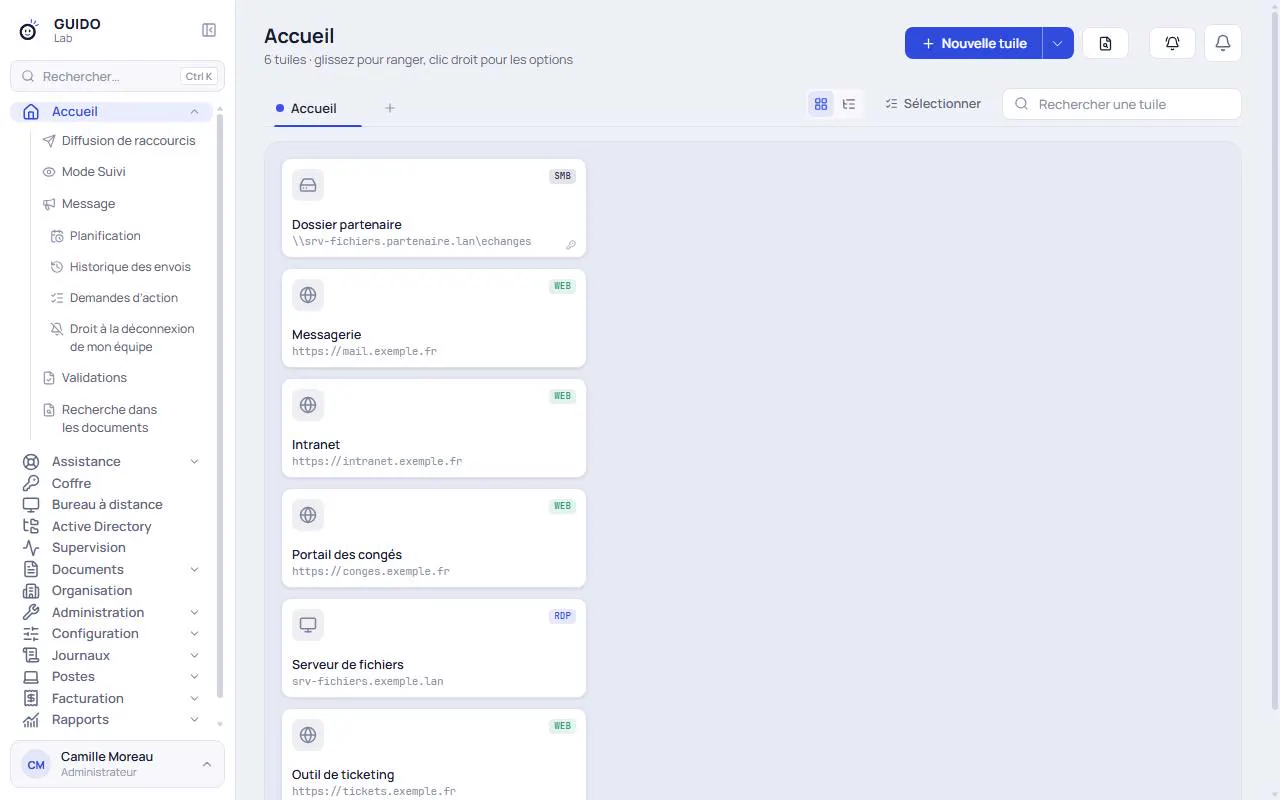
- Step 1
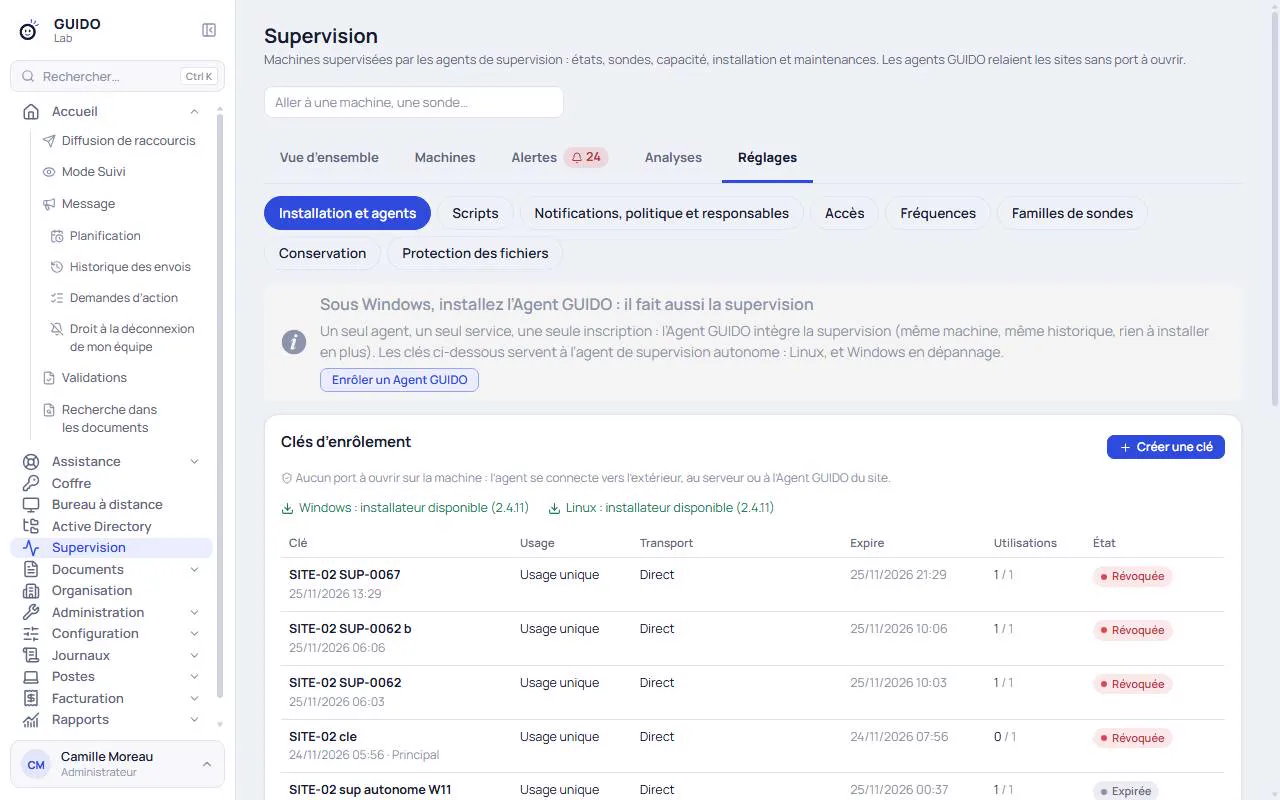
Create an installation key
Create a key with a name, a validity, a number of machines and the site. The window shows the key and the install commands.
Screen Monitoring, Installation
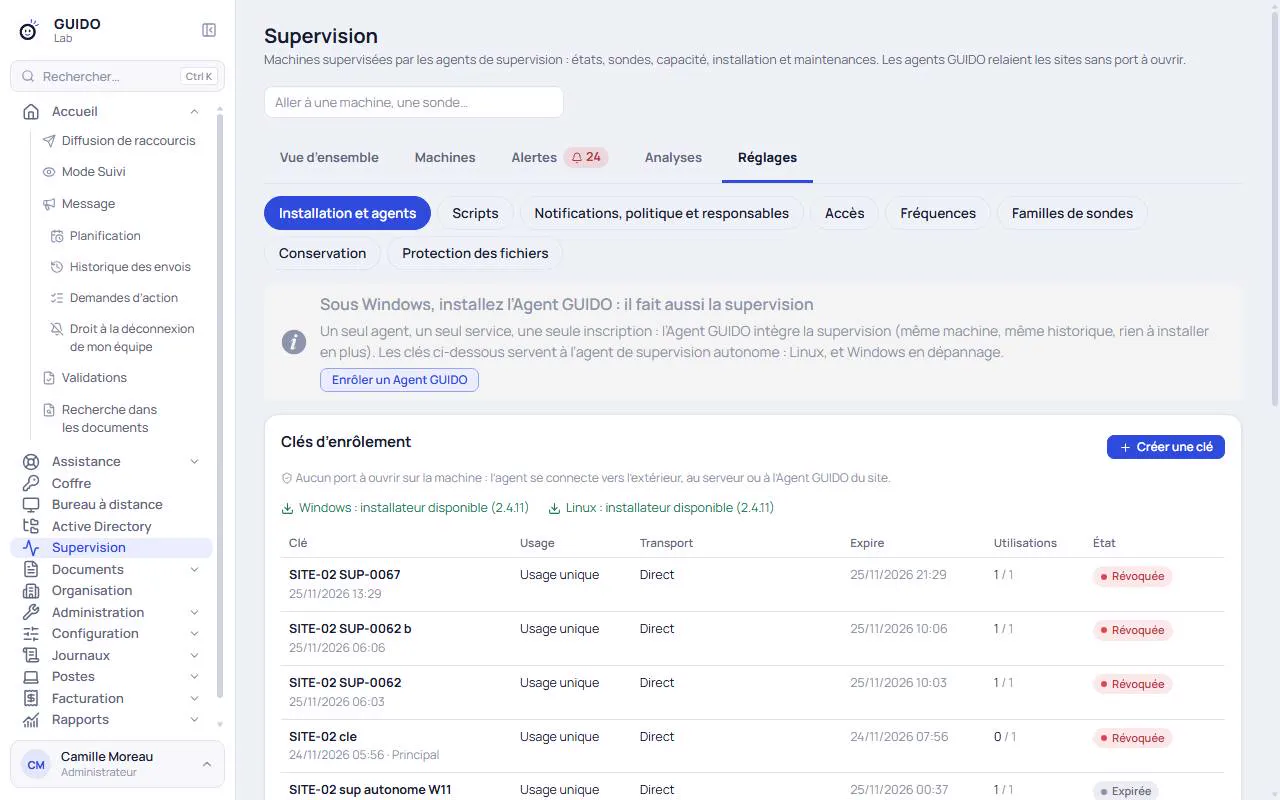
- Step 2
Install the agent
Run the installer on the server, or the install script on a Linux machine, with the GUIDO address and the key. The agent opens no port: it connects outward.
Screen Monitoring, Machines
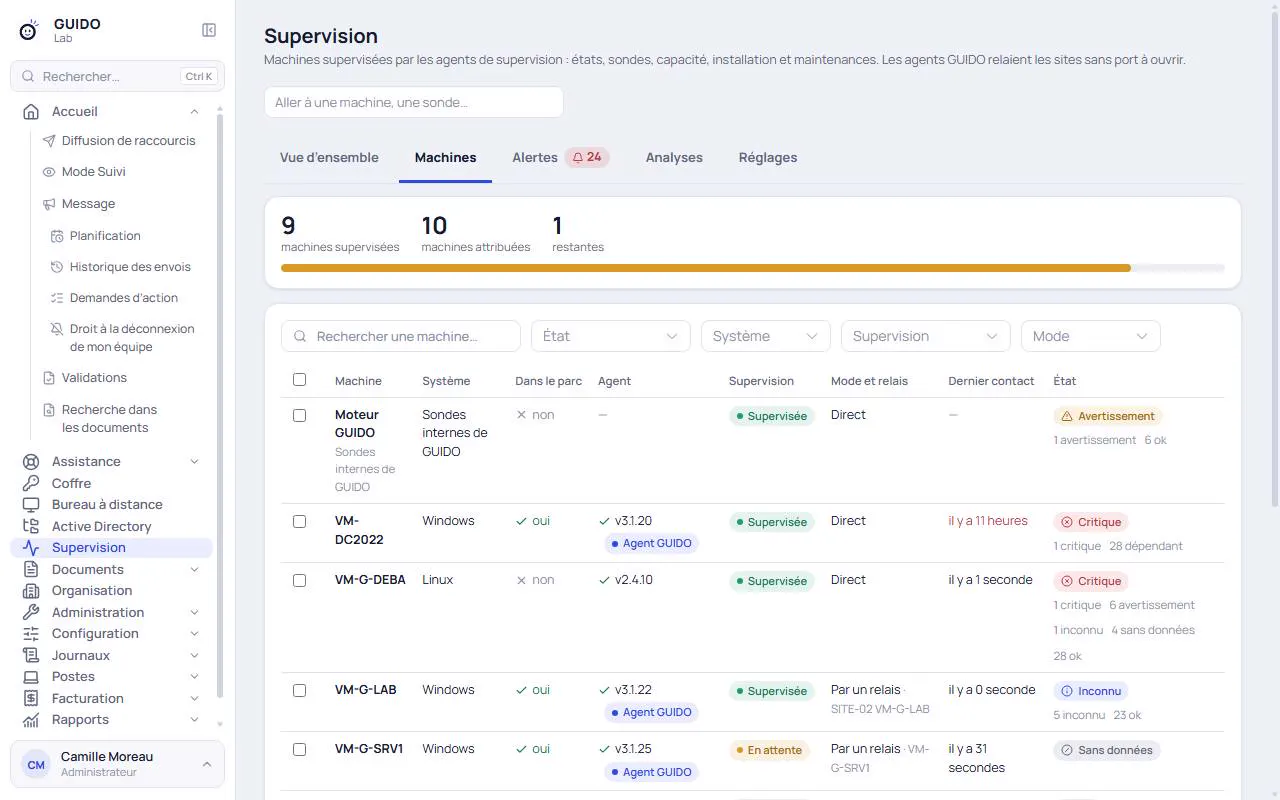
- Step 3
Set the probes through discovery
On the machine’s record, run discovery: the detected role is offered, for example File server. Tick and apply. Until a probe has a measurement, it shows “No data”.
Screen Monitoring, Machines, record, Run discovery
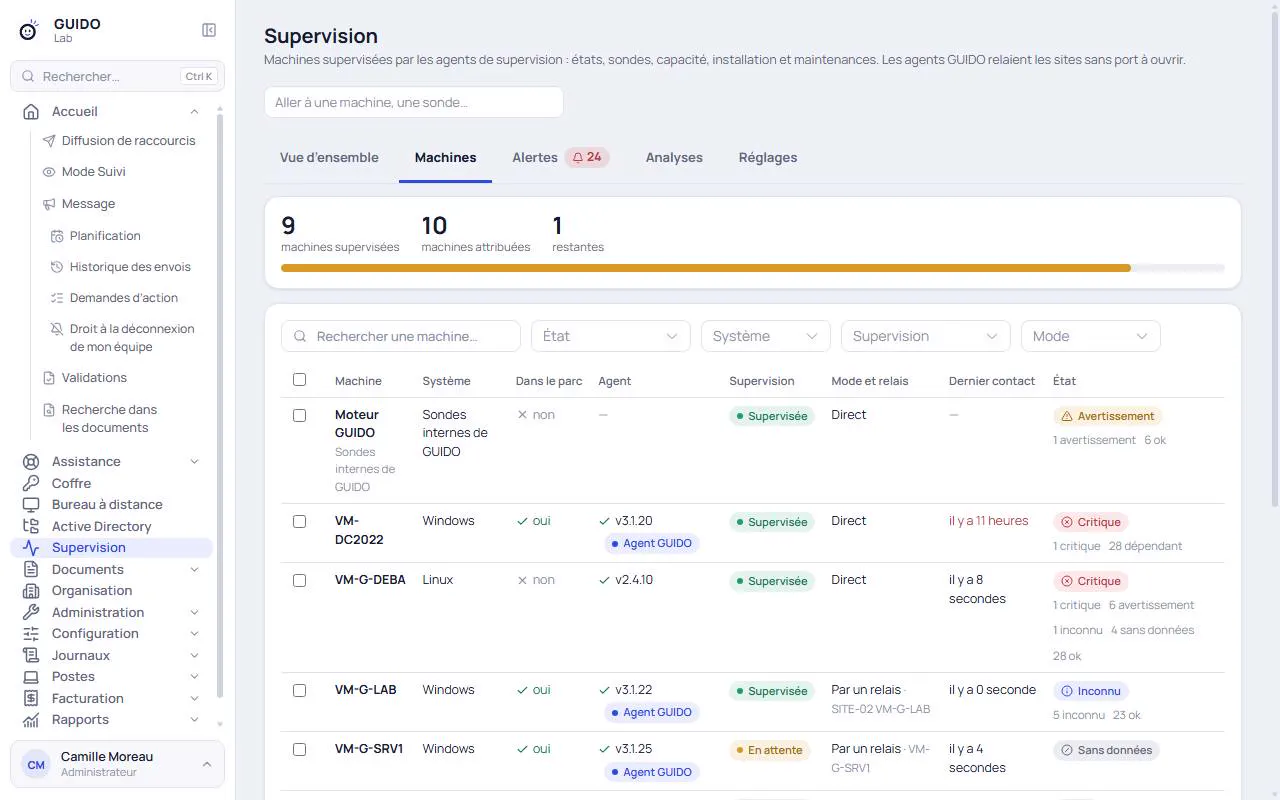
- Step 4
Decide who receives alerts
Name the owners of the instance or machine, grant them read access, then set the policy: mandatory channel, reminder, escalation. The Test button sends a test message.
Screen Monitoring, Notifications, Owners and Policy
- Step 5
Follow the state from Home
Place a monitoring tile on your Home. It is green when all is well and blinks as soon as a scope goes into alert. One click opens the filtered dashboard.
Screen Home, New tile, Monitoring