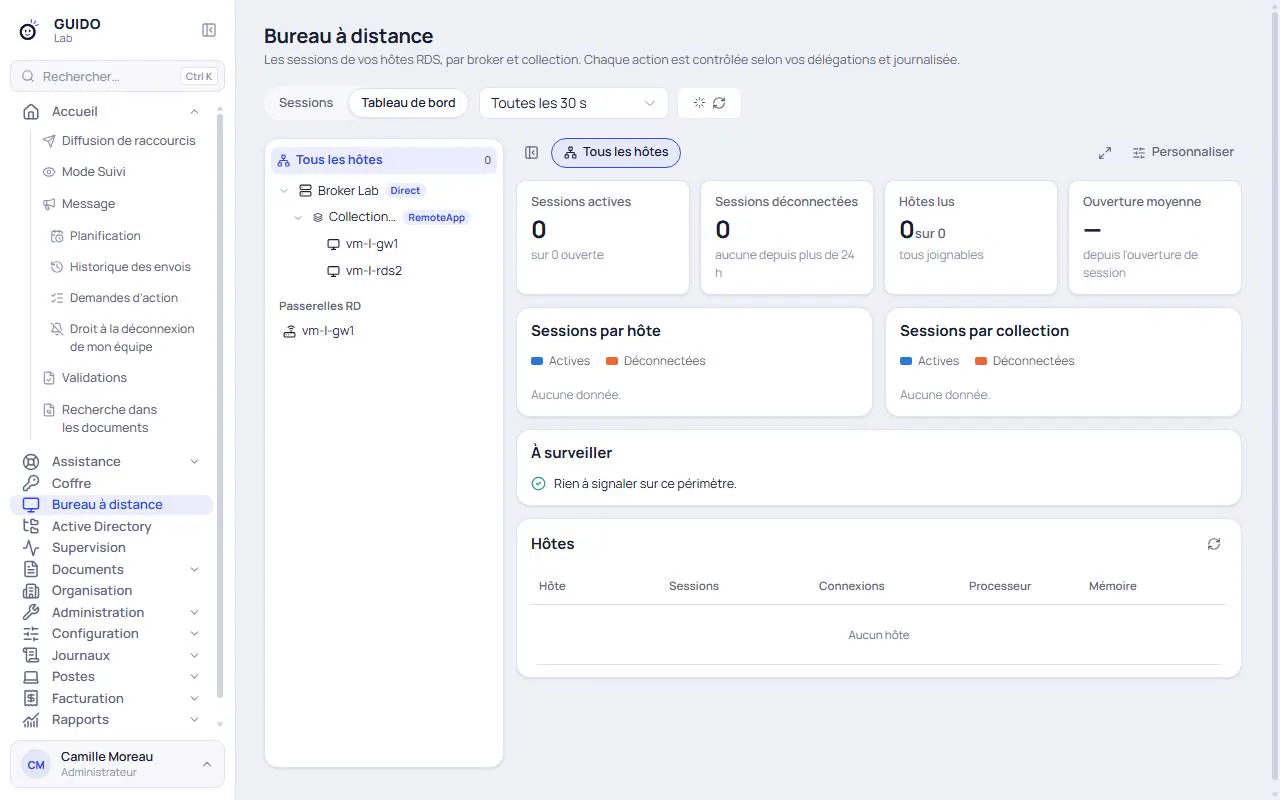
- Step 1
Pick the collection
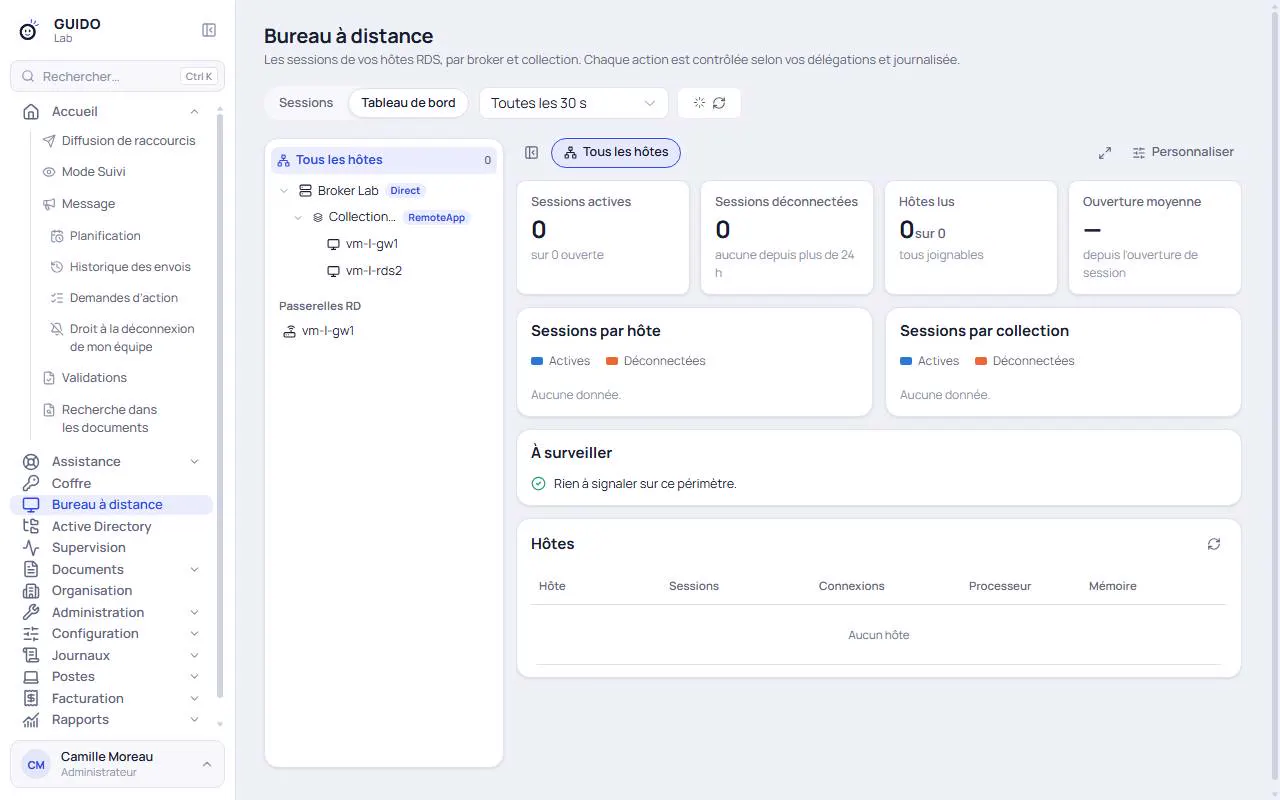
In the Remote desktop console, click the collection in the tree: the list shows only its hosts and the sessions in your scope.
Screen Remote desktop
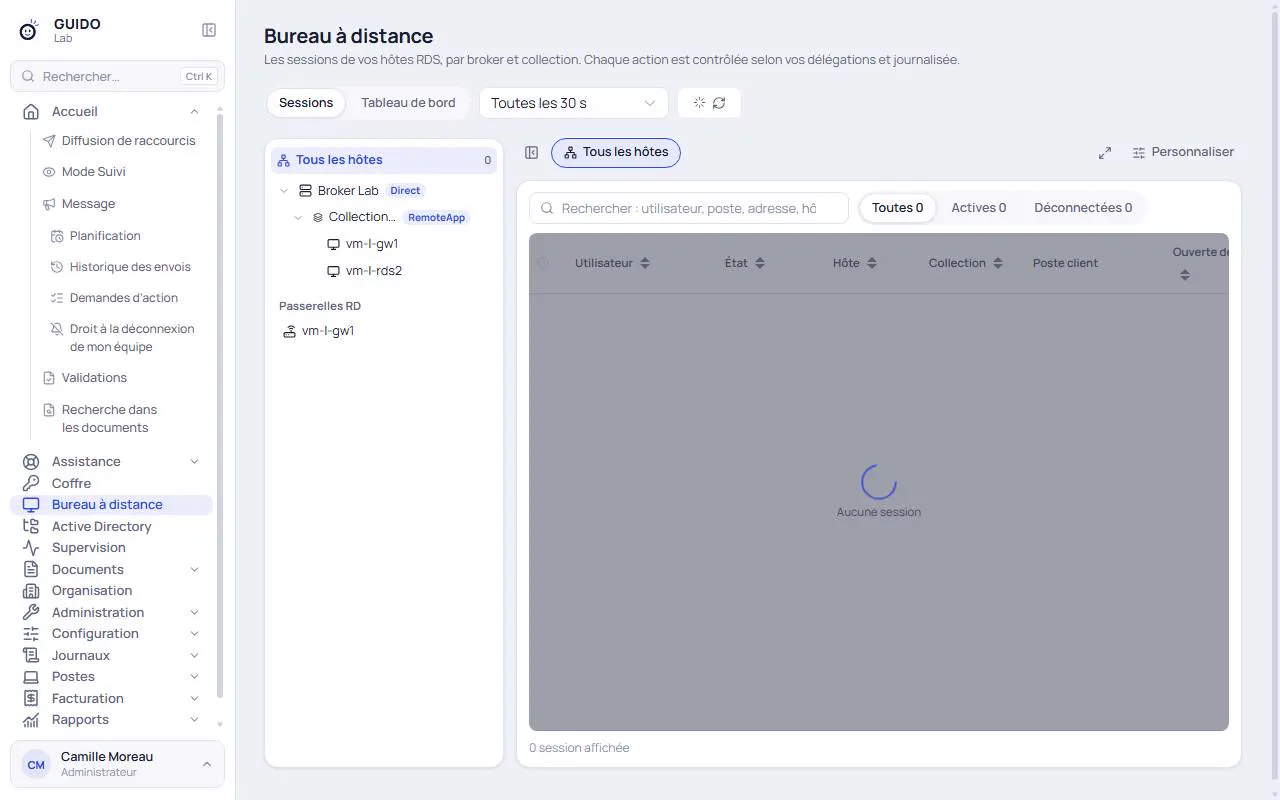
- Step 2
Warn active sessions
Tick the active sessions, click “Message” and write, for example: “Server restart at 6:15 pm, remember to save your documents.”
Screen Remote desktop, Message
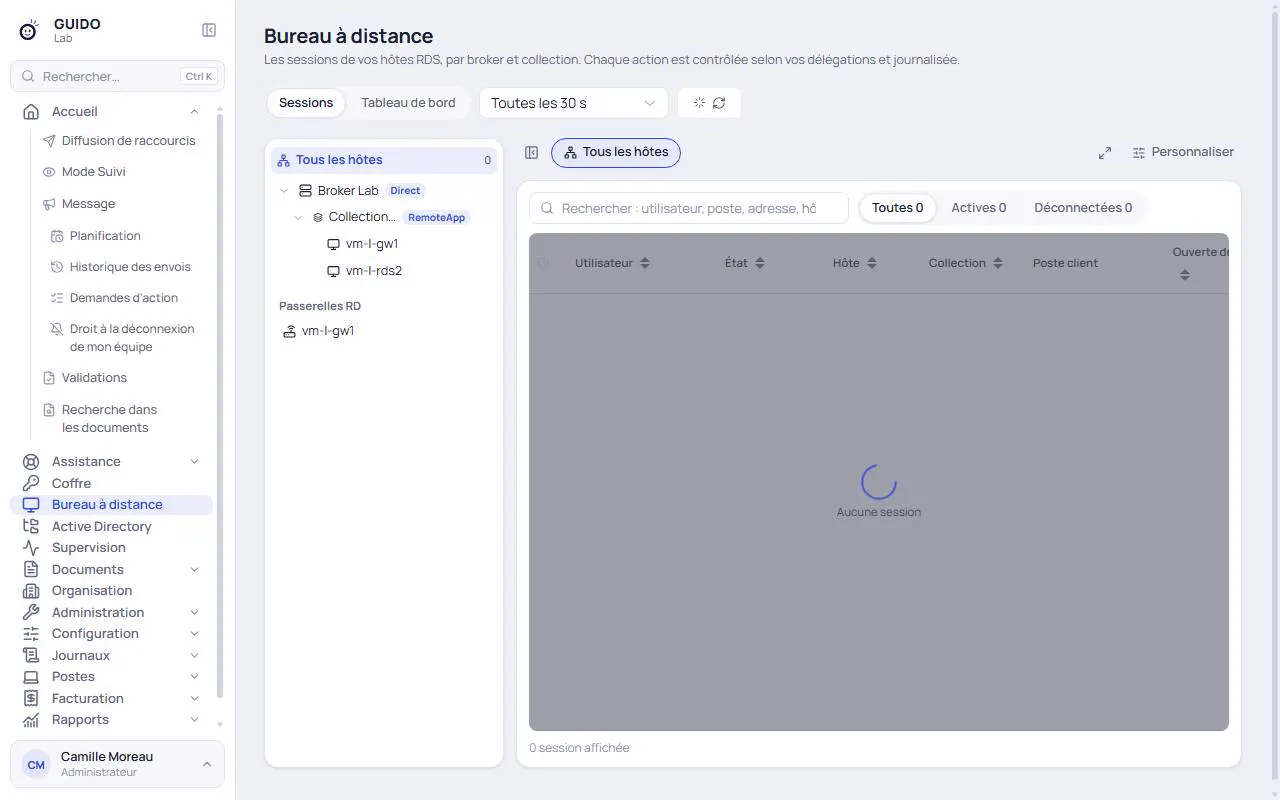
- Step 3
Refuse new connections
On the host card, an operator with the host management right clicks “Refuse new connections”, with the “until the next restart” box. An operator without that right does not see the button.
Screen Remote desktop, host card
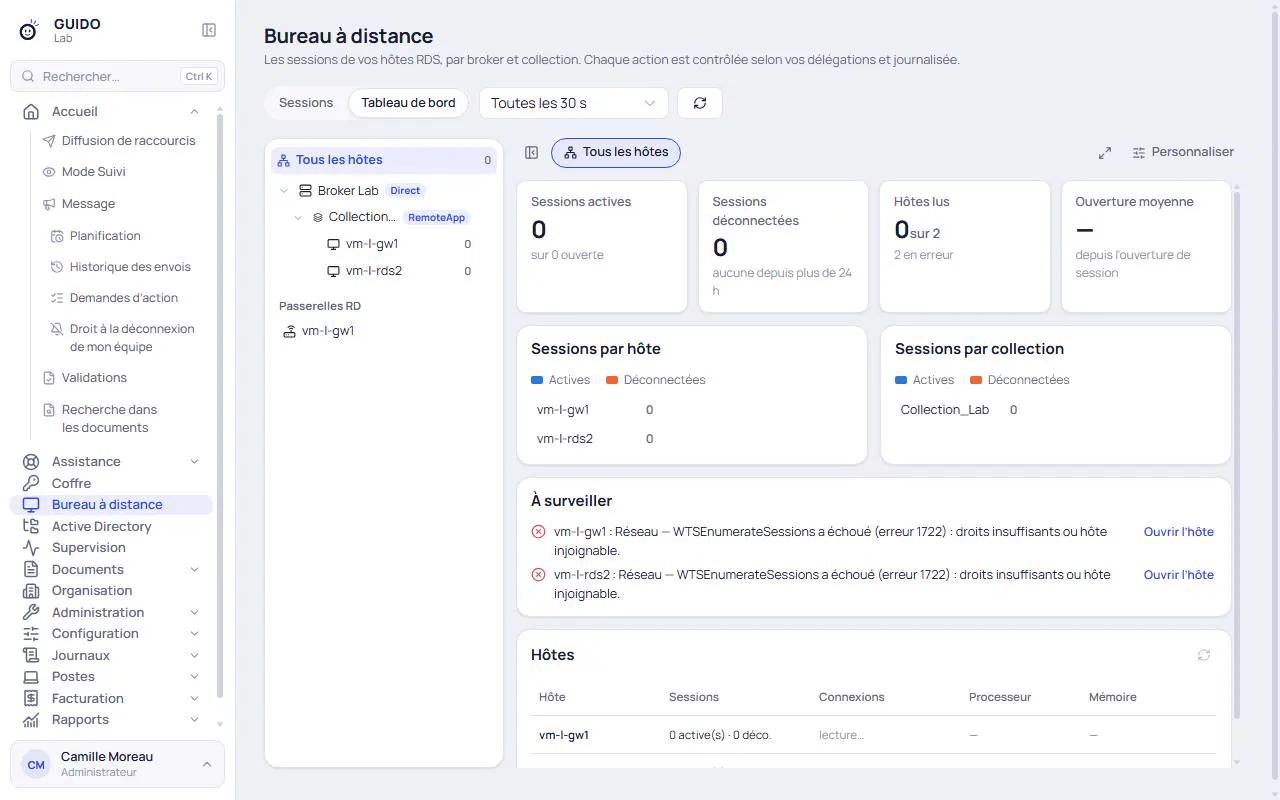
- Step 4
See where sessions come from
For each active session, GUIDO shows the access path (direct, RD gateway, HTML5 web access), the gateway crossed and the computer’s public address.
Screen Remote desktop, host sessions
- Step 5
Restart the drained host
When active sessions drop to zero, the “Restart” button becomes active and the operator confirms.
Screen Remote desktop, host card