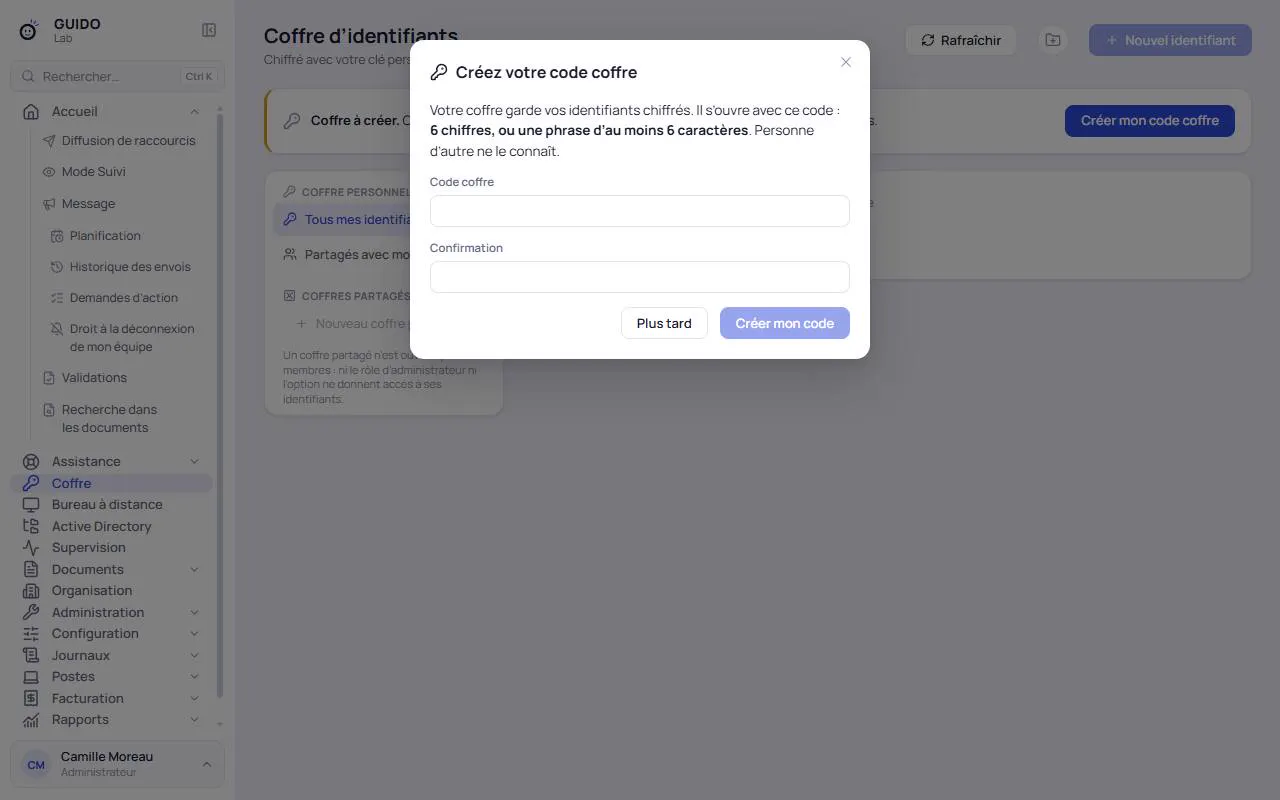
- Step 1
Create your vault code
On first sign-in, choose a code: six digits, or a phrase of at least six characters. Nobody else knows it.
Screen Vault, first opening
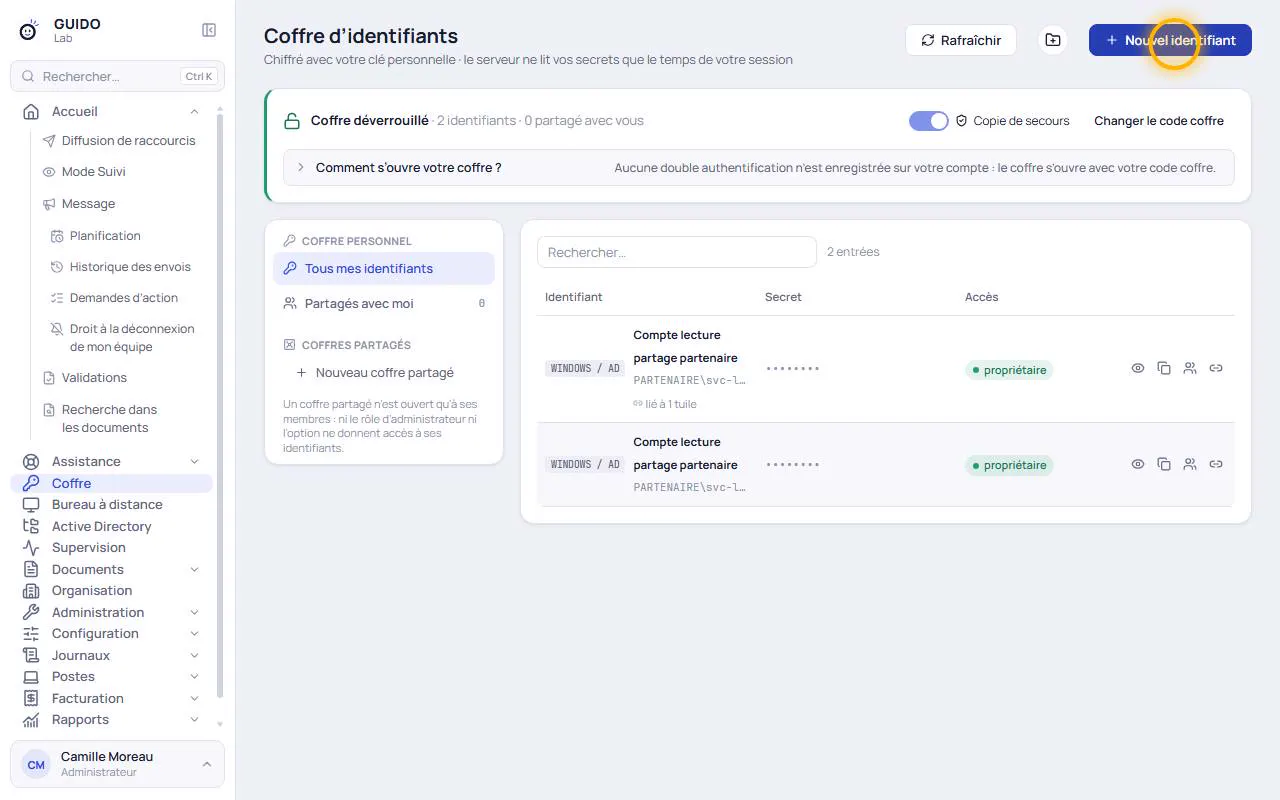
- Step 2
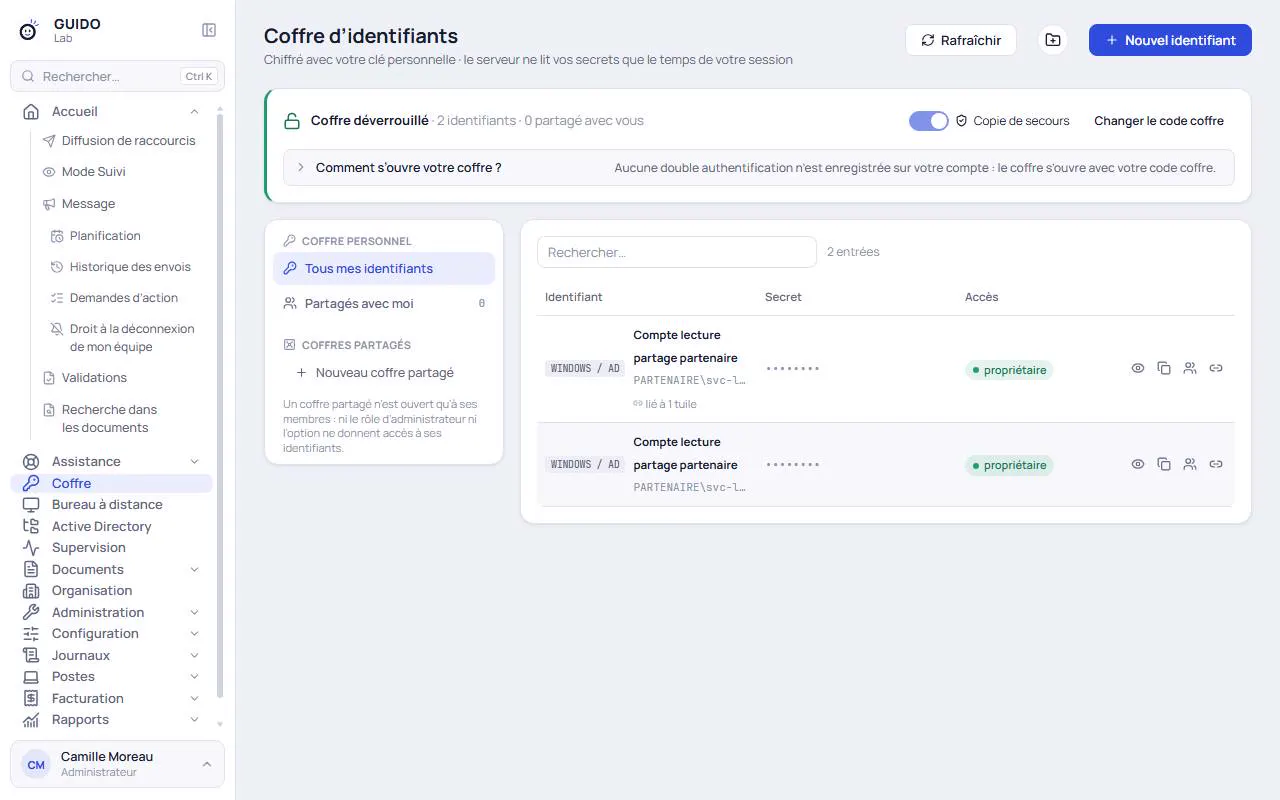
Create the entry
Create the account entry with its domain and host, then fill in “Usable on” with the machines concerned.
Screen Vault, New entry
- Step 3
Share at the “Use without seeing” level
Share the entry with the person. Three levels exist: use it, see it, or edit it. Pick the first.
Screen Vault, entry, Share
- Step 4
Link the entry to the tile
Link the entry to a Remote desktop tile. When distributed, the person receives the tile: on click, mstsc opens already signed in, and the eye button is greyed out on their copy.
Screen Home, tile editor, Opening and credential
- Step 5
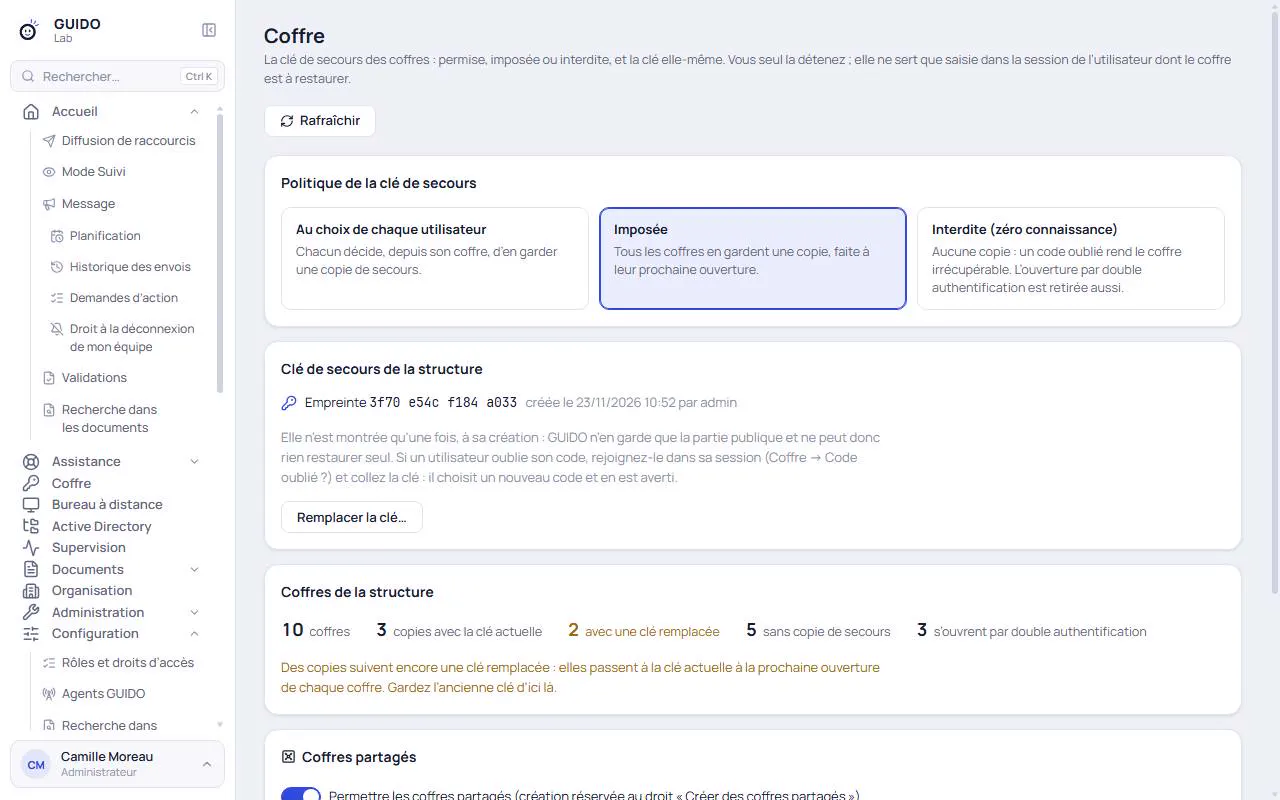
Plan for a forgotten code
The administrator creates a recovery key. Everyone can turn on their backup copy. With the key, a forgotten code can be replaced. Without a backup copy, the only way out is to reset the vault.
Screen Settings, Vault