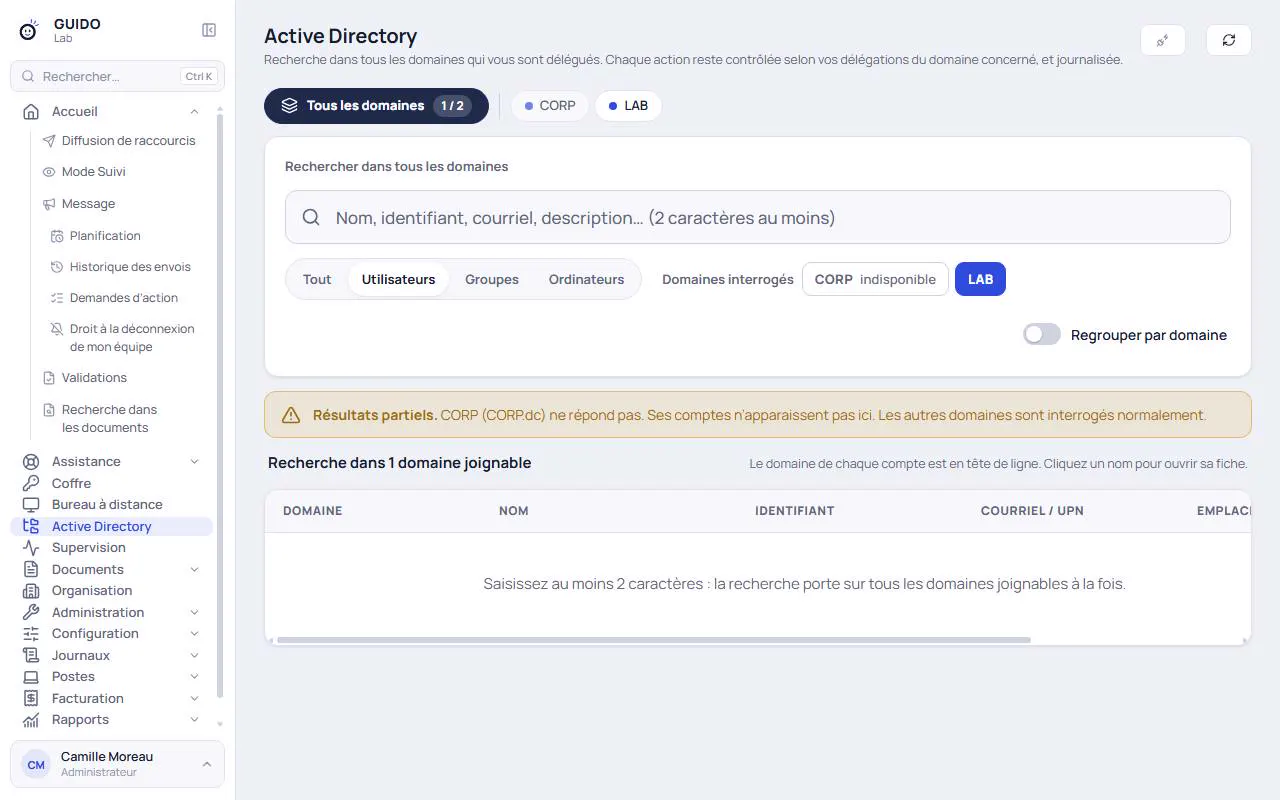
- Step 1
Grant a delegation profile
Create a “Level 1 support” profile with read and password reset on the users’ organizational unit, and grant it to the support group. Nothing else.
Screen Administration, Rights delegation
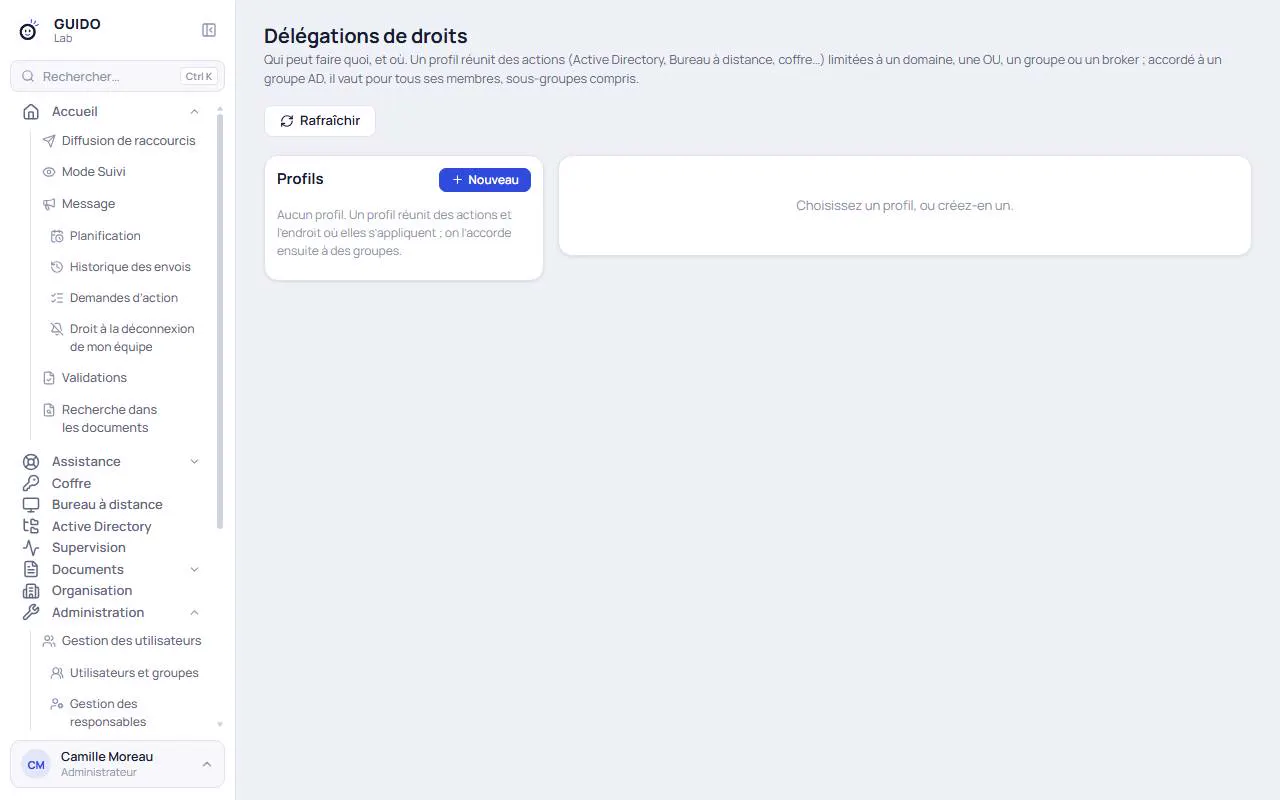
- Step 2
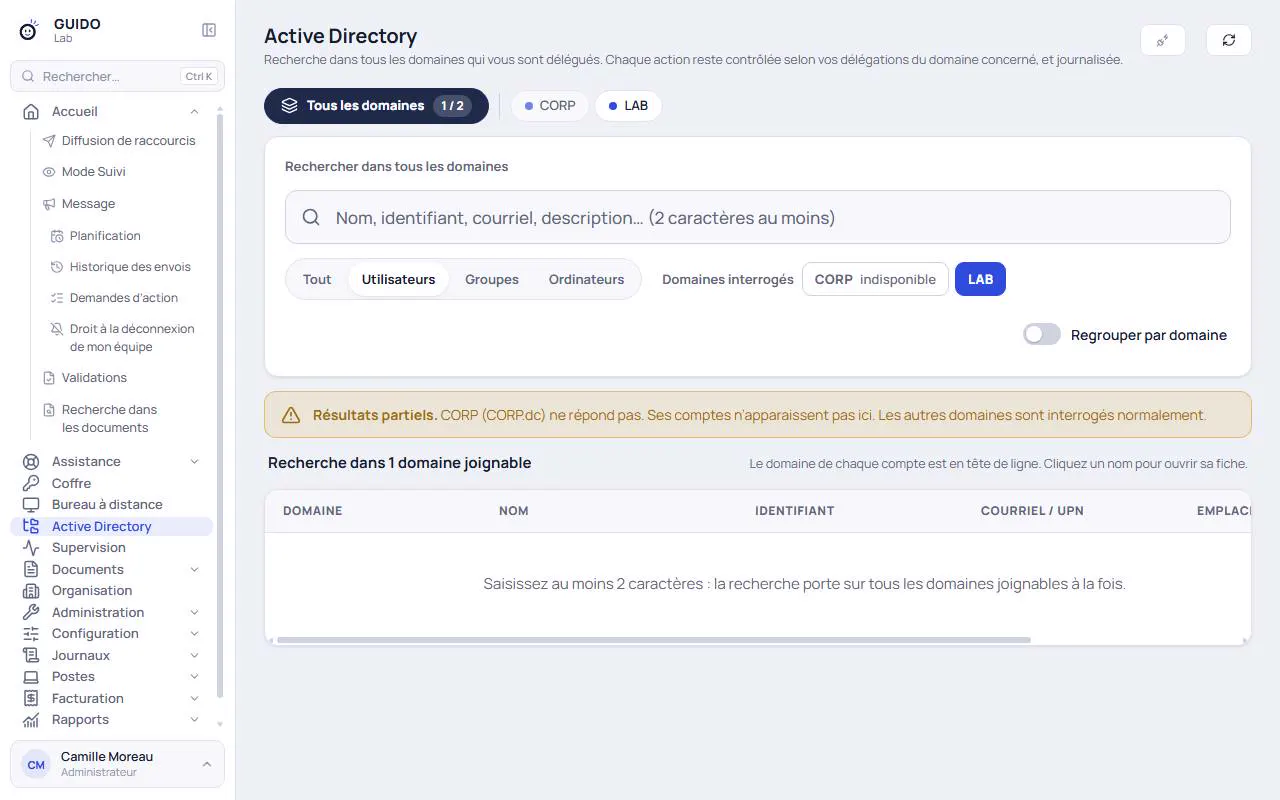
Find the account
In the Active Directory console, type the name in the search and click the row. The record shows “locked” and the number of wrong passwords.
Screen Active Directory, search
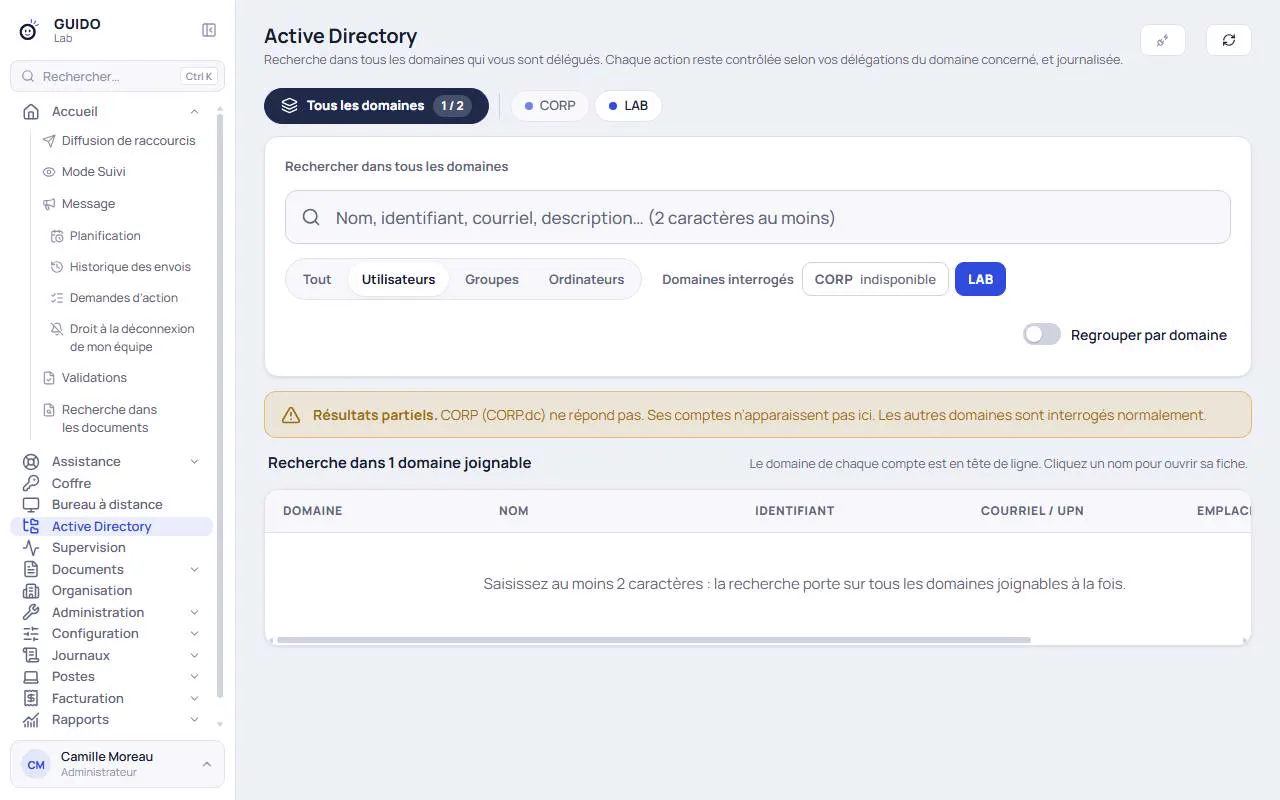
- Step 3
Unlock
One click on “Unlock”, and GUIDO confirms the person is unlocked.
Screen Active Directory, account record
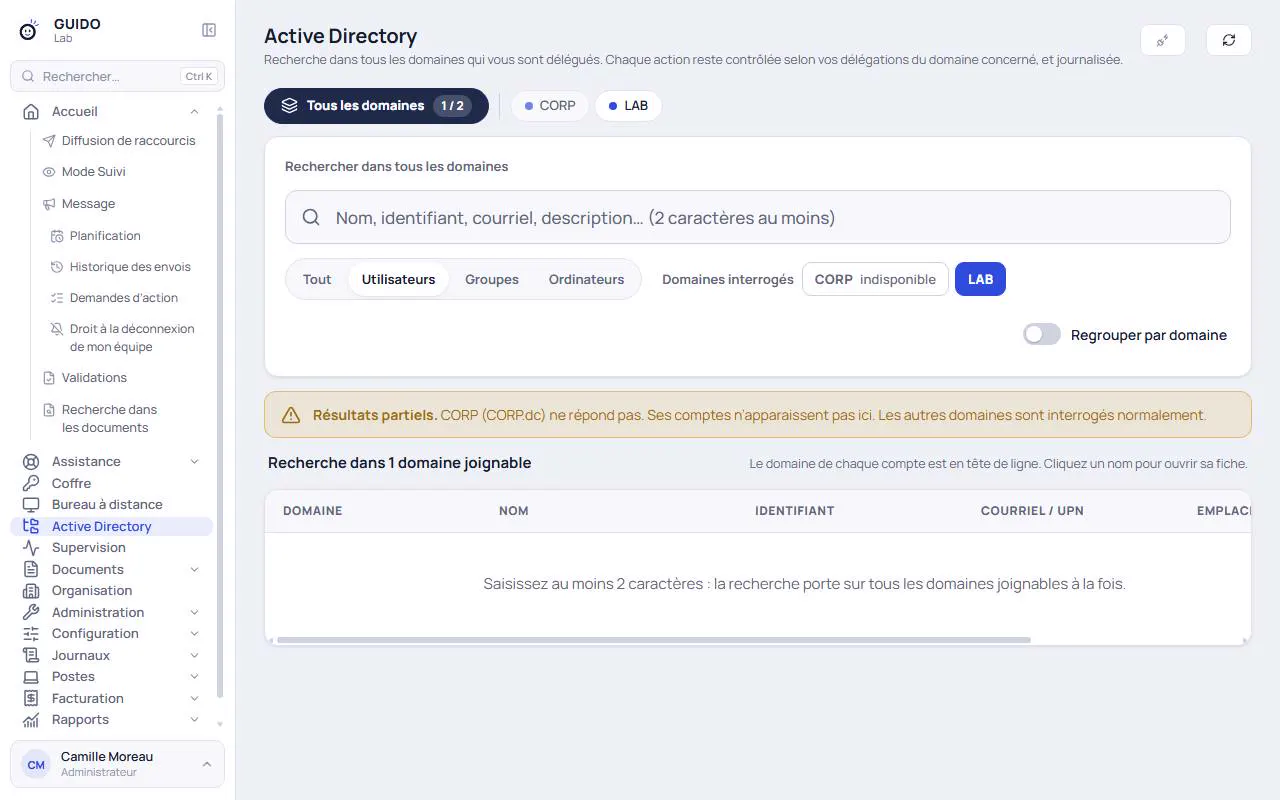
- Step 4
Reset the password
Click “Password”, generate a strong password, copy it and leave “User must change this password” ticked. The action is logged without the password.
Screen Active Directory, account record, Password
- Step 5
What the help desk does not see
The “Delete” button does not appear: the operator does not have that right. If you wish, two-step verification can be required before such actions, for a specific group.
Screen Active Directory, account record