- Step 1
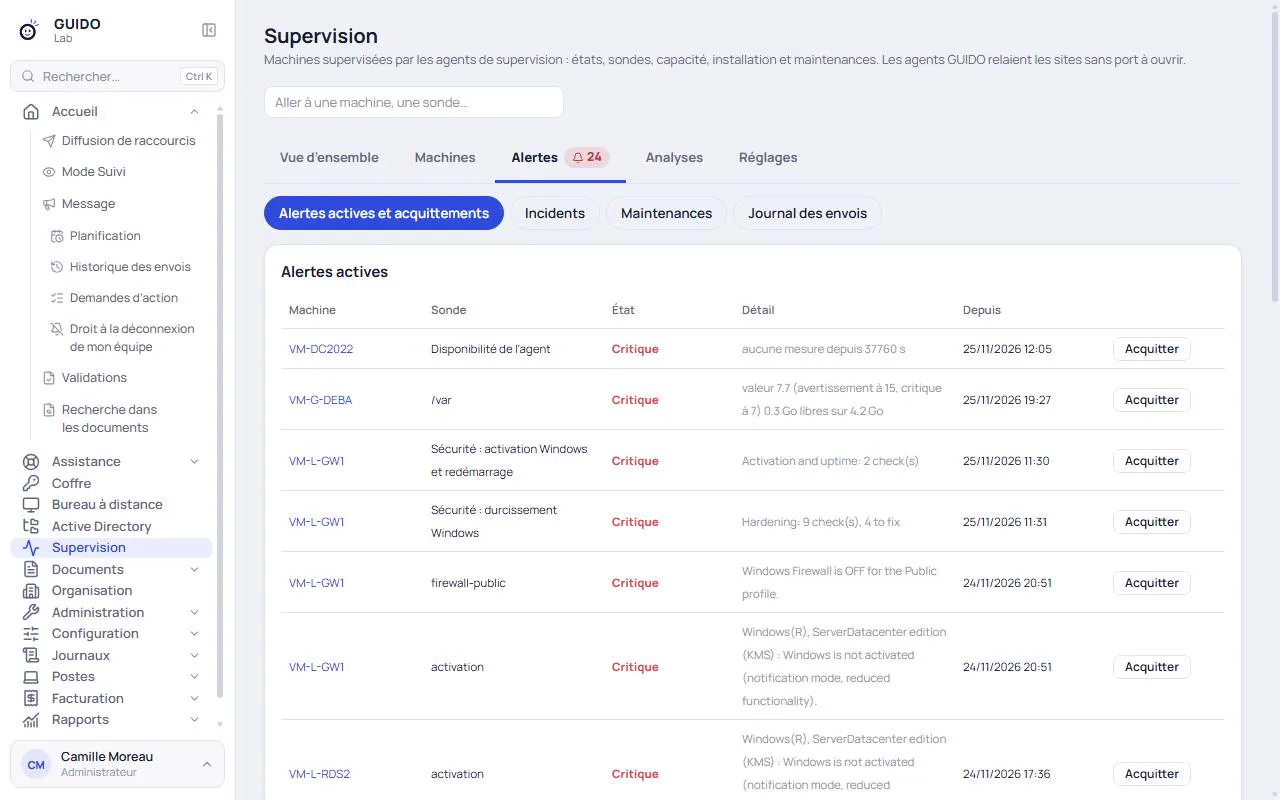
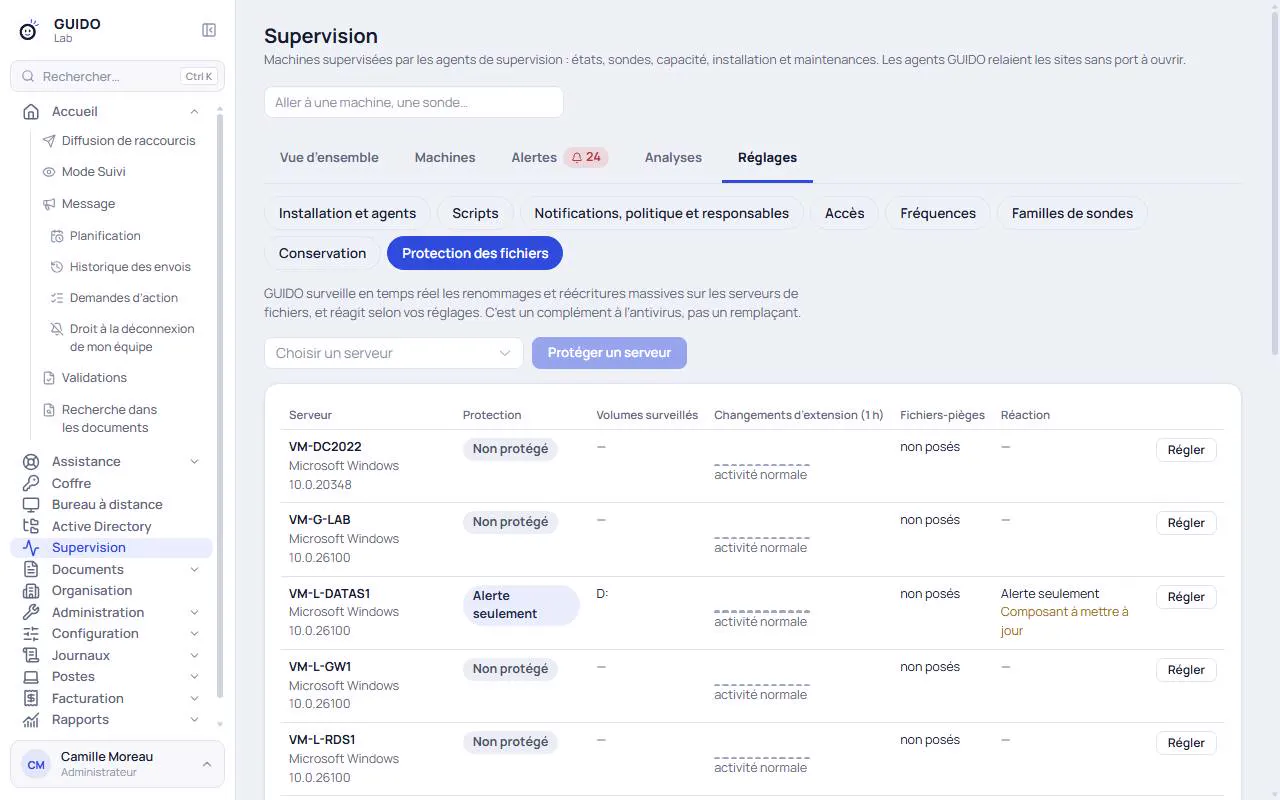
Turn protection on, server by server
Choose the mode: Off, Alert only or Automatic reaction. Nothing is active until you turn it on, and no reaction action is ticked by default. “Alert only” is recommended for one to two weeks to tune the thresholds.
Screen Monitoring, Settings, File protection
- Step 2
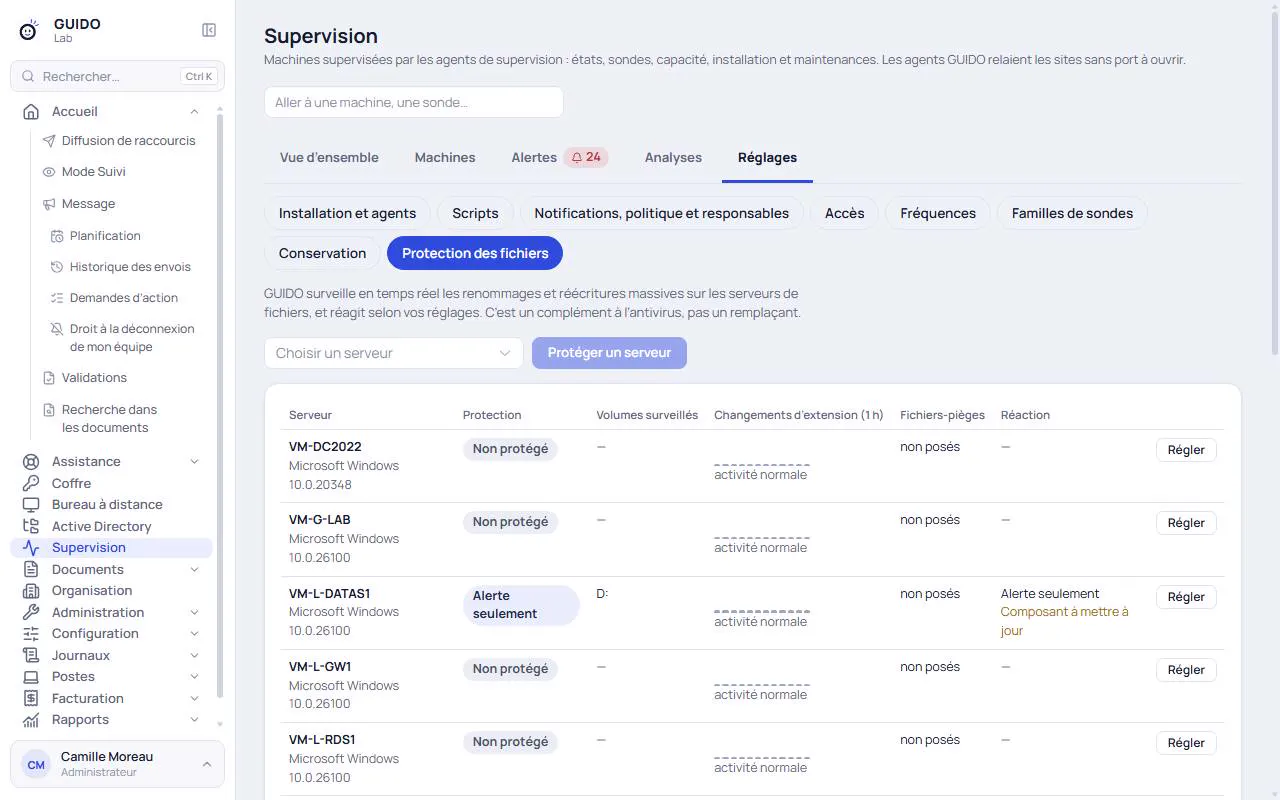
Set volumes, thresholds and exclusions
Tick the volumes to watch, give the shares where decoy files go, set the warning and critical thresholds per account, then exclude backup accounts or migration folders to avoid false alerts.
Screen Monitoring, Settings, File protection, Configure
- Step 3
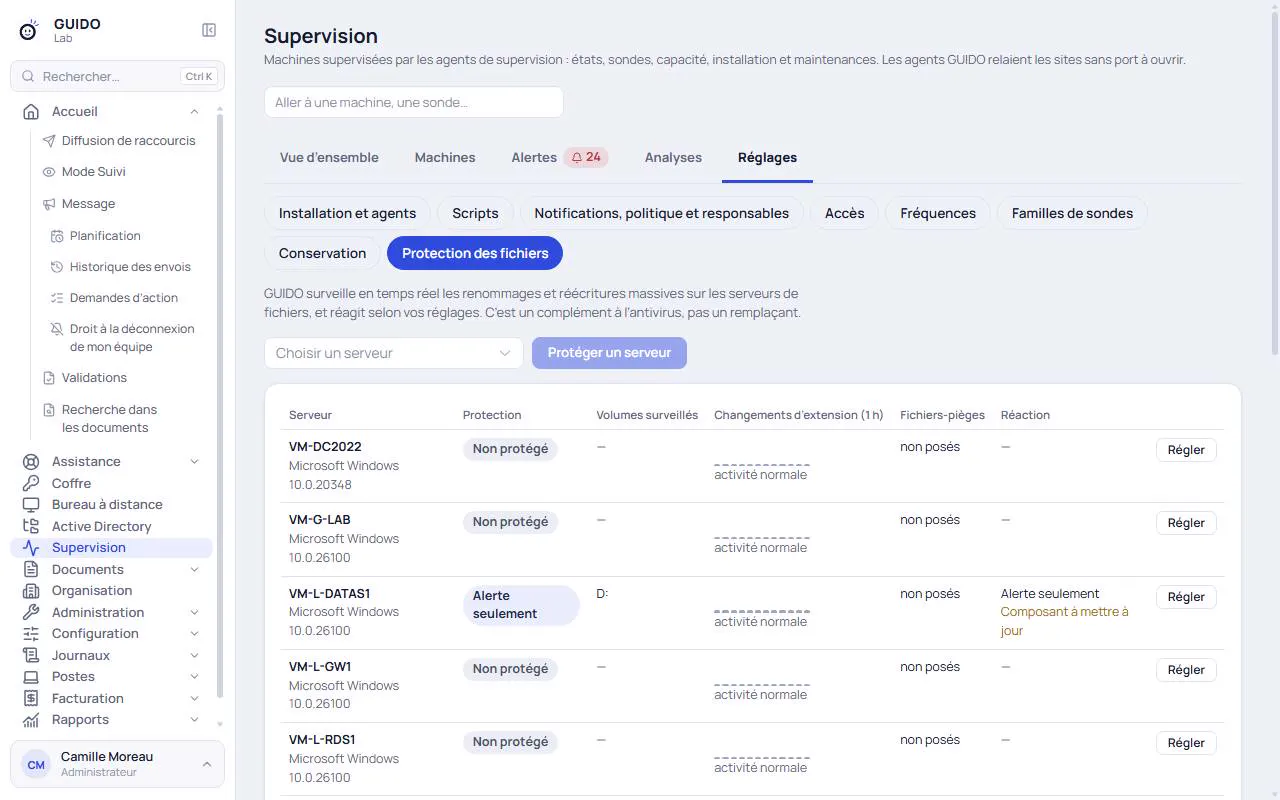
Install the reaction component if you want to act
The component is only needed for actions: cut an account, close shares, isolate, shut down. It installs remotely from the settings, with the installer, or by hand. The monitoring agent keeps its reduced rights.
Screen Monitoring, Settings, File protection, Install the component remotely
- Step 4
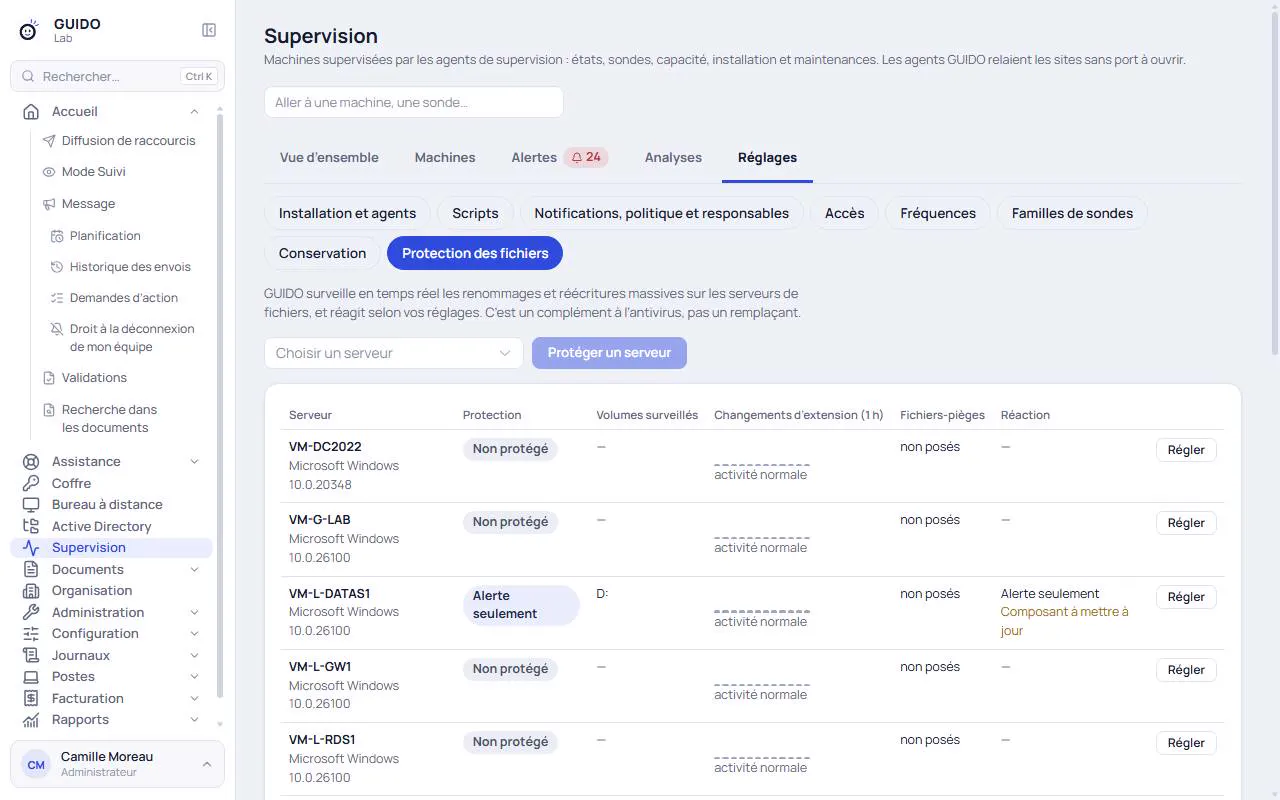
Test by simulation
“Touch a decoy file (simulation)” runs the alert chain and the ticket without cutting anything or sending an order to the server.
Screen Monitoring, Settings, File protection, simulation
- Step 5
Handle an incident
The incident shows the per-minute chart, the second-by-second timeline and the files touched, exportable as CSV. You lift or reapply measures, then confirm the attack, or declare a false positive with a mandatory reason.
Screen Monitoring, Alerts, Incidents