- Step 1
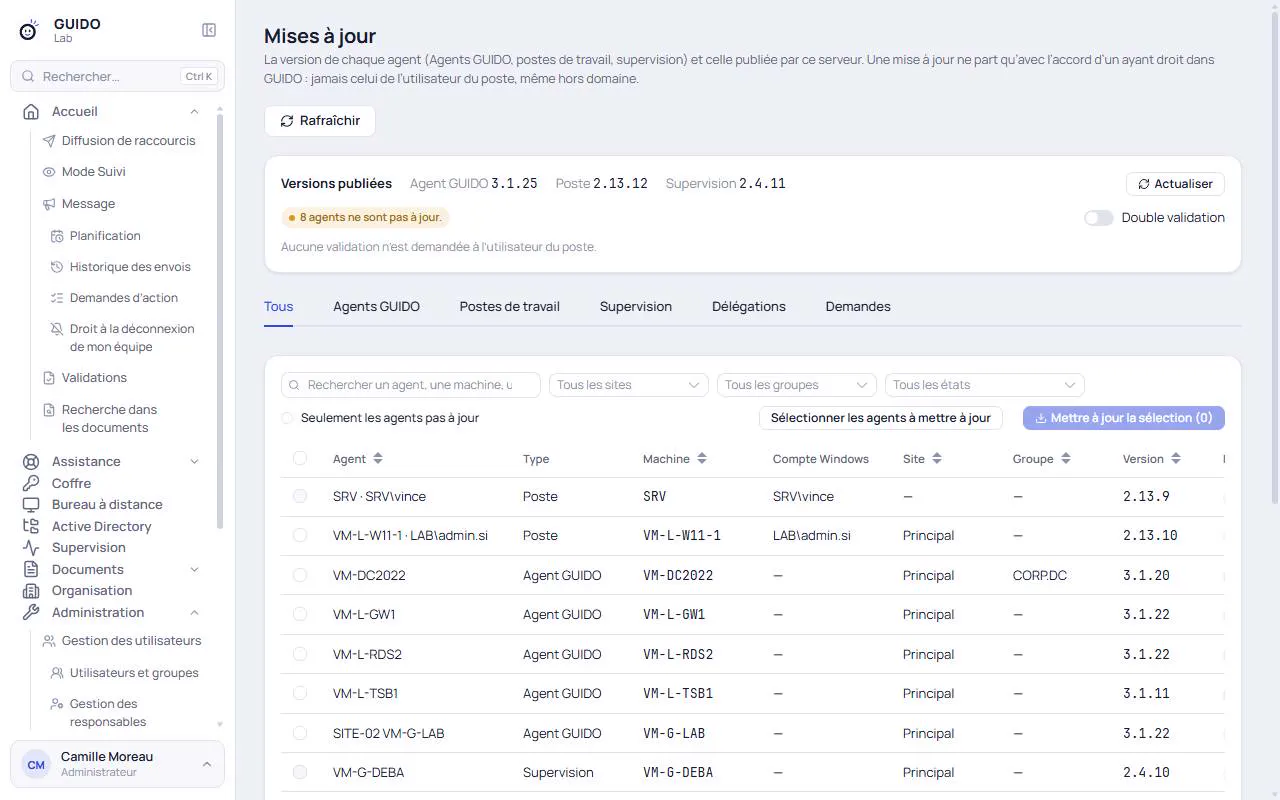
Start the start-up assistant
In the portal console, served on the server’s local address, open the assistant. Nothing needs preparing in advance: no token, no database, no firewall rule.
Screen Portal console, Start-up assistant
- Step 2
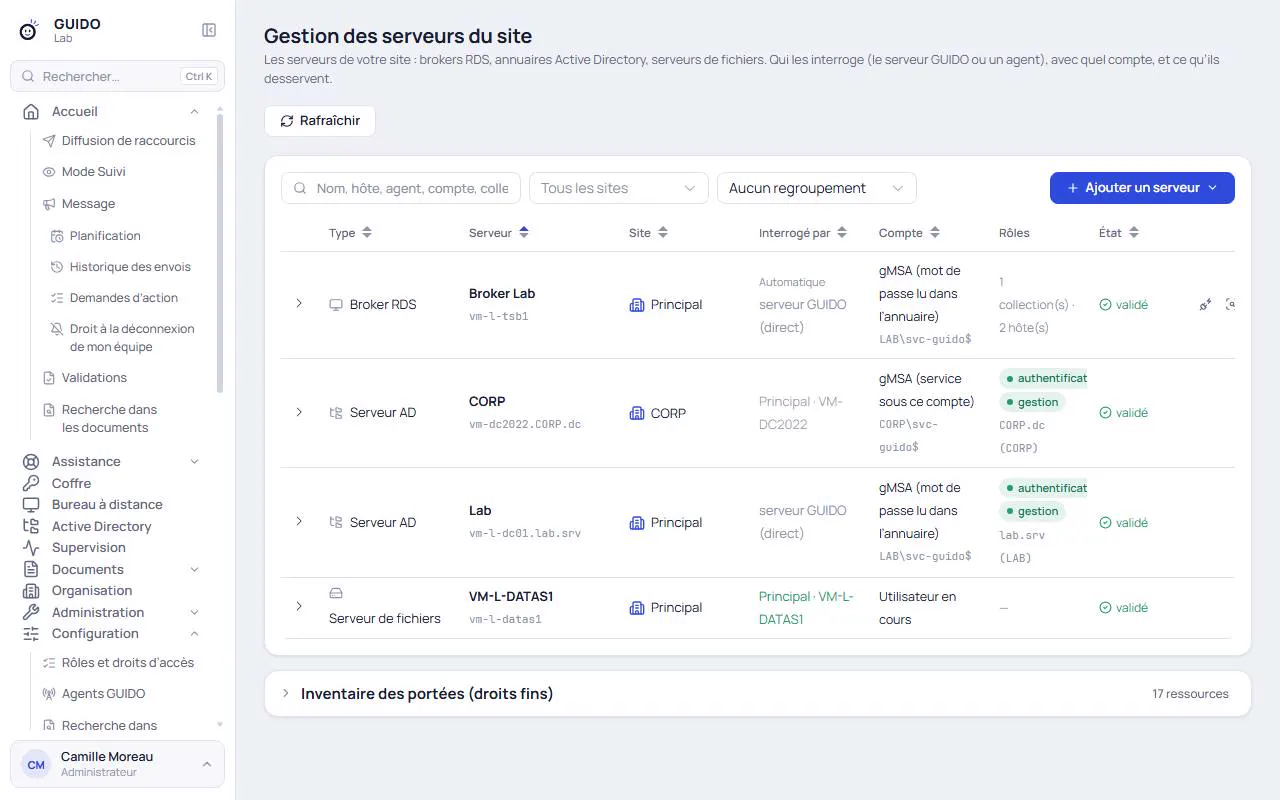
Choose the servers and the database
Indicate the servers hosting the instances and the PostgreSQL server, or have one installed from the assistant. The portal tests the connection before going further.
Screen Assistant, Instance servers, PostgreSQL servers
- Step 3
Name the environment
Enter a technical name, a display name, the addresses and the initial administrator. The portal then computes the firewall rules needed.
Screen Assistant, Environment, Firewall
- Step 4
Launch the set-up
After the summary, launch: progress is shown step by step, up to the environment being ready. It has its own database and role, with no data shared with the others.
Screen Assistant, Summary and execution
- Step 5
Update by rolling replacement
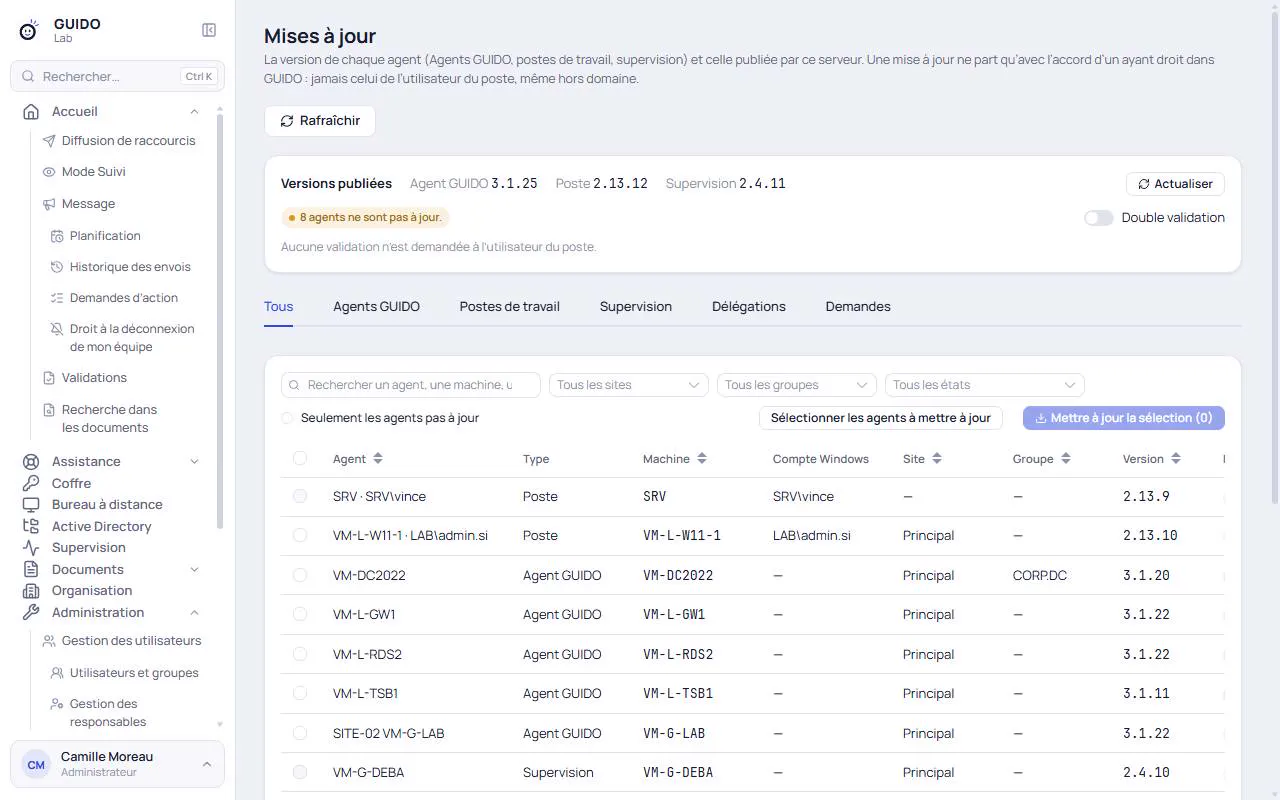
Put the new version on the nodes, then in the environment record, Instances tab, enter the version and click Update. A temporary instance starts, receives traffic once healthy, then replaces the others one by one.
Screen Portal console, Environments, Instances