- Step 1
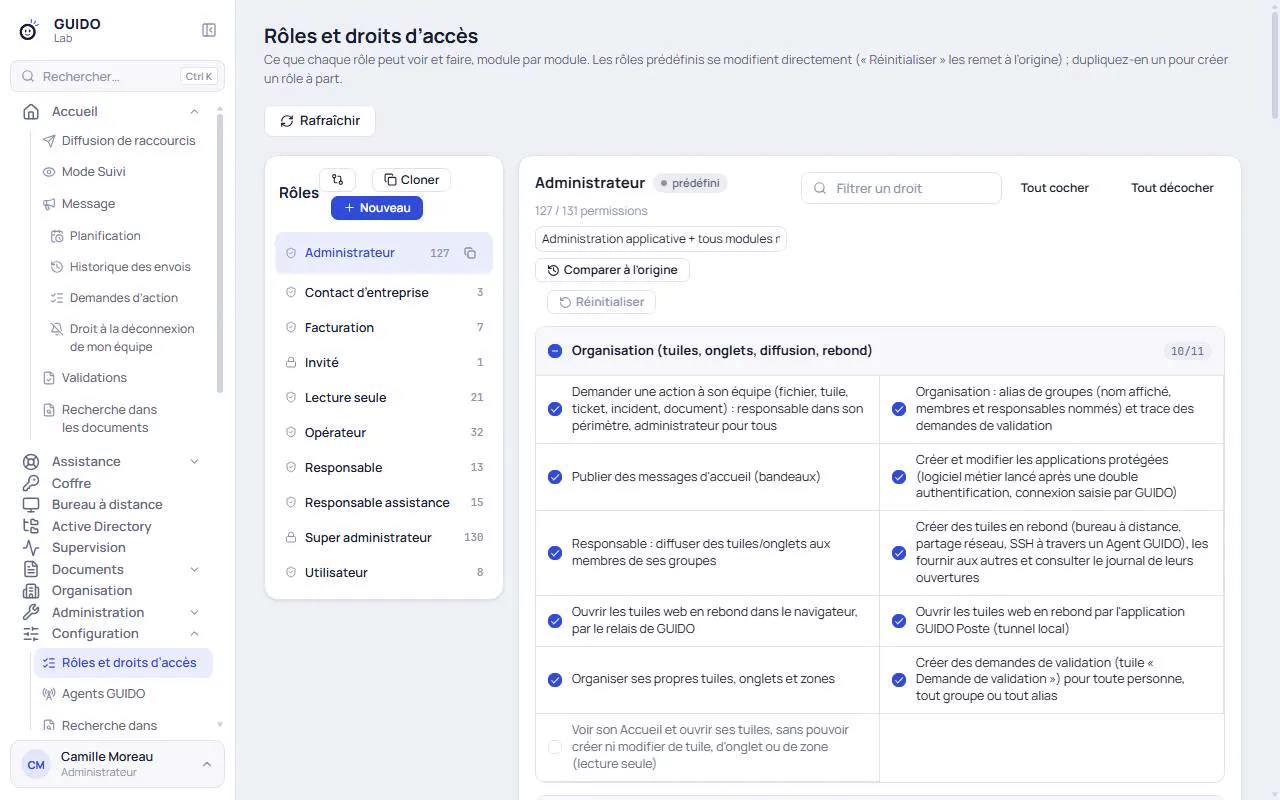
Find the Read-only role
The predefined Read-only role carries all the read rights: directory, remote desktop sessions, monitoring, workstations, tickets and knowledge base, help desk reports, logs. It has no write right, no vault and no tile creation.
Screen Settings, Roles and access rights
- Step 2
Adjust without damaging the original
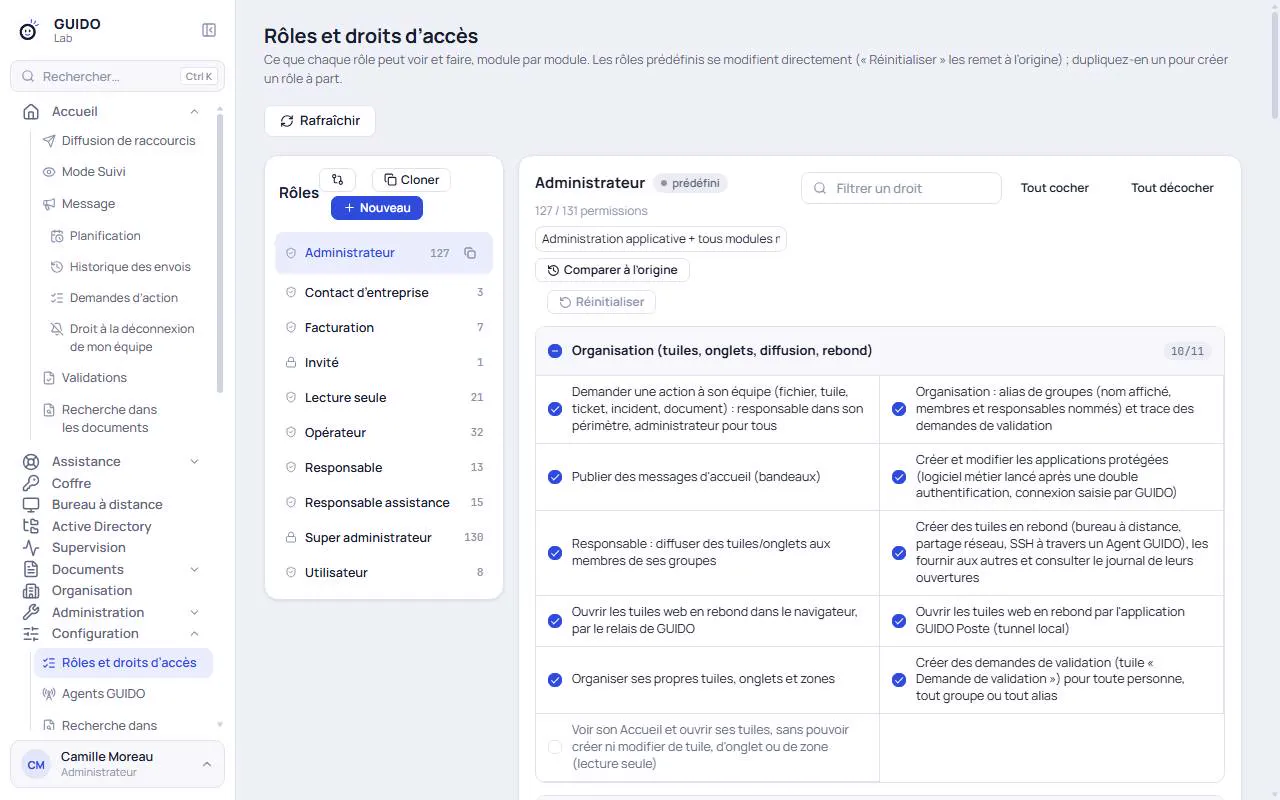
Read-only is not locked: rights can be added or removed. To keep the original intact, duplicate the role and adjust the copy. “Compare to original” lists the differences, “Reset” restores the original rights.
Screen Settings, Roles and access rights, Duplicate
- Step 3
Create the auditor’s account
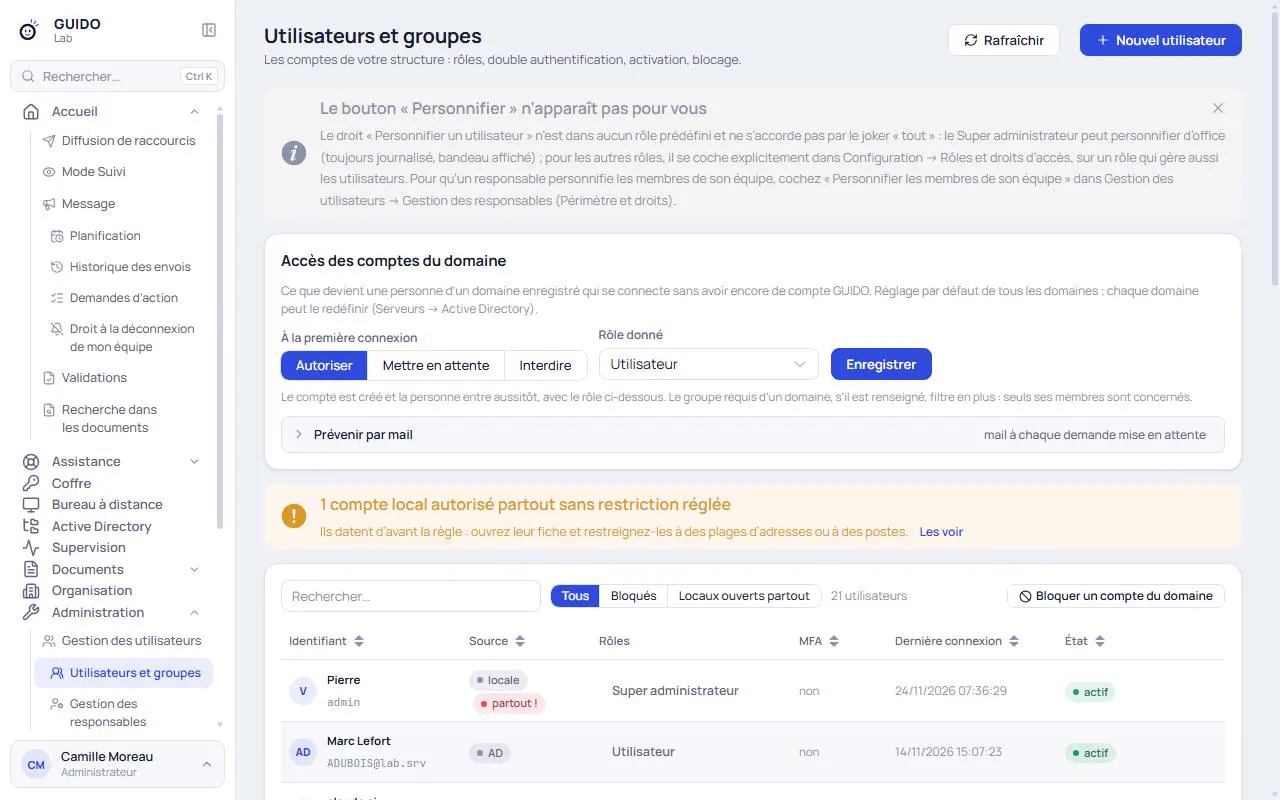
Create an account with its username, name, address and initial password, give it the role, and specify where it can sign in from, for example “Restricted” to address ranges.
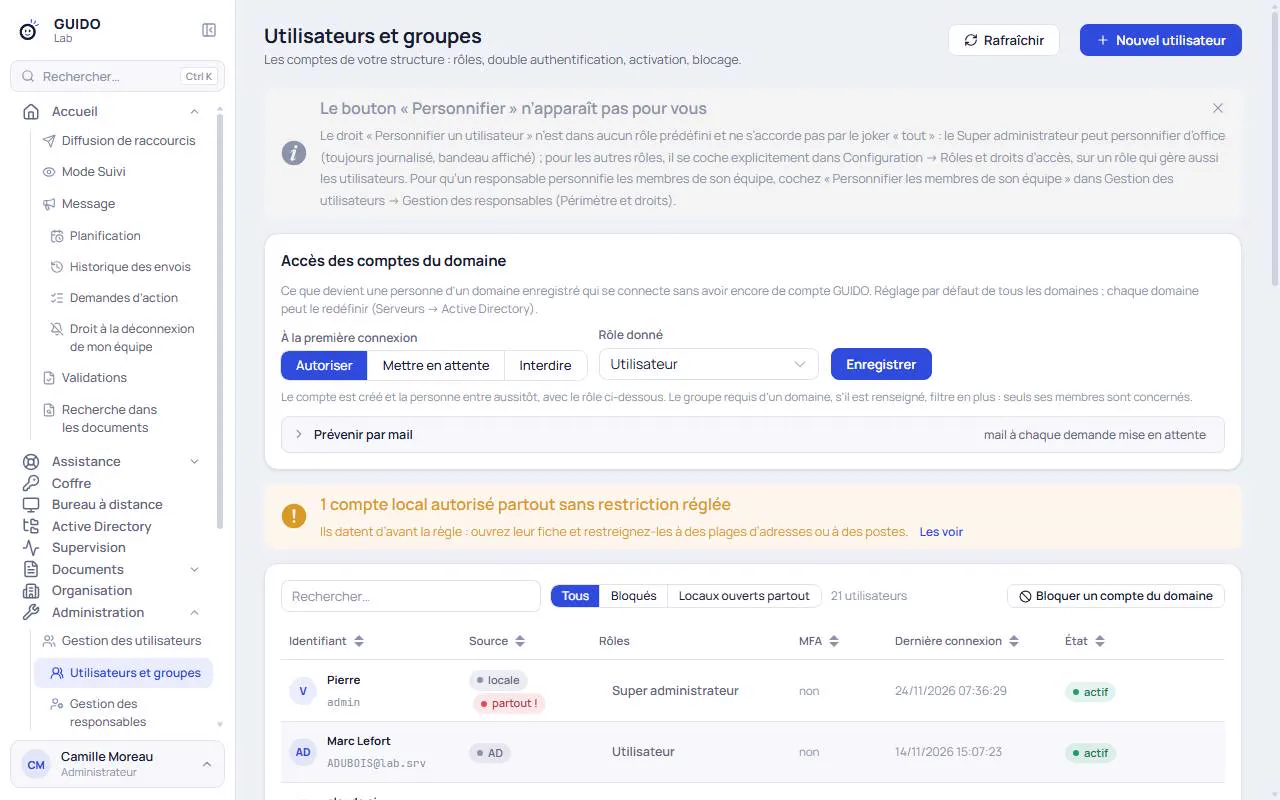
Screen Administration, Users and groups, New user
- Step 4
Require two-step verification
Tick “Two-step verification required” on the account: the auditor enrolls their method at first sign-in, then a code is asked every time.
Screen Administration, Users and groups, account record
- Step 5
Check what the auditor sees
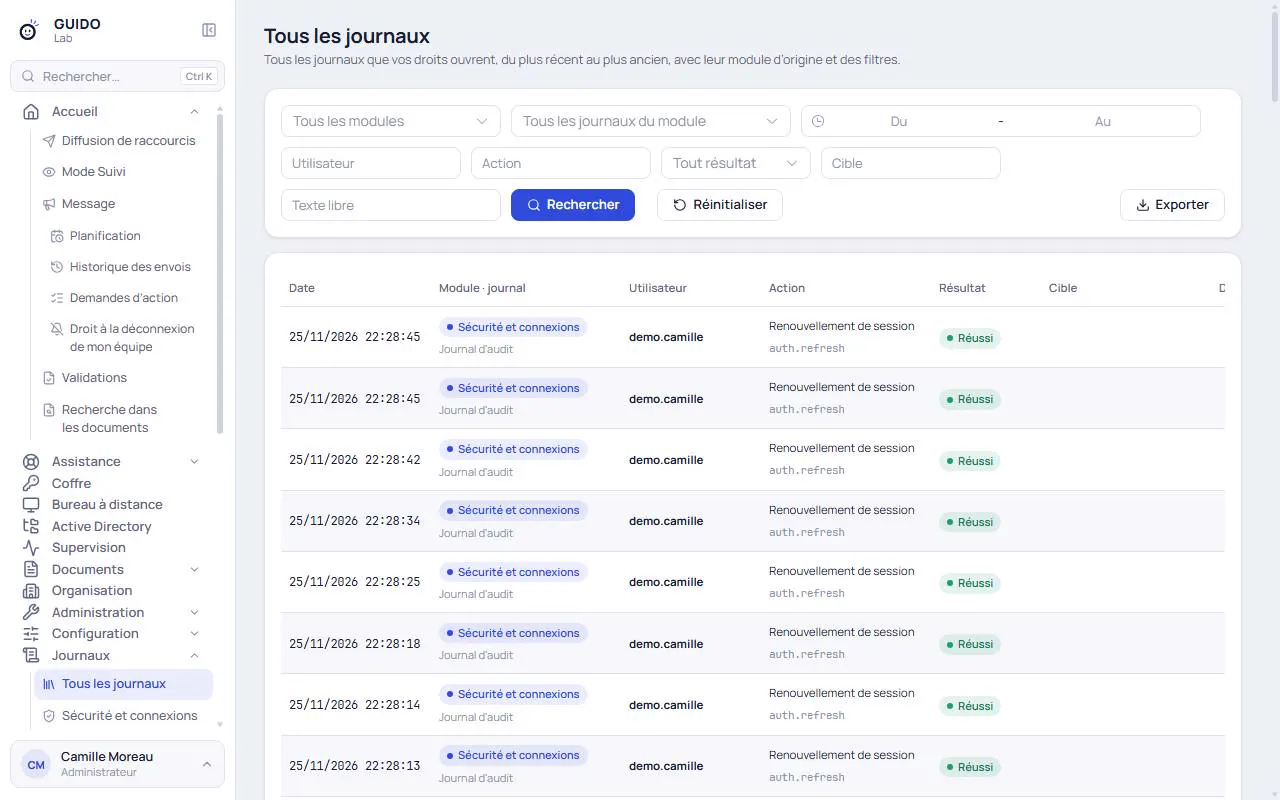
The Logs menu and the review screens open. Screens that need a write right stay closed, and the server refuses any change even if the call is forged.
Screen Logs, All logs