- Step 1
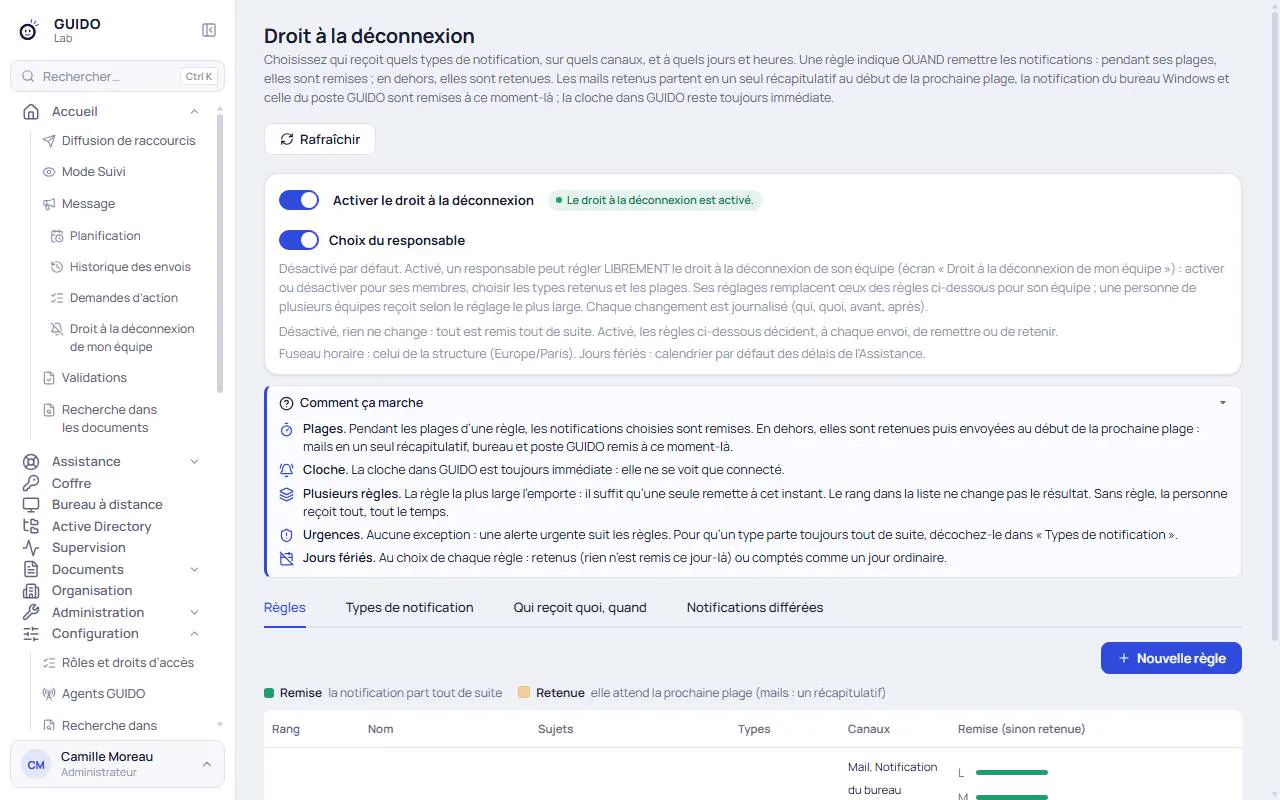
Turn the right on
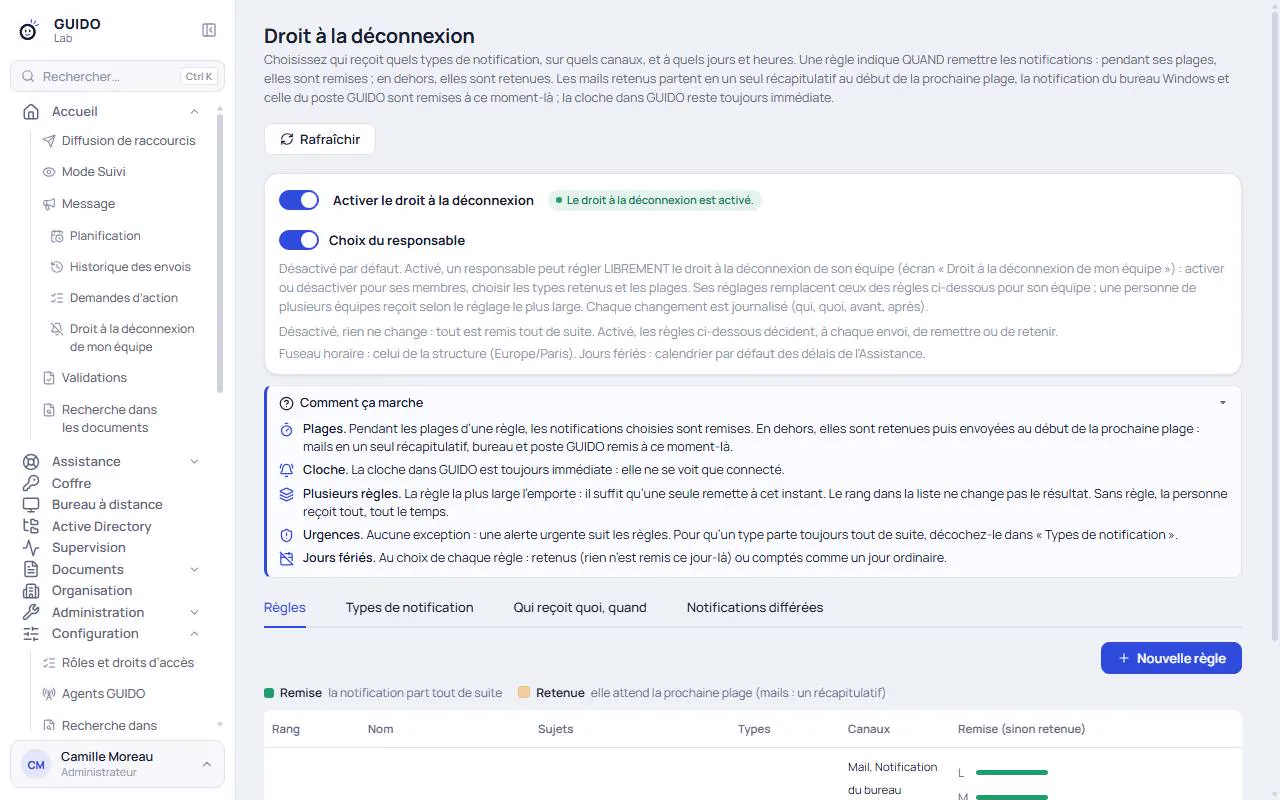
Open the screen, turn on the switch at the top, then create at least one rule. Until there is one, everyone receives everything, all the time.
Screen Settings, Notifications, Right to disconnect
- Step 2
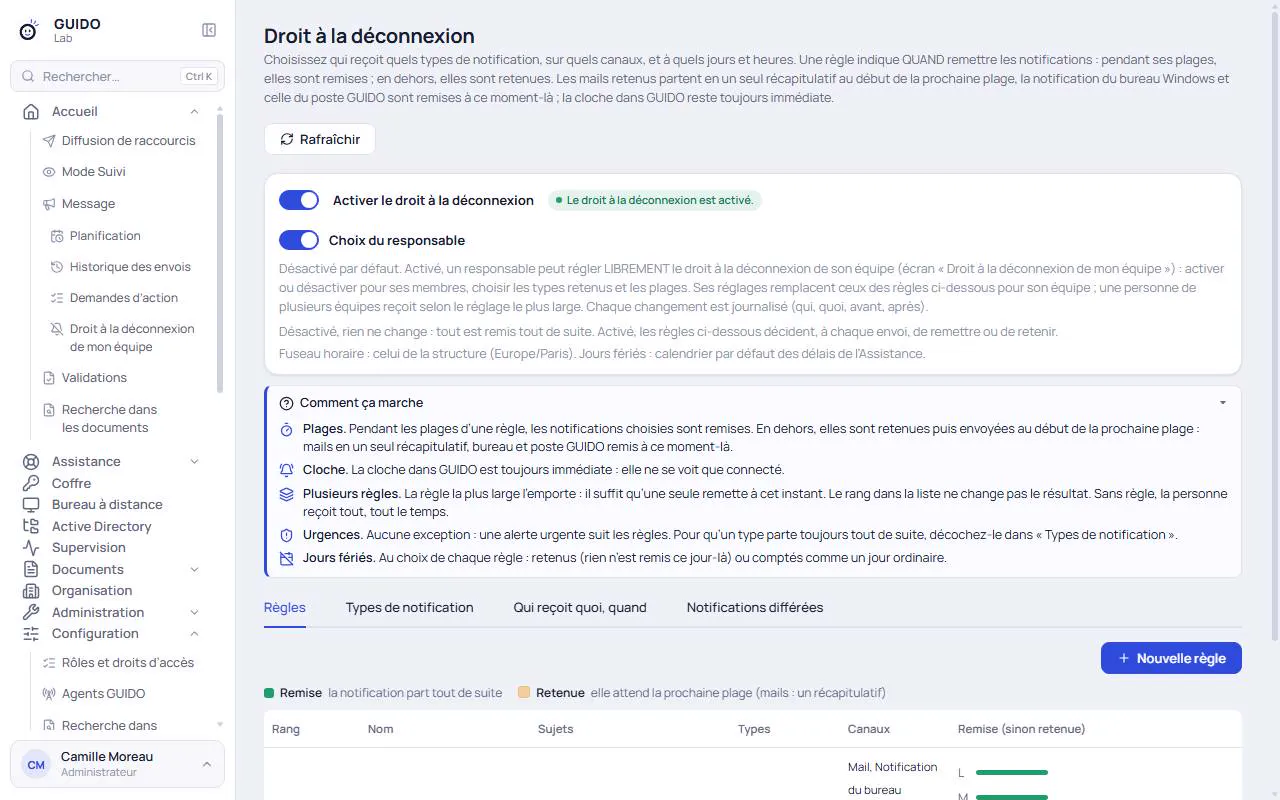
Create the on-call rule
An “On-call” rule: the on-call group, all notification types, all the time. These people receive immediately, at any hour.
Screen Right to disconnect, New rule
- Step 3
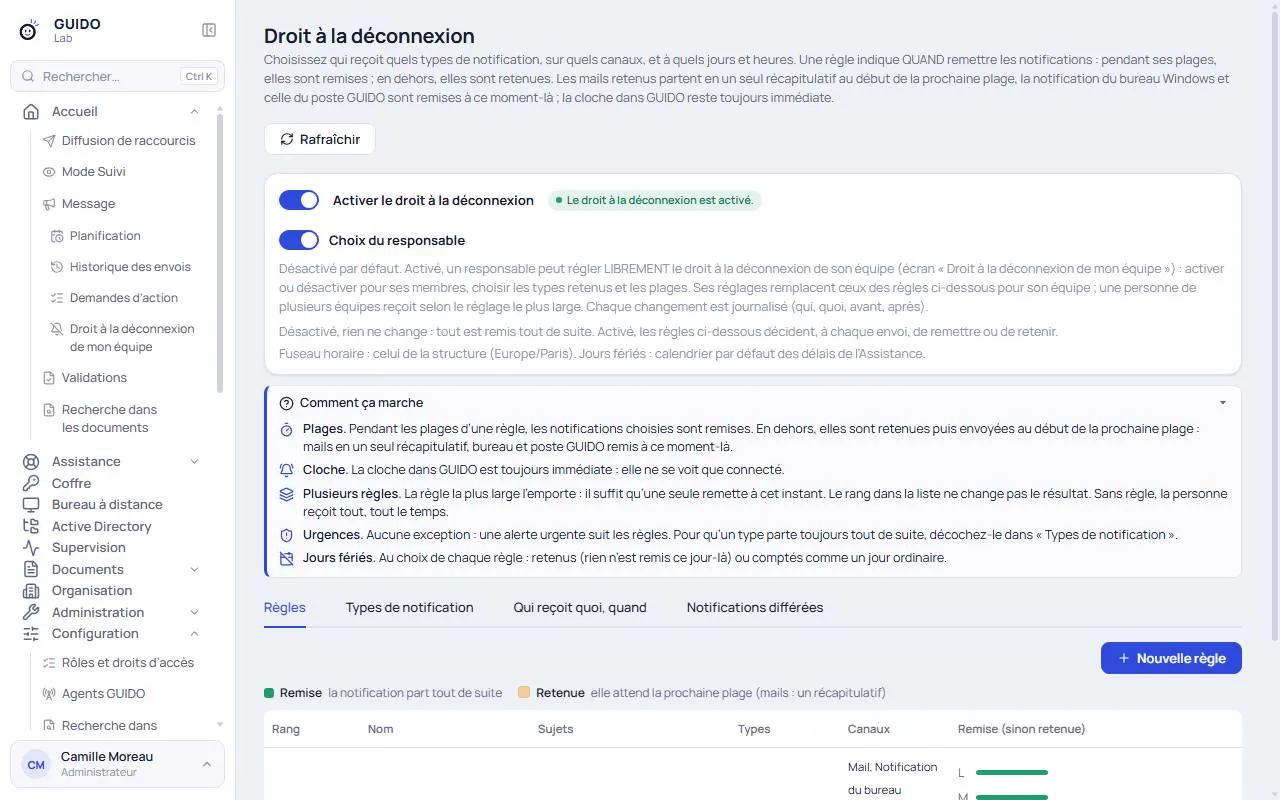
Create the users’ rule
A “Users” rule: Monday to Friday, 9 am to 12 pm and 2 pm to 6 pm, public holidays excluded. The shortcut buttons fill in the week in one click.
Screen Right to disconnect, New rule
- Step 4
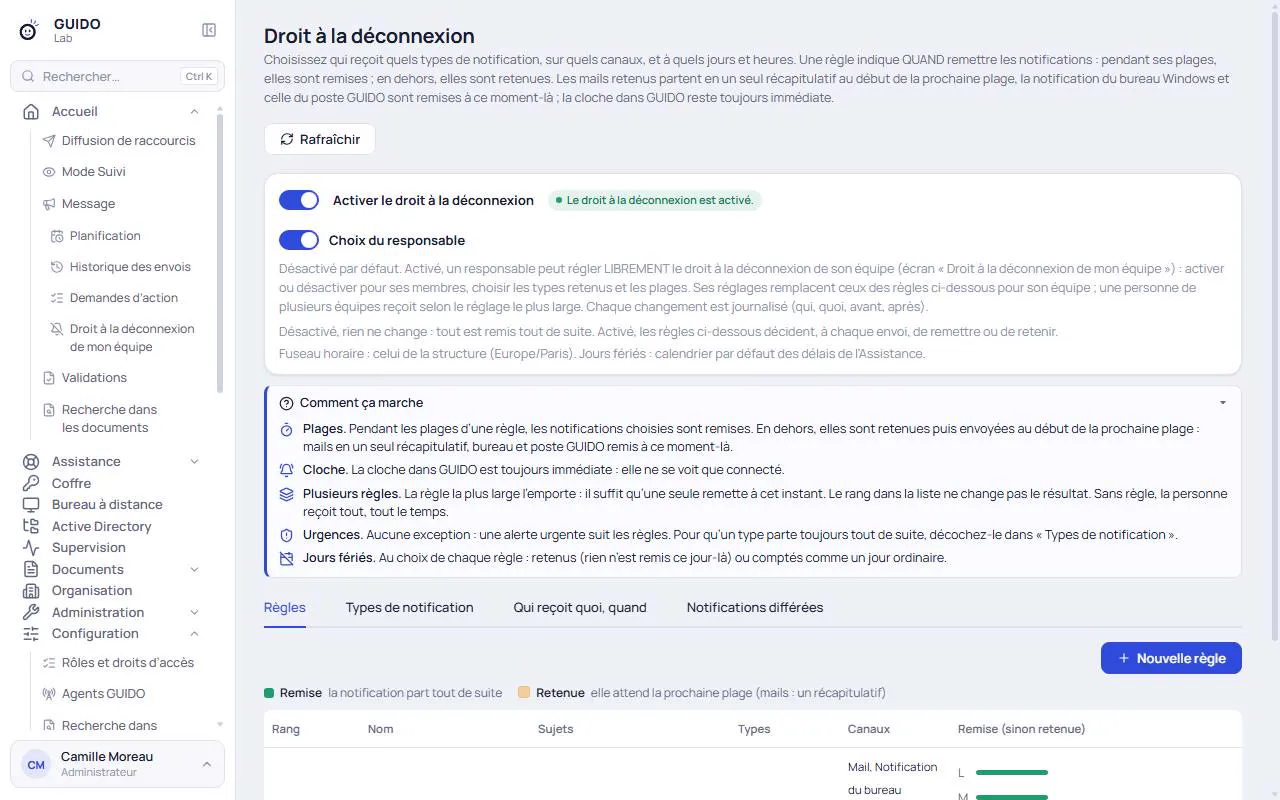
Check who receives what, when
Choose a person, and if you like a moment to simulate: the table shows, type by type, whether they receive immediately or the email would be held, by which rule, and at what time.
Screen Right to disconnect, Who receives what, when
- Step 5
What happens at night
Outside ranges, emails are held, then sent at 9 am in a single digest. The desktop notification and the GUIDO workstation wait too. The bell in GUIDO stays immediate. The deferred notifications queue can be viewed.
Screen Right to disconnect, Deferred notifications