- Step 1
Create the group and its rule
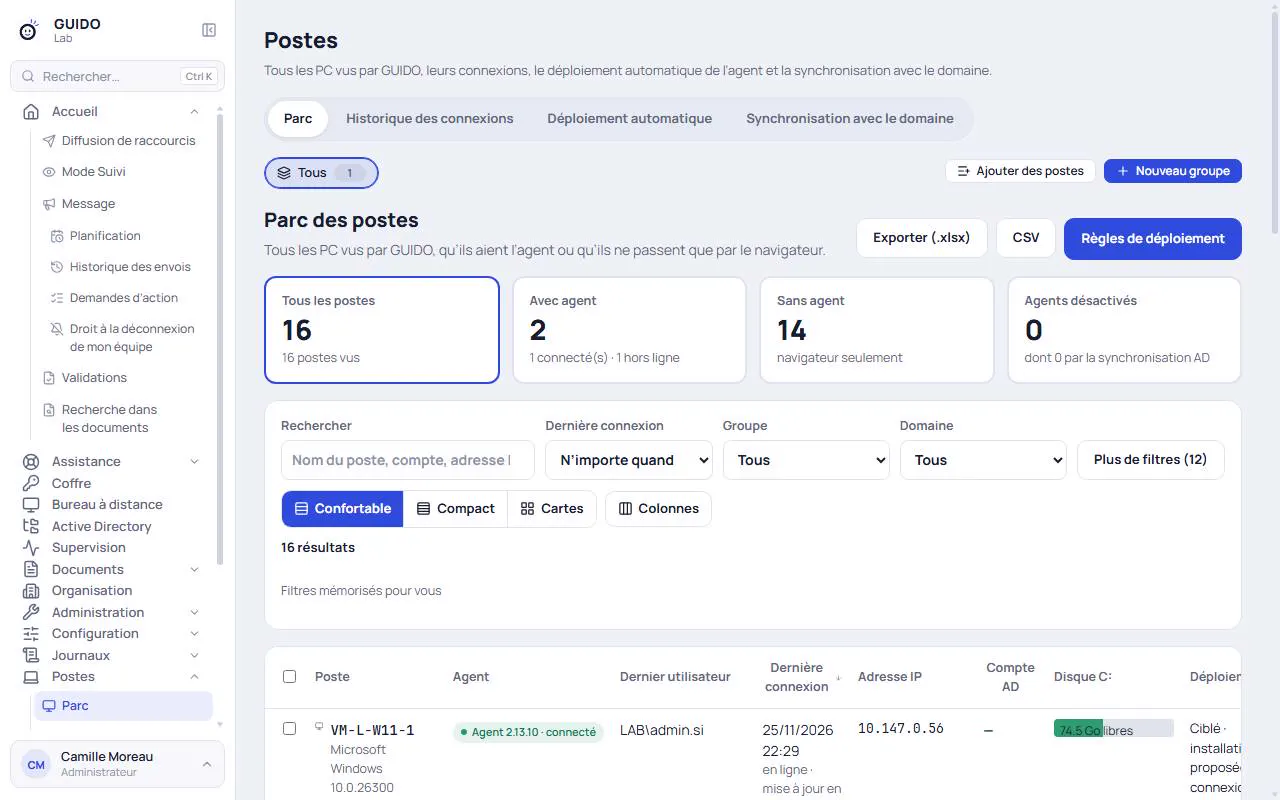
Create a “Branch” group with a colour and a rule: for example “Pending approval” for any unknown machine.
Screen Administration, Workstations, New group
- Step 2
Pre-register the machines
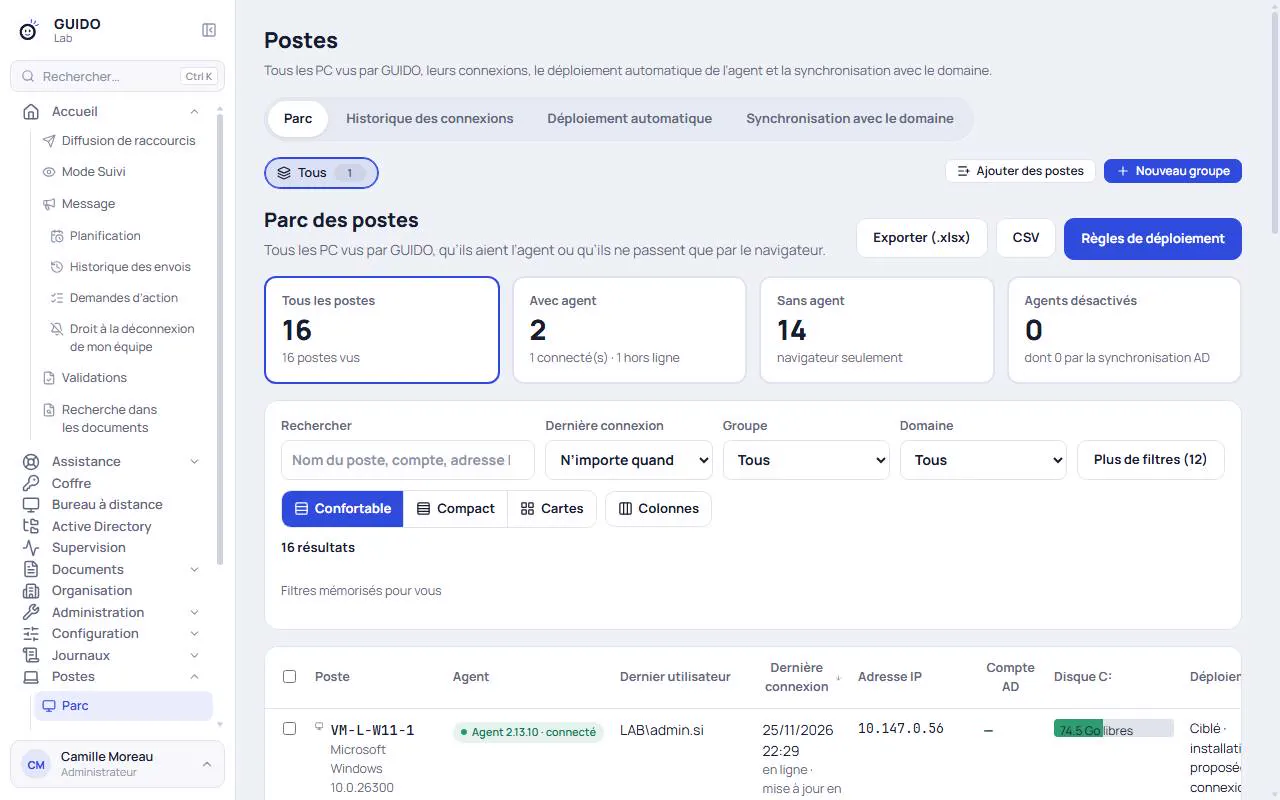
Paste the computer names and choose the group. GUIDO shows the number of machines pre-registered.
Screen Administration, Workstations, Add workstations
- Step 3
Deploy the group installer
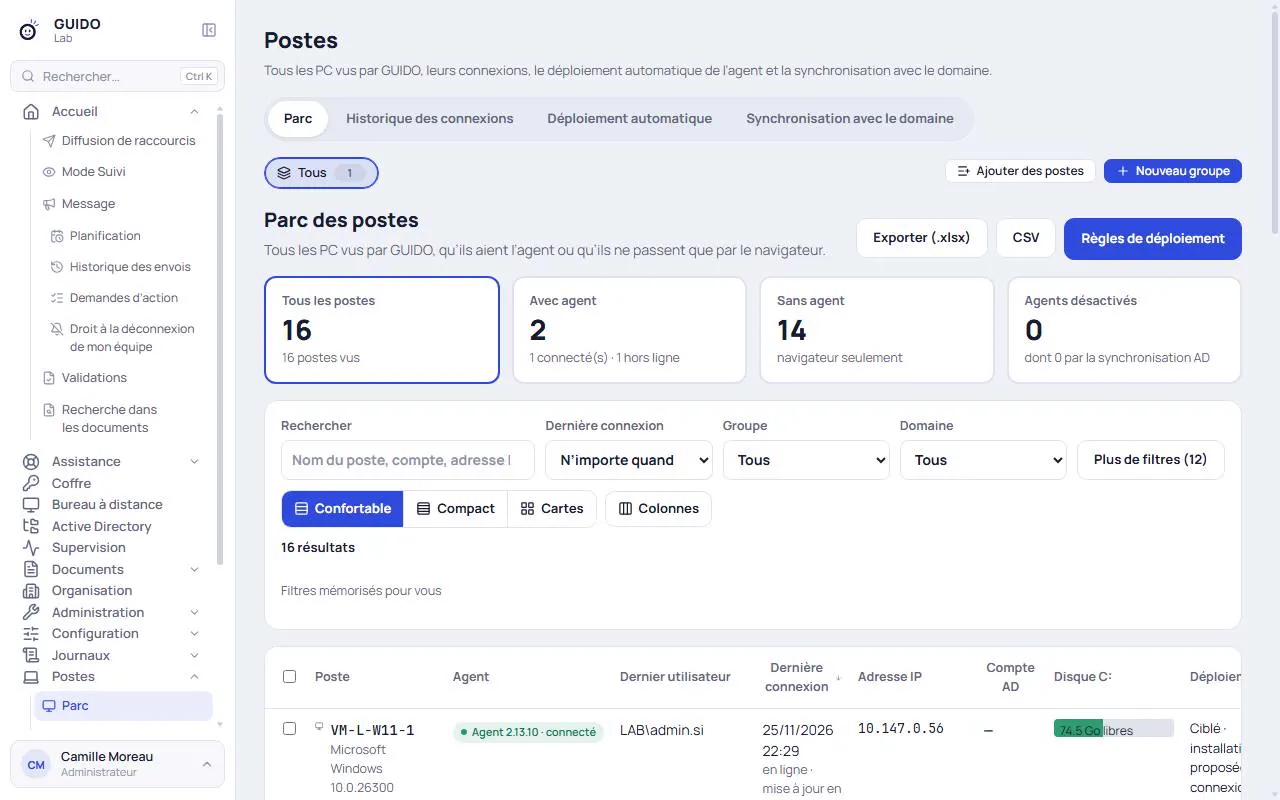
Download the group installer and deploy it, by group policy in silent install for example. At sign-in, each computer registers, approved automatically and filed in its group.
Screen Workstations, Automatic deployment

- Step 4
Approve an unknown computer
A computer installed with the base installer waits for your approval: a banner and the bell announce it. Check with the user, then approve.
Screen Workstations, Fleet
- Step 5
Take control with the user’s consent
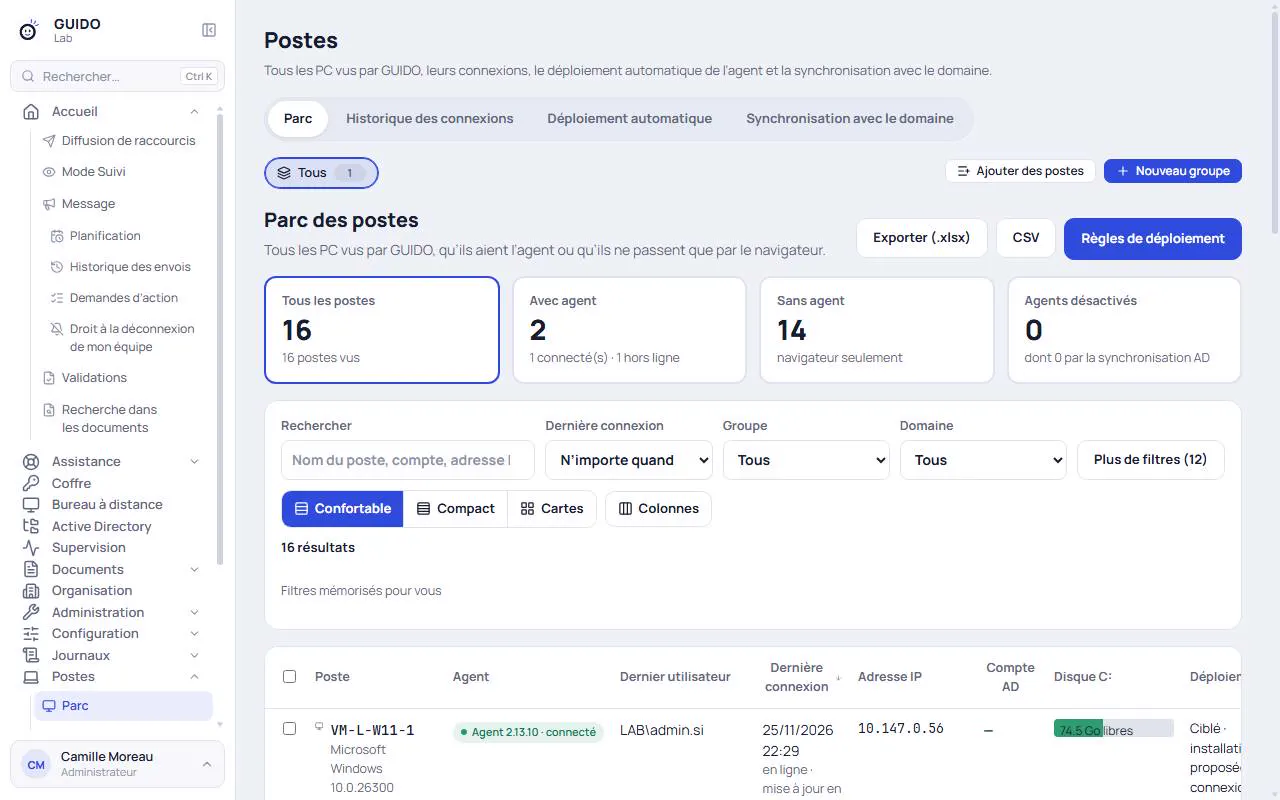
From the ticket, the technician sees the agent connected on the caller’s computer and clicks “Show screen”. The user sees the request and accepts. The session is recorded in the history.
Screen Help desk, ticket, Presence and remote control