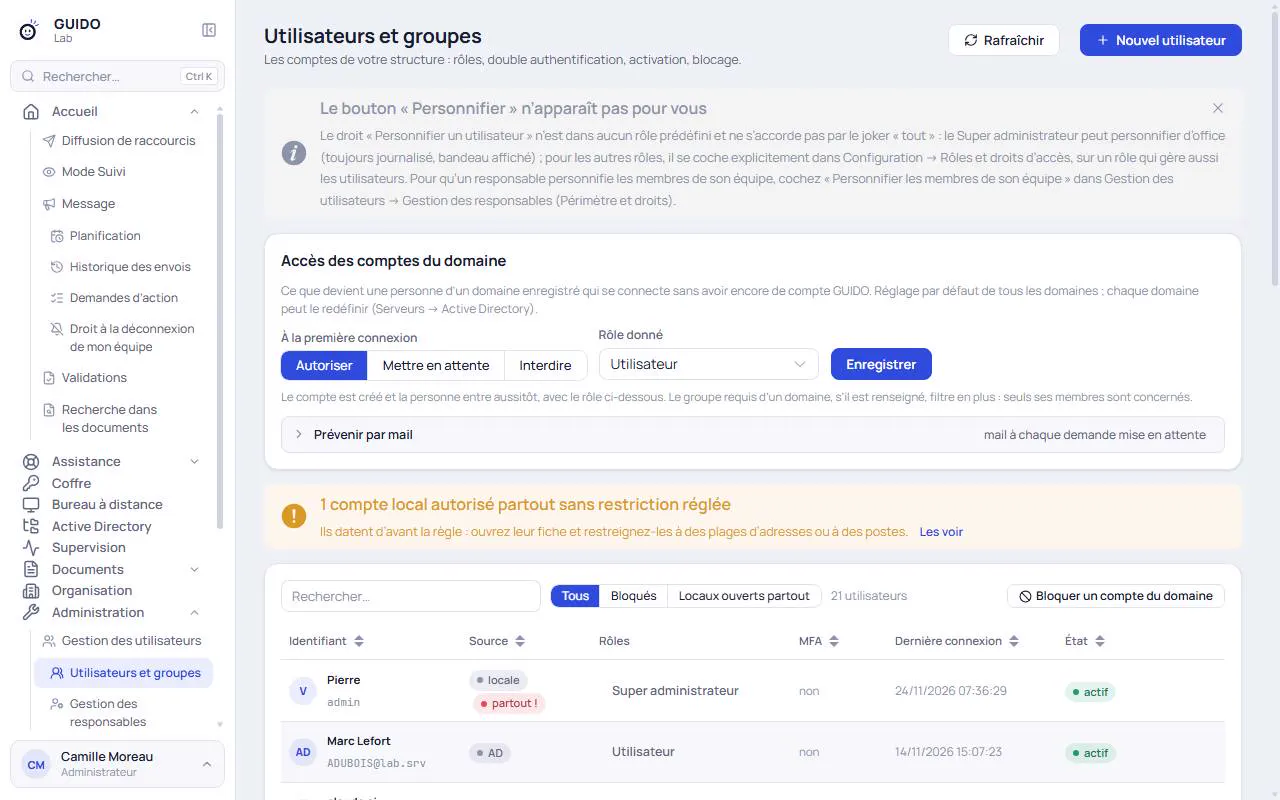
- Step 1
Choose methods and protected actions
Tick App (TOTP), Email code, Windows Hello or passkey. Protect, for example, the Active Directory module and revealing a vault credential, for a chosen group, with a validity duration.
Screen Settings, Two-step verification
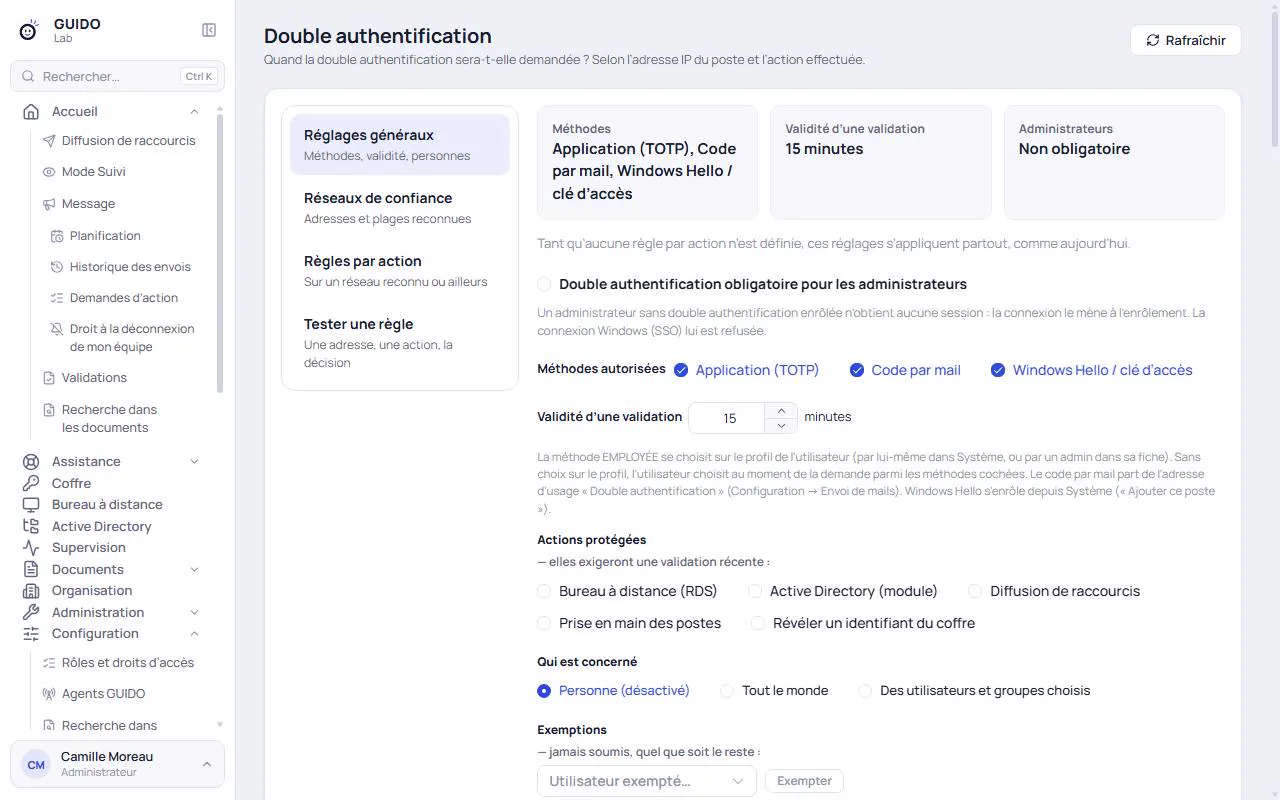
- Step 2
Enroll your method
Each person turns on two-step verification in My account. The enrollment assistant guides them step by step. For Windows Hello, the key is given a name.
Screen System, My account
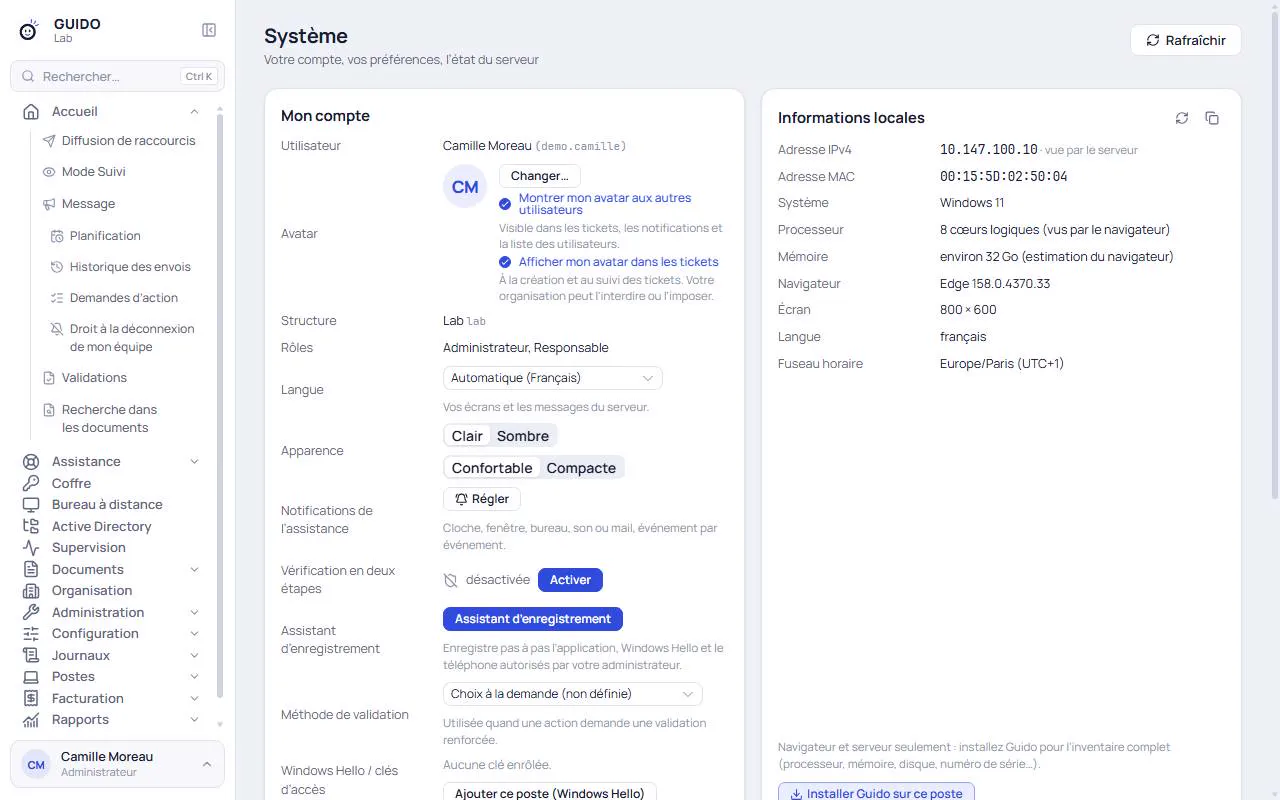
- Step 3
Decide where sign-ins are allowed from
Add rules by origin: the head office private network is allowed, the public network asks for the code. You can also declare trusted networks.
Screen Settings, Security
- Step 4
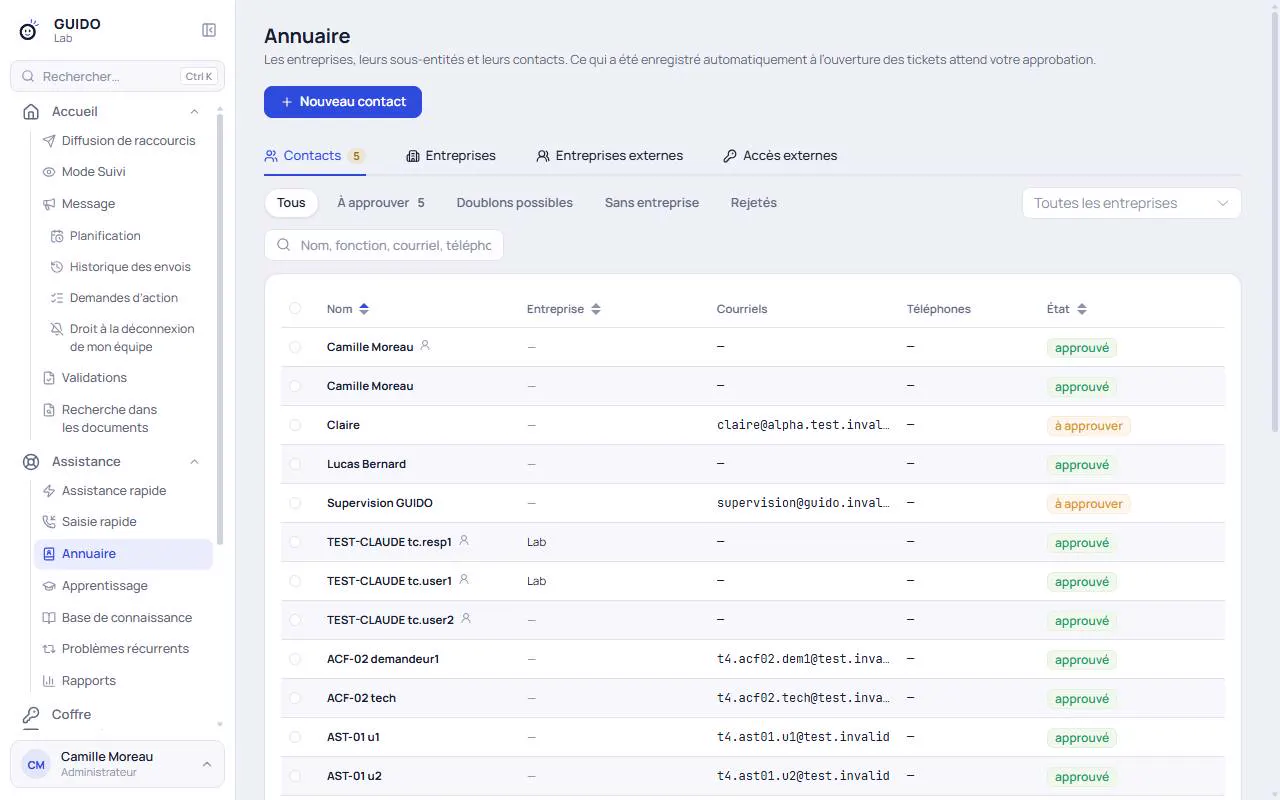
Give limited external access
In the Help desk directory, open the contact’s record and click “Give access”. The person gets an email with a link valid for 72 hours, picks a password and only sees their own organization’s tickets.
Screen Help desk, Directory, contact record
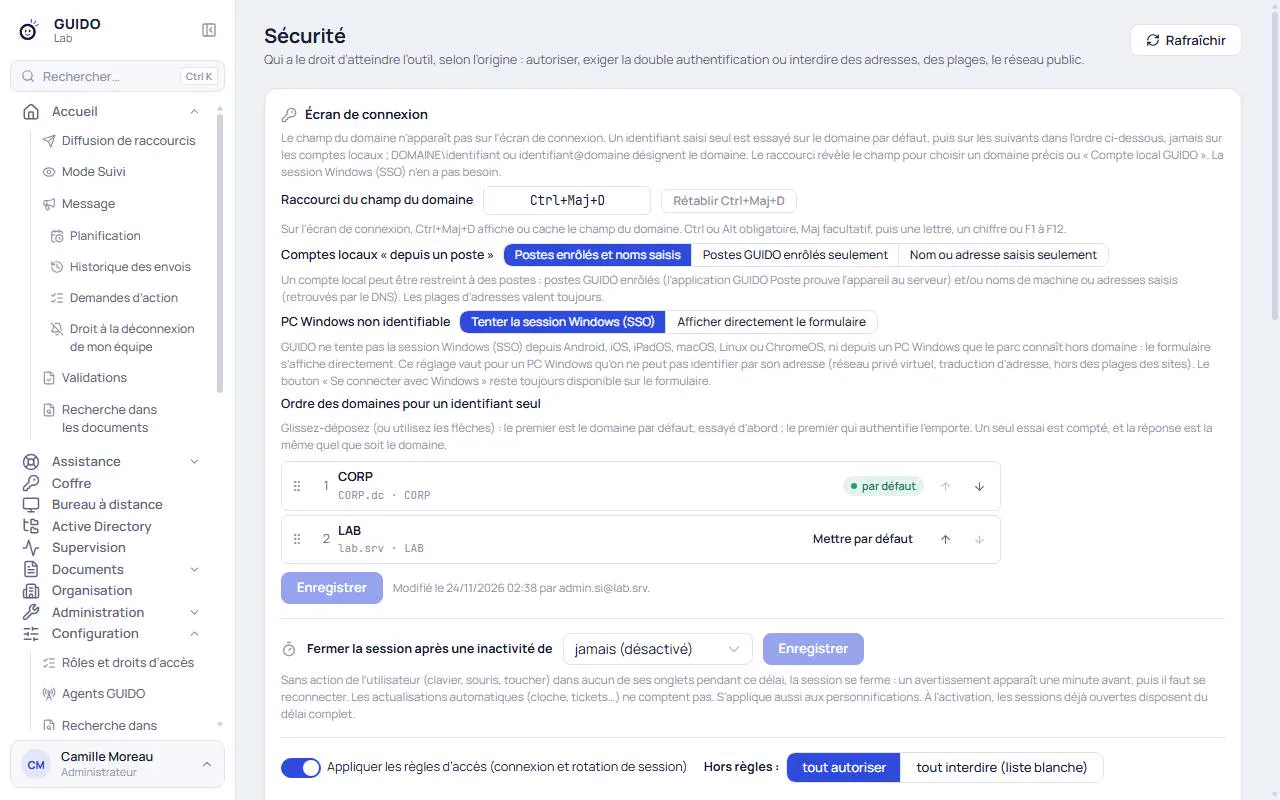
- Step 5
Help without exposing: impersonate
An authorized administrator opens the user list, clicks Impersonate, types a reason and fixes the problem. The person’s vault stays inaccessible and the impersonation log keeps every action.
Screen Administration, Users and groups, Impersonate