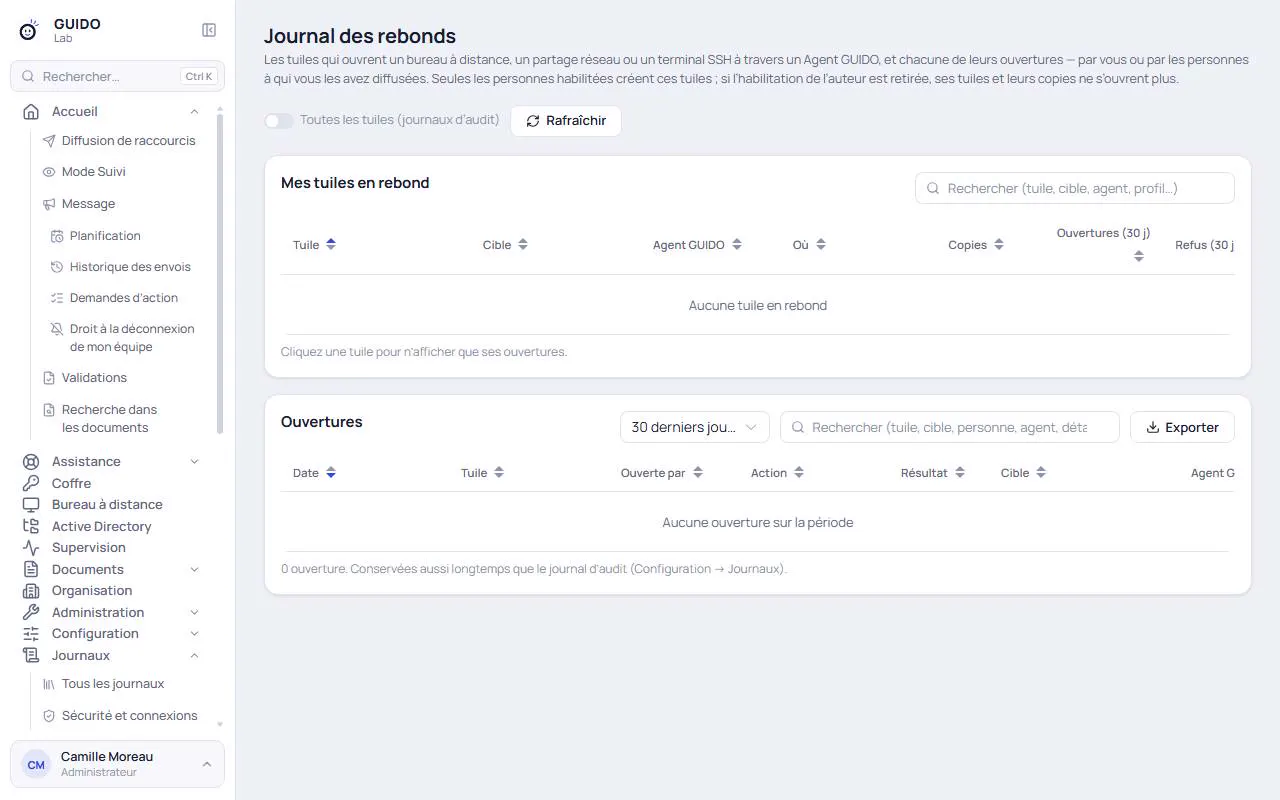
- Step 1
Set the web relay address
Relayed pages are served on an address separate from GUIDO’s, set by the administrator, so a script in the target page cannot read your tokens. Without this setting, browser mode is refused.
Screen Settings, Security, Relays
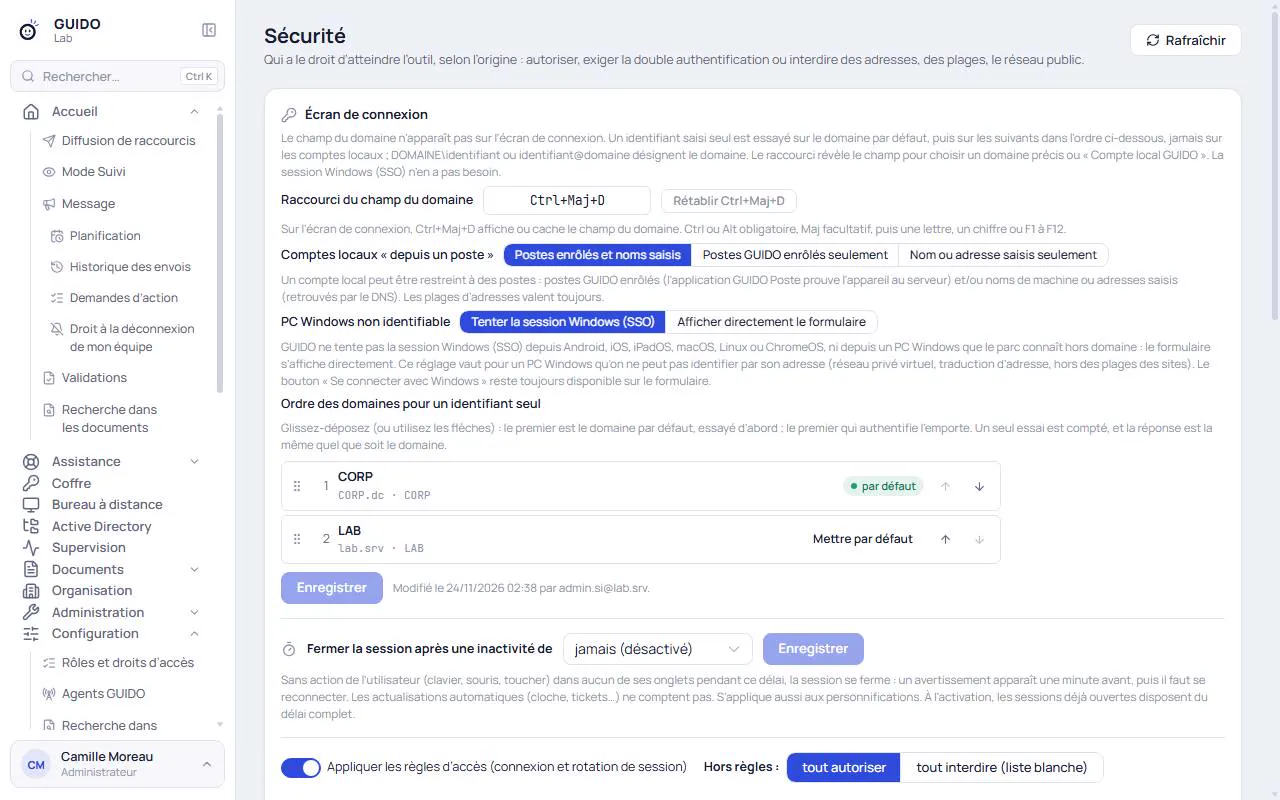
- Step 2
Allow the Agent’s ports
By default an Agent lets ports 80, 443, 8080 and 8443 through and refuses the local sites of its machine. For another port, or a site that only listens on the Agent’s machine, open its web settings.
Screen Settings, GUIDO Agents, Web settings
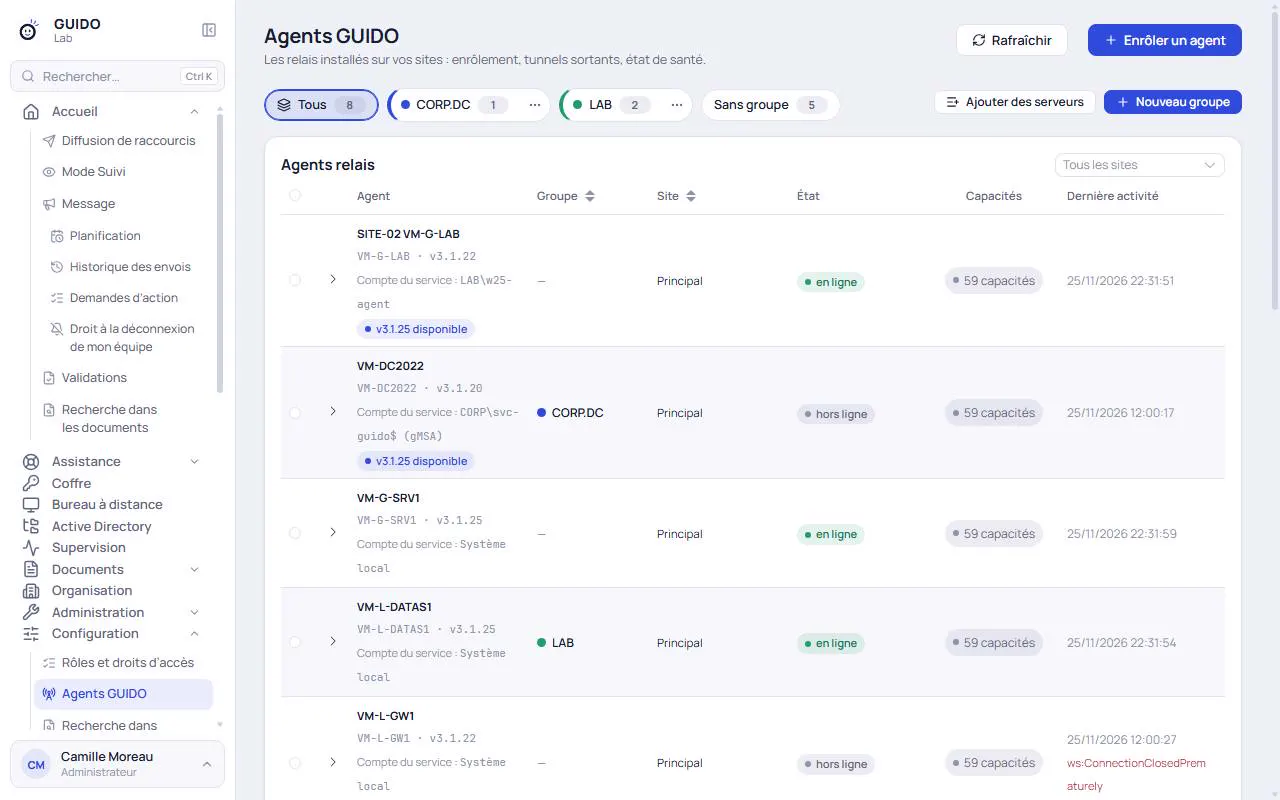
- Step 3
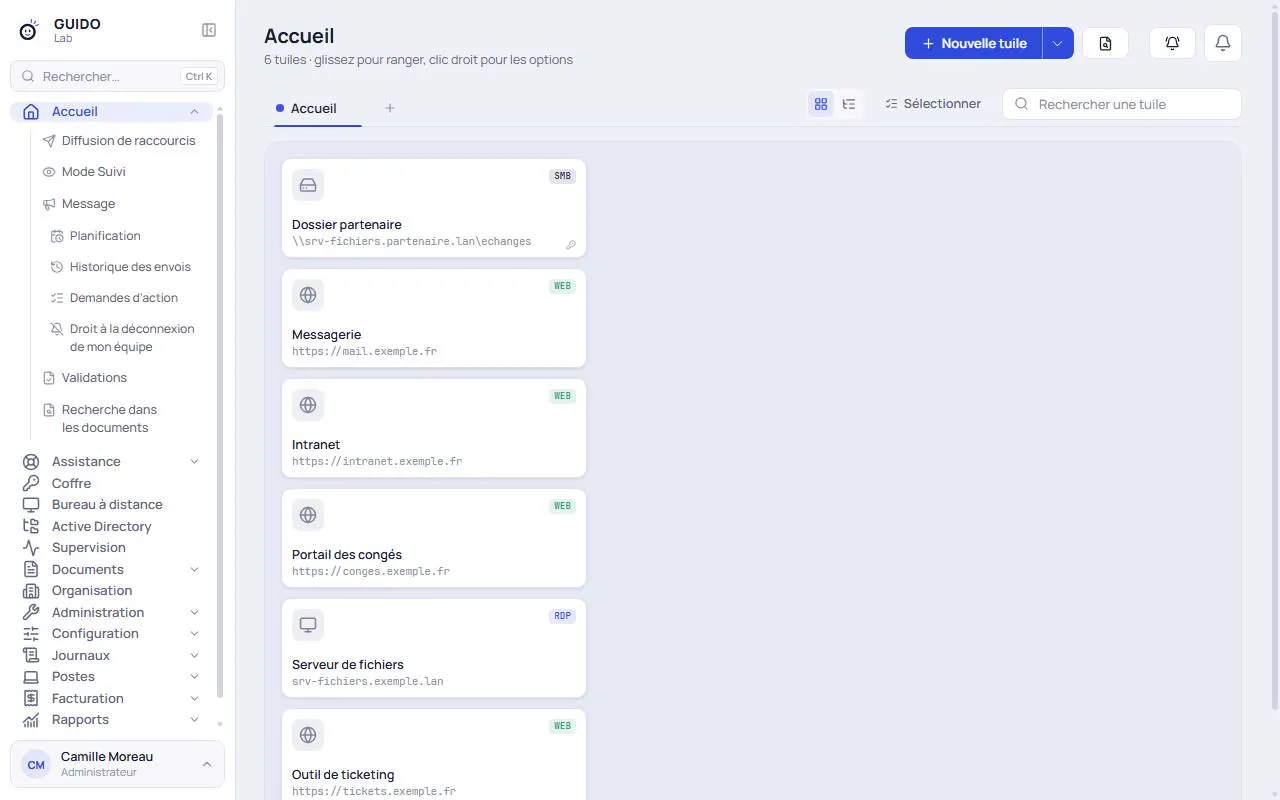
Create the Web link relay tile
Enter the site address, choose the GUIDO Agent, then the modes offered: browser, the computer’s Guido program, or both. Only the main origin and the ones you add are reachable.
Screen Home, New tile, Web link, Opening and credential
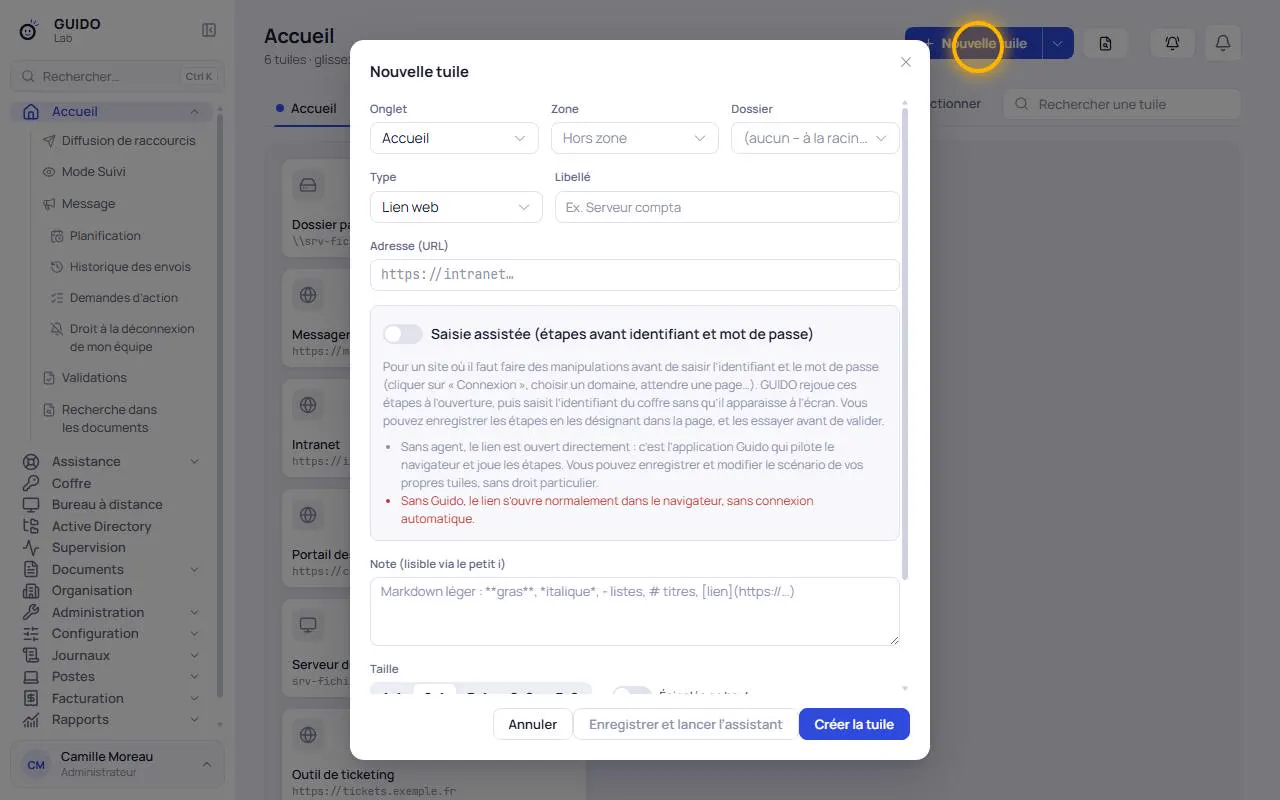
- Step 4
Open the site
In browser mode, GUIDO relays the pages through the Agent and serves them on the relay address. With the Guido program, a browser with a temporary profile starts and a local proxy only reaches the allowed destinations.
Screen Home, click the tile
- Step 5
Close the session
The session closes at its deadline, after the set inactivity, on request, or when the GUIDO session ends. Requests in progress are cancelled.
Screen Home, Relay log