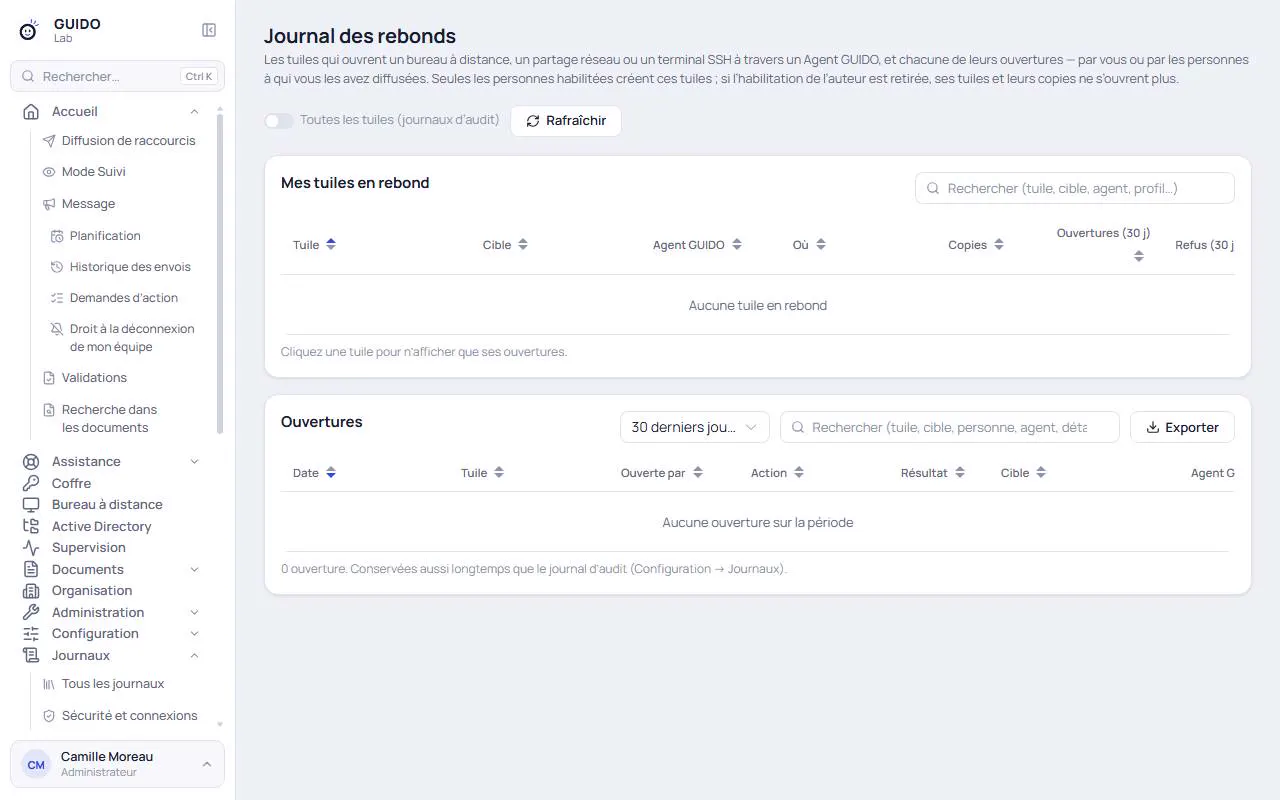
- Step 1
Install a GUIDO Agent at your site
The Agent is a Windows service installed on a machine at the site. It opens an outgoing HTTPS 443 connection to GUIDO on its own and keeps it open. No inbound port is needed.
Screen Administration, GUIDO Agents
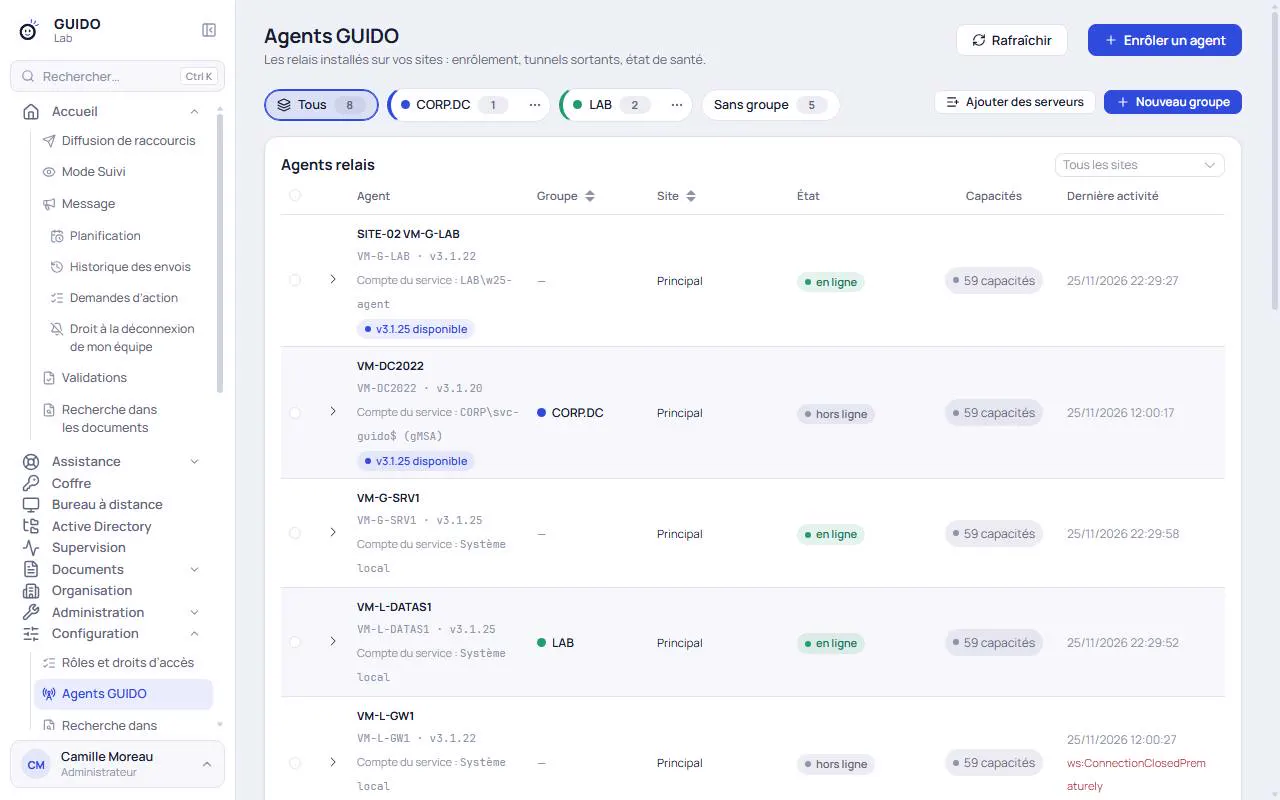
- Step 2
Define what counts as “outside”
In the relay settings, check the internal networks (10.0.0.0/8, 172.16.0.0/12 and 192.168.0.0/16 by default) and trusted load balancers. An address outside those networks is external.
Screen Settings, Security, Relays
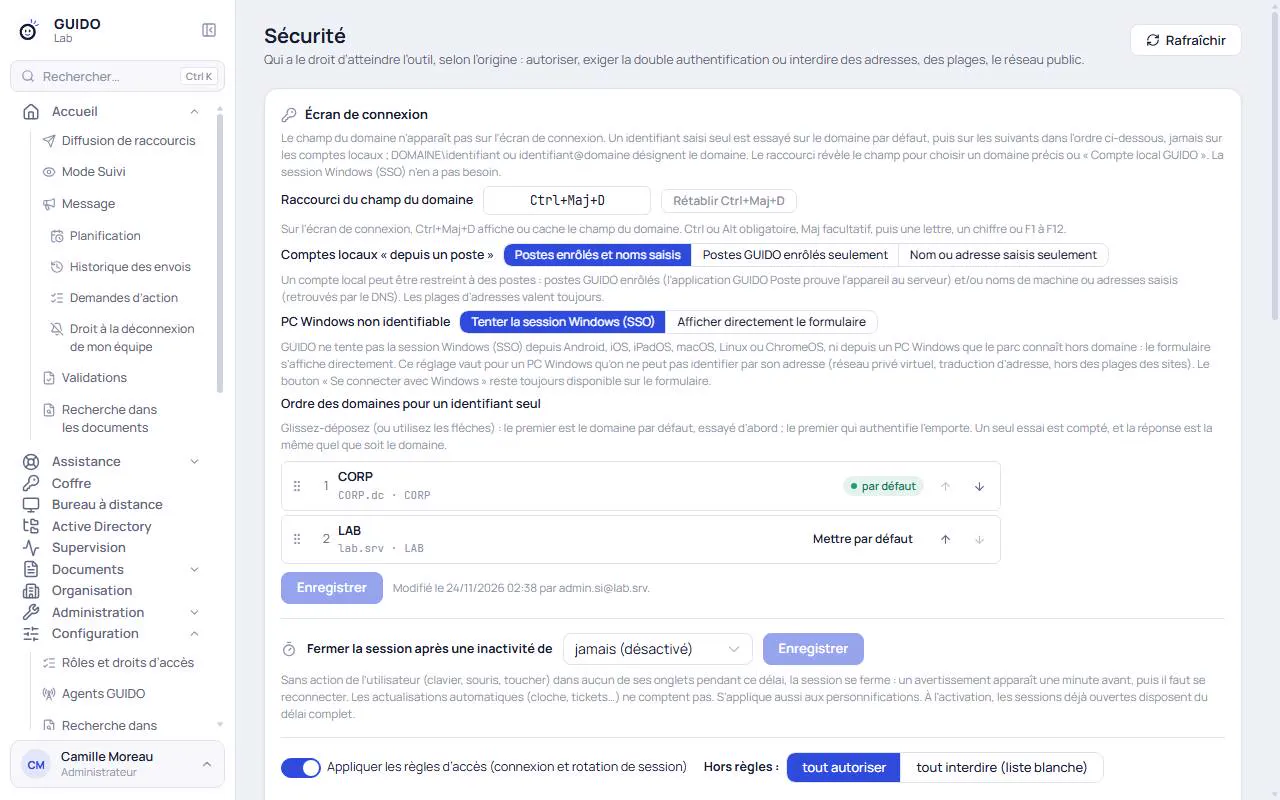
- Step 3
Create the Remote desktop relay tile
An authorized person creates the tile with the server host, the vault credential and the relay GUIDO Agent. They can then distribute it to the team.
Screen Home, New tile, Remote desktop, Opening and credential
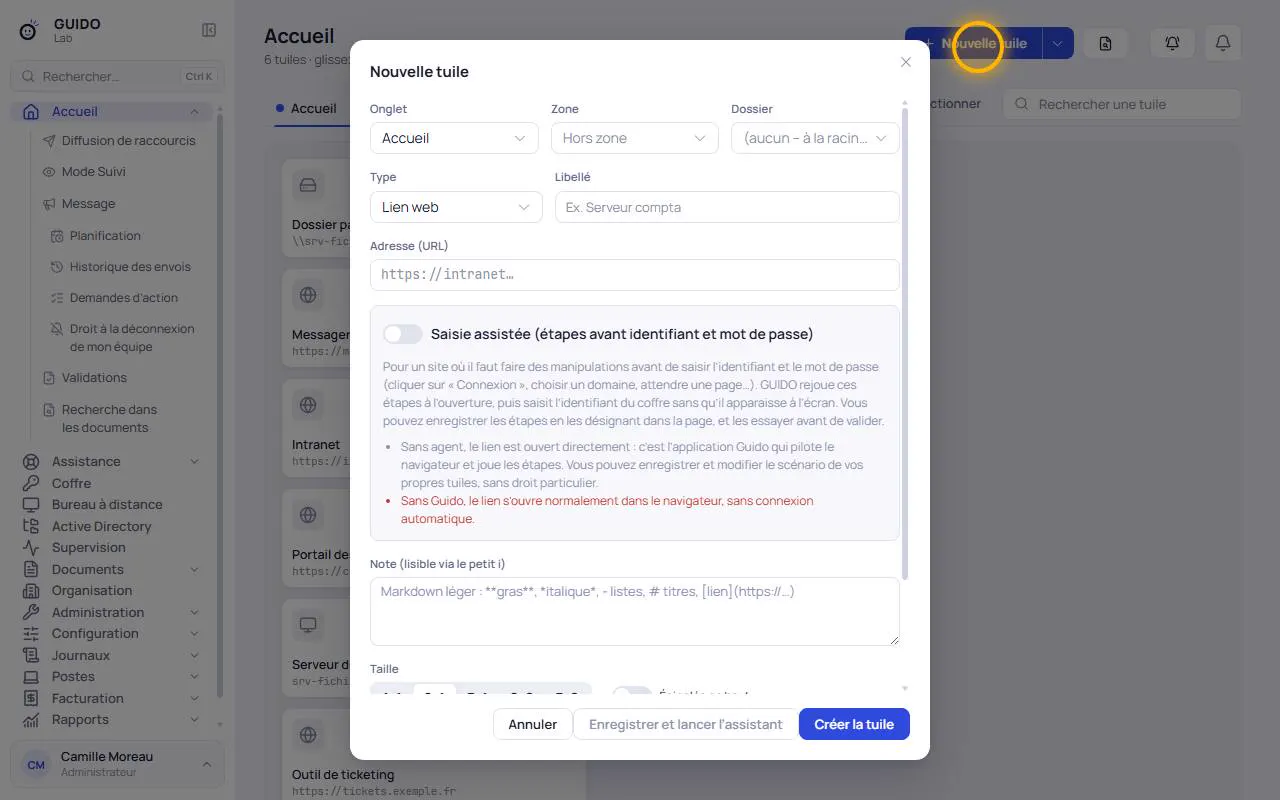
- Step 4
The click from outside asks for an MFA code
From an external address, GUIDO asks for an MFA code that has not been used already: TOTP app, email code or Windows Hello. The proof is tied to this opening, lasts two minutes and works once.
Screen Home, click the tile
- Step 5
The session opens, and the opening is logged
With the Guido program on the computer, mstsc starts through a local tunnel, with the vault credential and no visible password. The opening appears in the Relay log.
Screen Home, Relay log