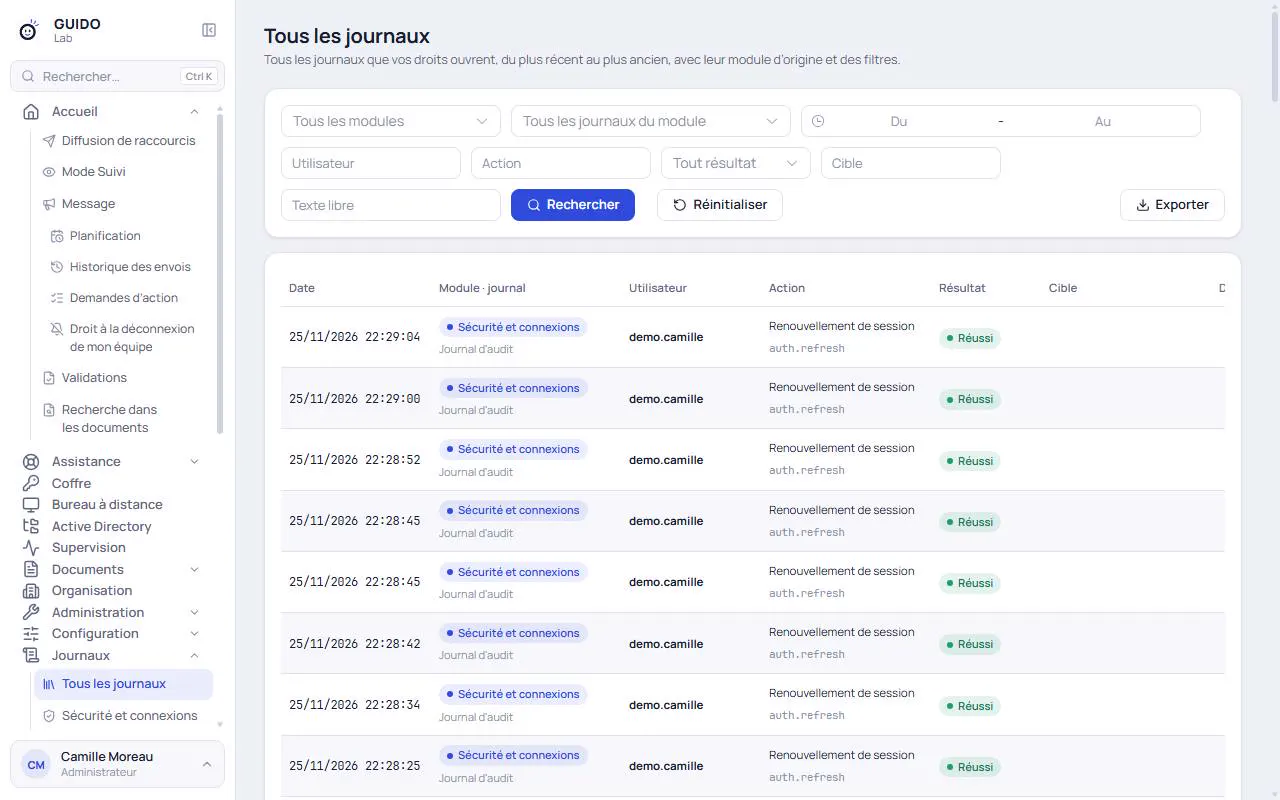
- Step 1
Give the team its real name
An alias shows “Technical Service” everywhere in GUIDO instead of the directory’s technical group, with its members. Appoint the person in charge of the department there.
Screen Organization, Aliases
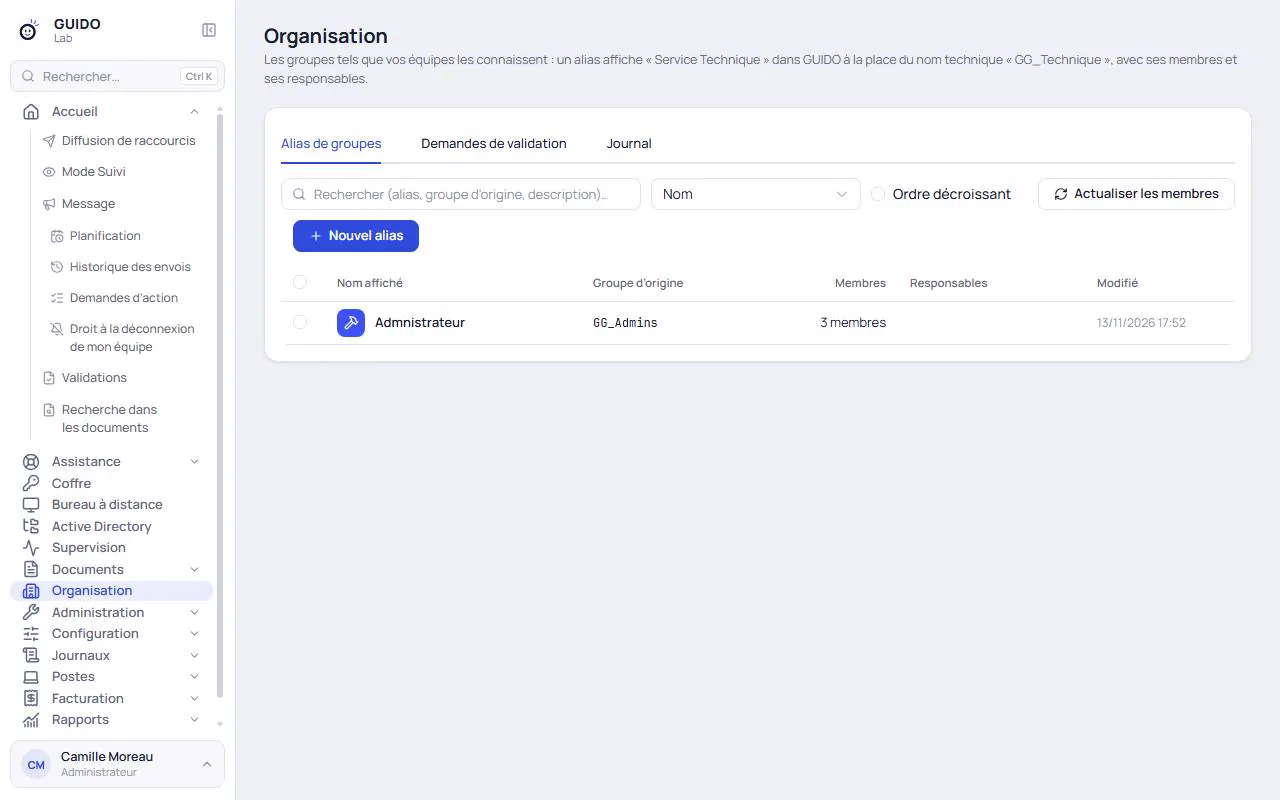
- Step 2
Define their scope
In manager management, add the manager and their scope: groups, whose subgroups can be excluded branch by branch, and named users.
Screen Administration, User management, Managers
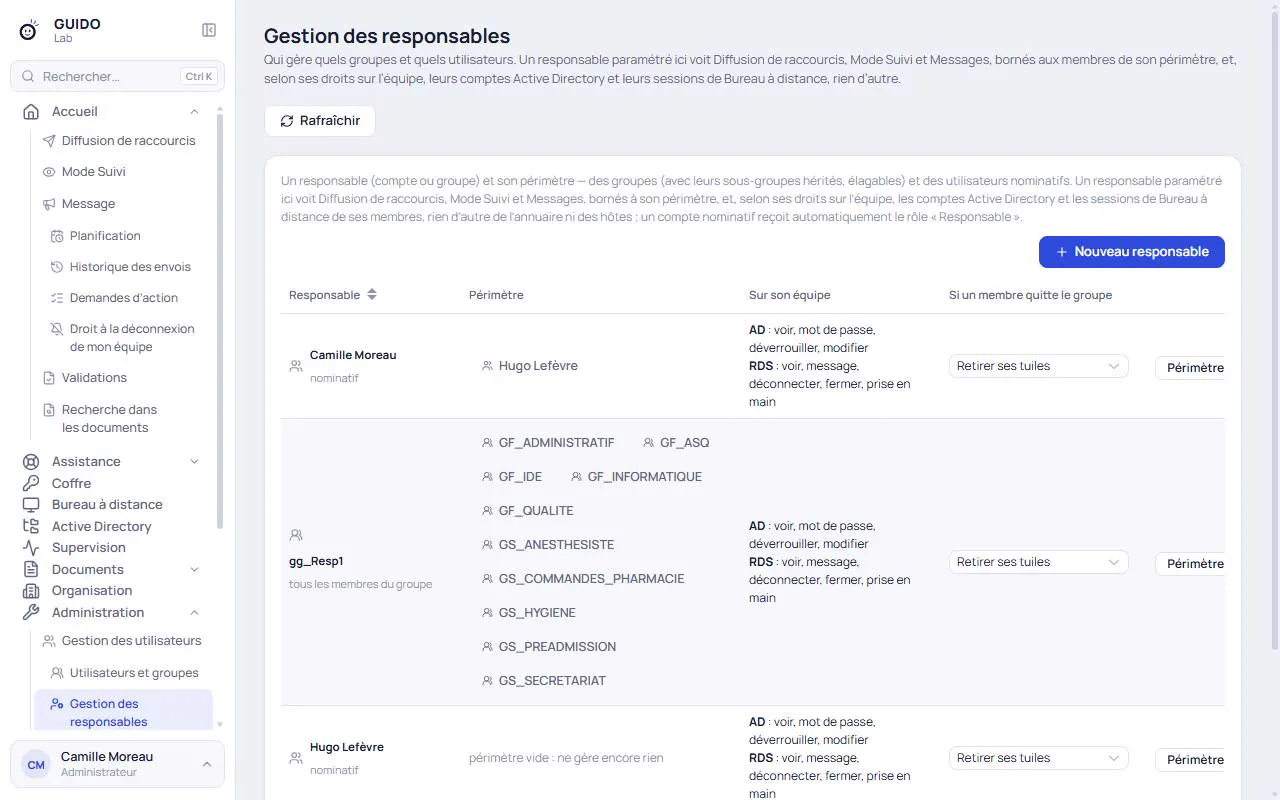
- Step 3
Tick their rights over the team
See accounts, reset a password, unlock, see Remote desktop sessions, send a message, take control, have documents approved. Each box is ticked separately.
Screen Administration, User management, Managers
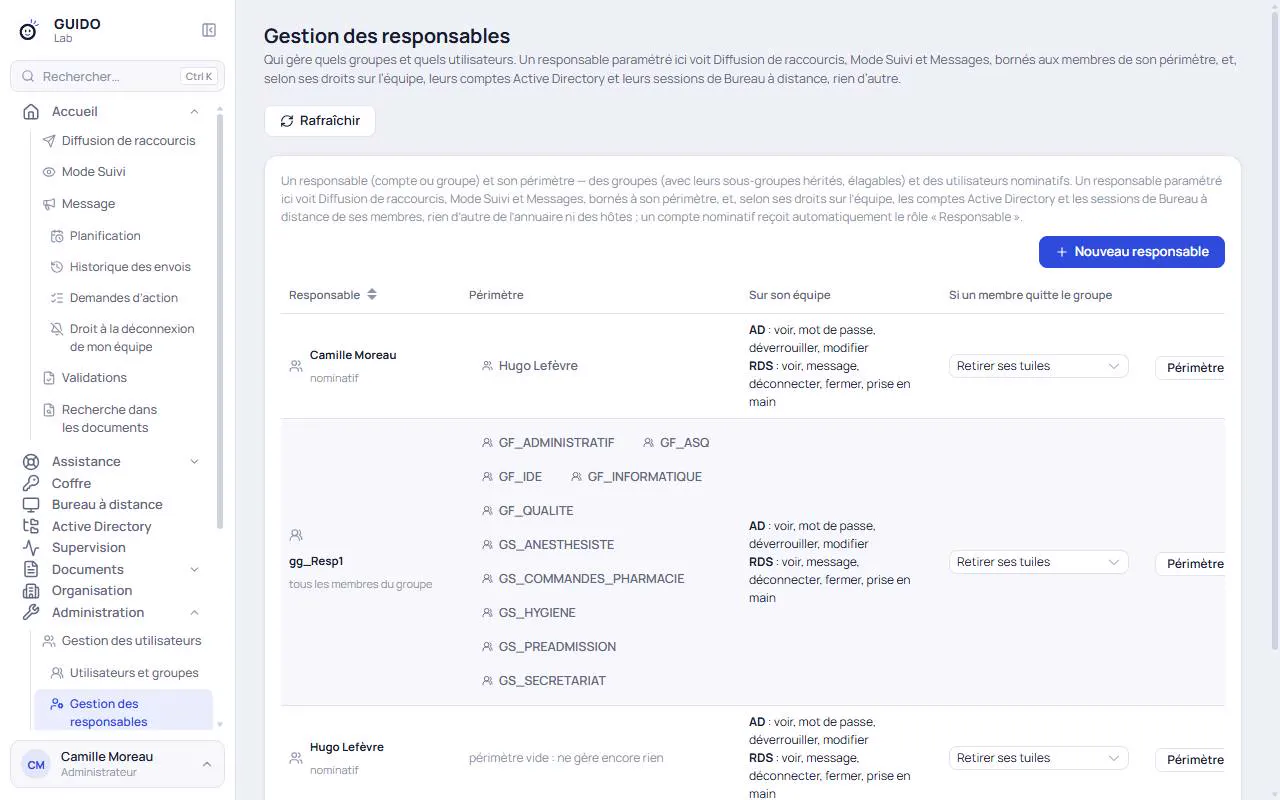
- Step 4
What the manager sees
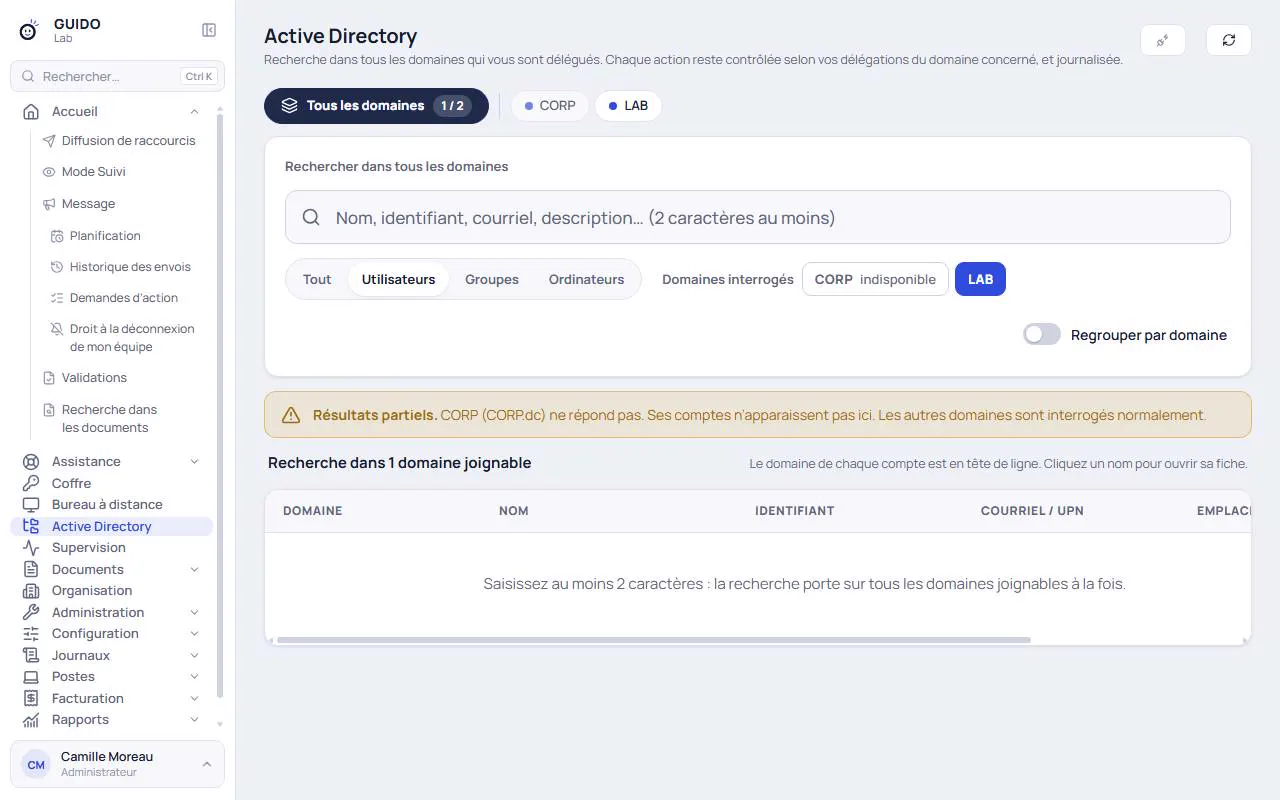
Their menu shows Shortcut distribution, Activity tracking and Message, limited to their team. In Active Directory they only see “My team”. They can reset a member’s password, not open another team’s record.
Screen Active Directory, My team
- Step 5
Everything is logged
The server checks every action and writes it to the audit log. A manager can never act outside their scope, target an administrator or obtain a right they do not have.
Screen Logs, Audit log