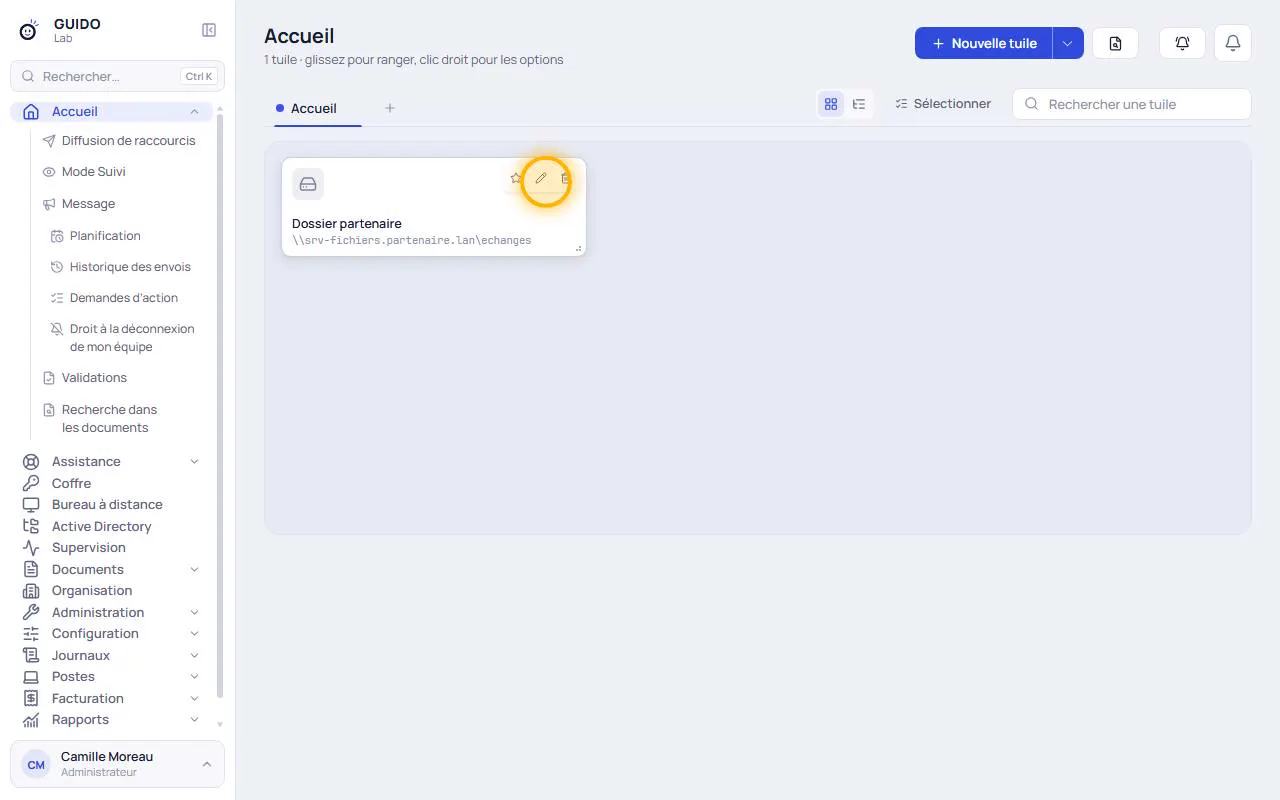
- Step 1
Store the other domain’s account in the vault
In the vault, create an entry for that account, with its domain and the server that hosts the share. Fill in “Usable on” with that server so the credential is not used anywhere else.
Screen Vault, New entry
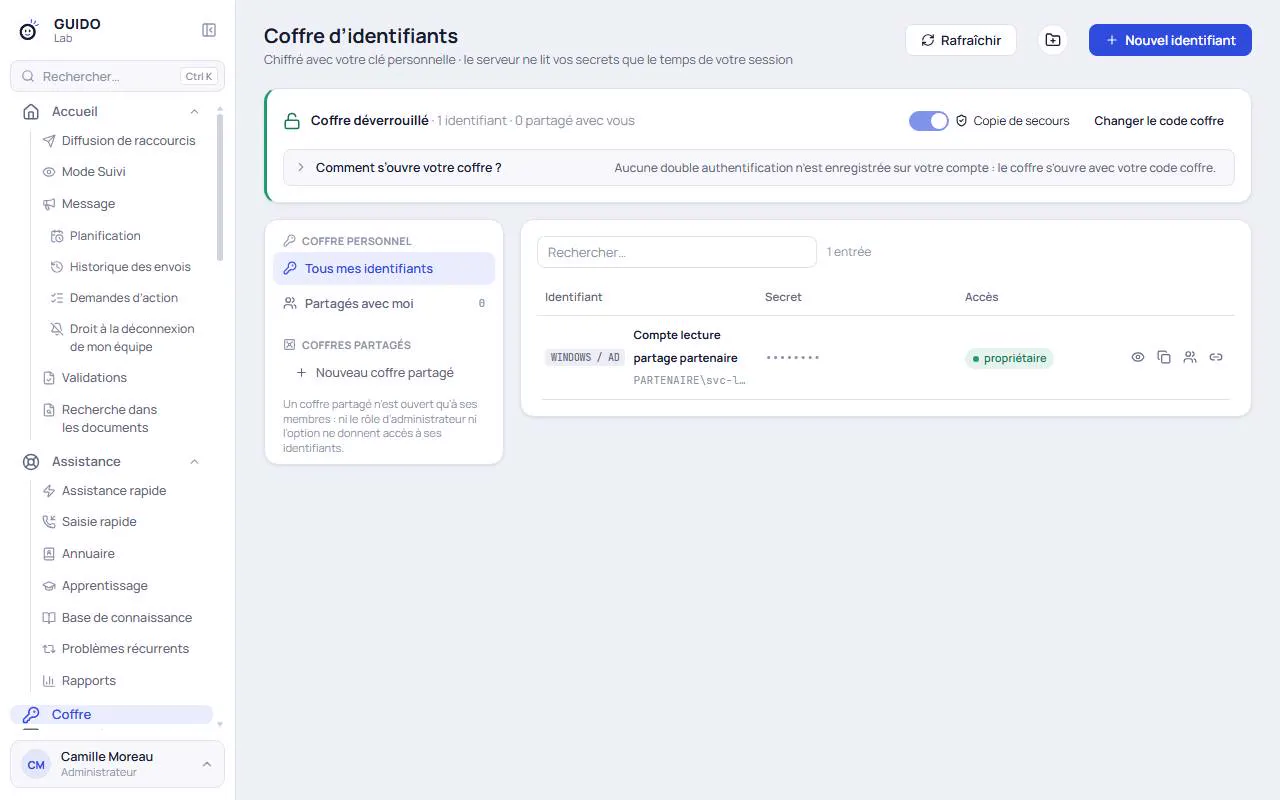
- Step 2
Create the Network share tile
On Home, choose New tile, then Network share. Enter the share path (\\server\share\folder), a drive letter if you want it in Explorer, and tick “Persistent” to keep it.
Screen Home, New tile, Network share
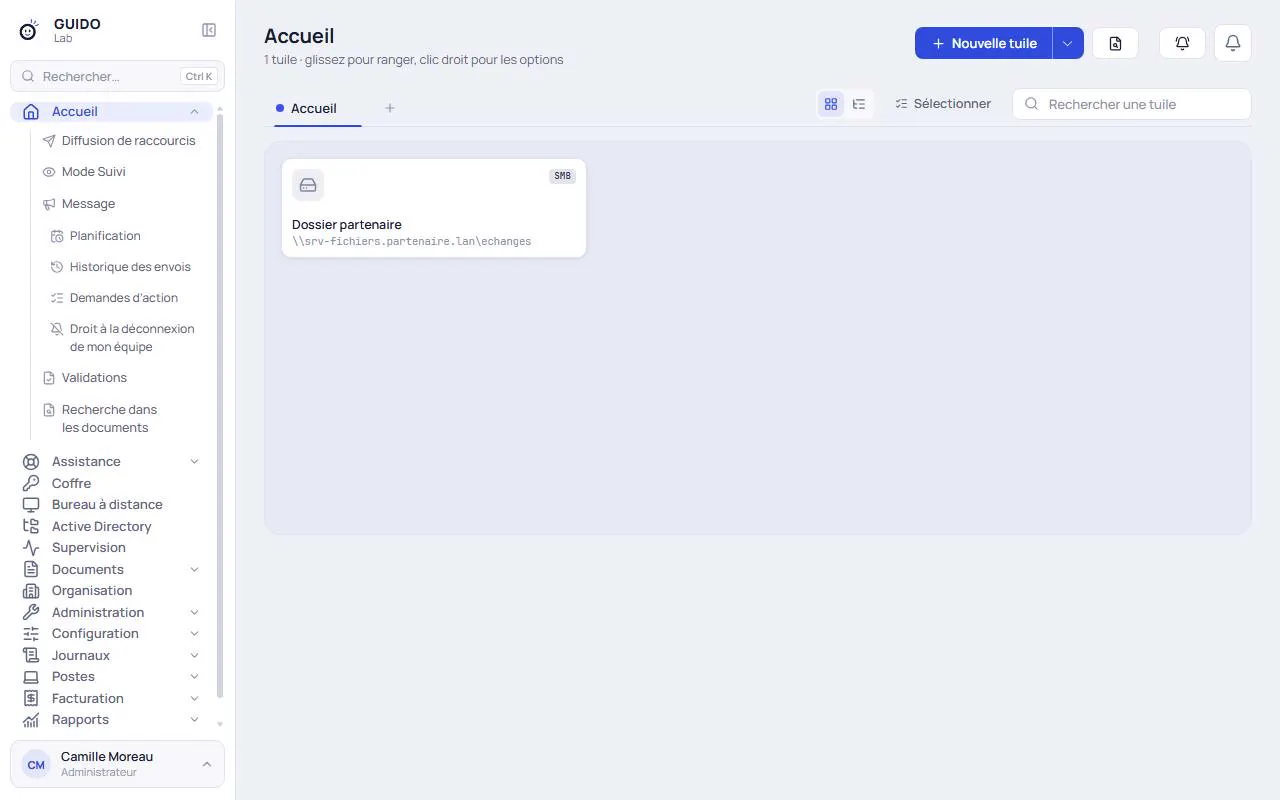
- Step 3
Link the vault credential
In “Opening and credential”, pick the vault entry. If a team must use it, share the entry at the “Use without seeing” level: they will use it without the password ever being displayed.
Screen Home, tile editor, Opening and credential
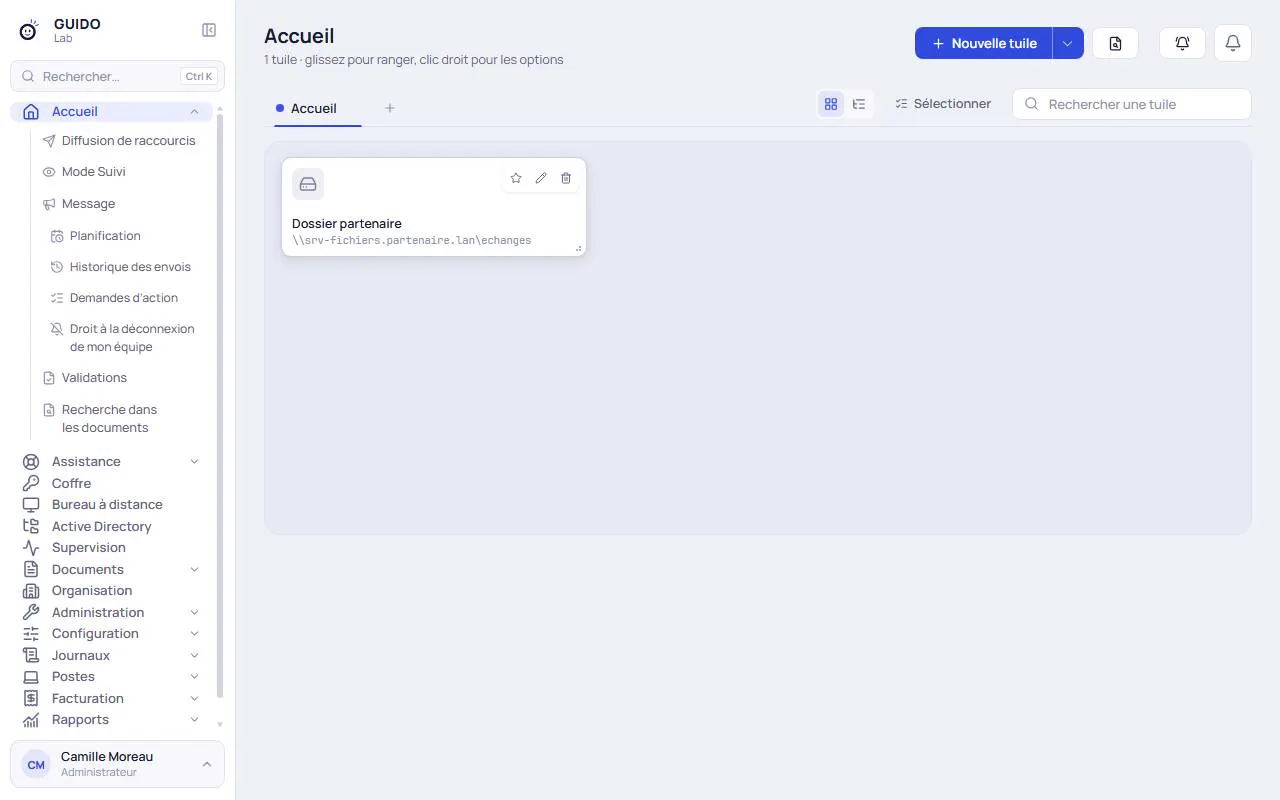
- Step 4
Click: the share opens
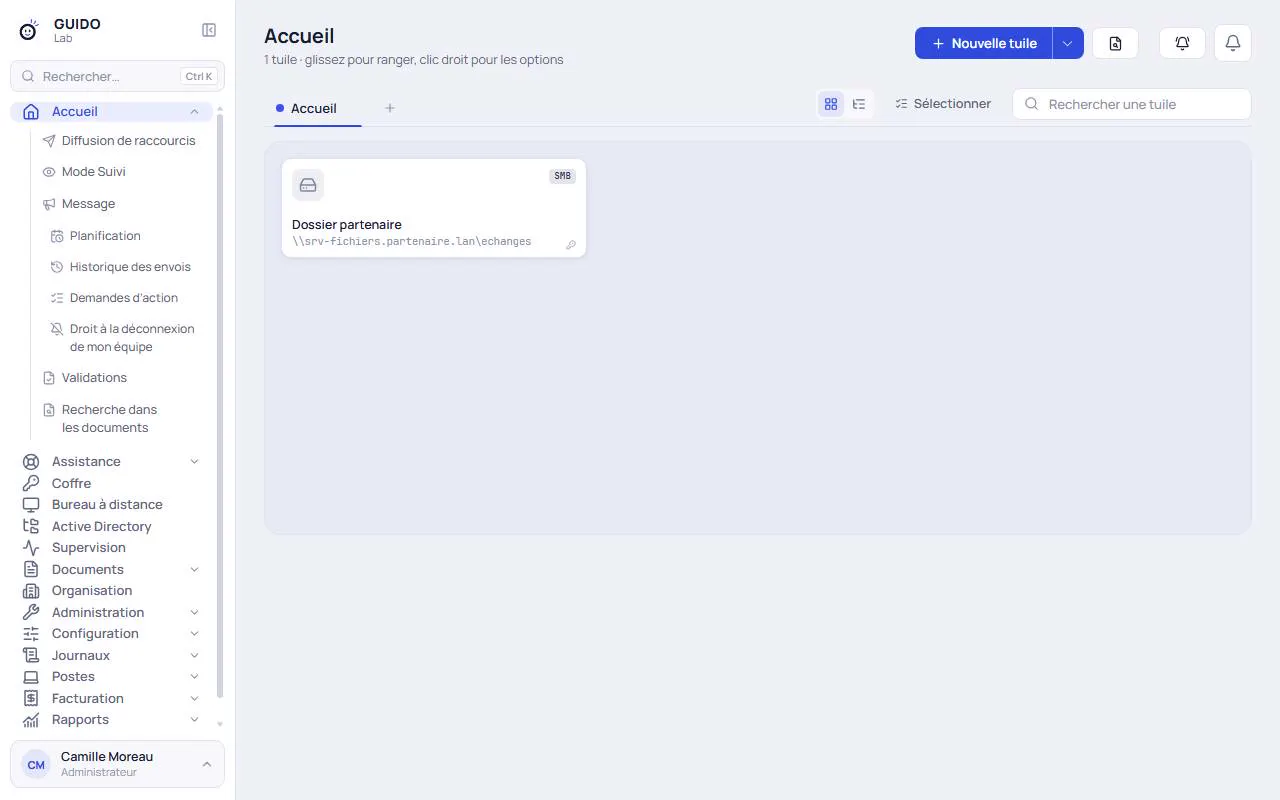
With the Guido program on the computer, GUIDO registers the account for the server, maps the drive letter and opens Explorer. The account name is prefixed with its domain. The password is shown nowhere.
Screen Home, click the tile
- Step 5
Plan the relay fallback
If the server cannot be reached from the computer, tick “If the share is not reachable, go through the relay” and choose the relay server. GUIDO tests port 445 from the computer and opens the share through the site Agent if the test fails. The fallback is logged.
Screen Home, tile editor, Network share