- Step 1
Create the resolution groups
Create one group per handling team: name, description, members picked from GUIDO accounts, the directory and AD groups, and an optional notification address. Without an address, each member is notified.
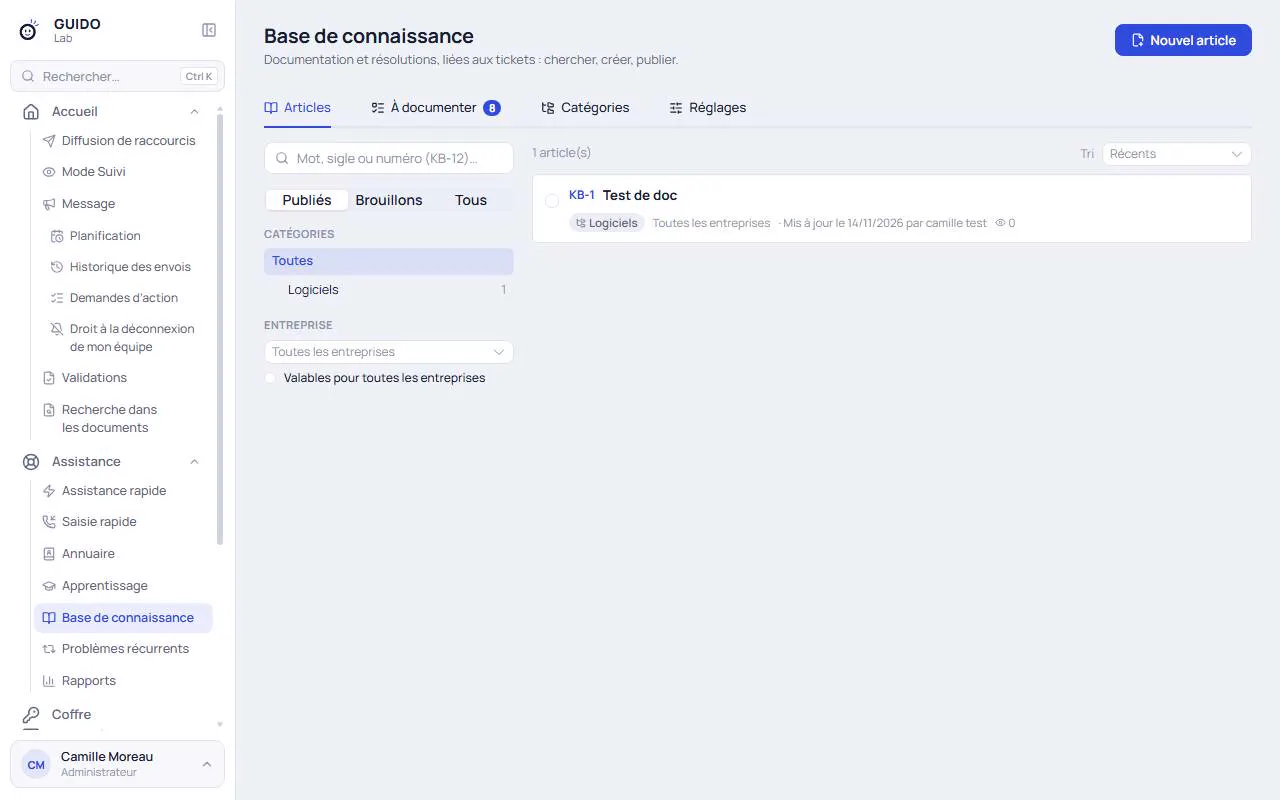
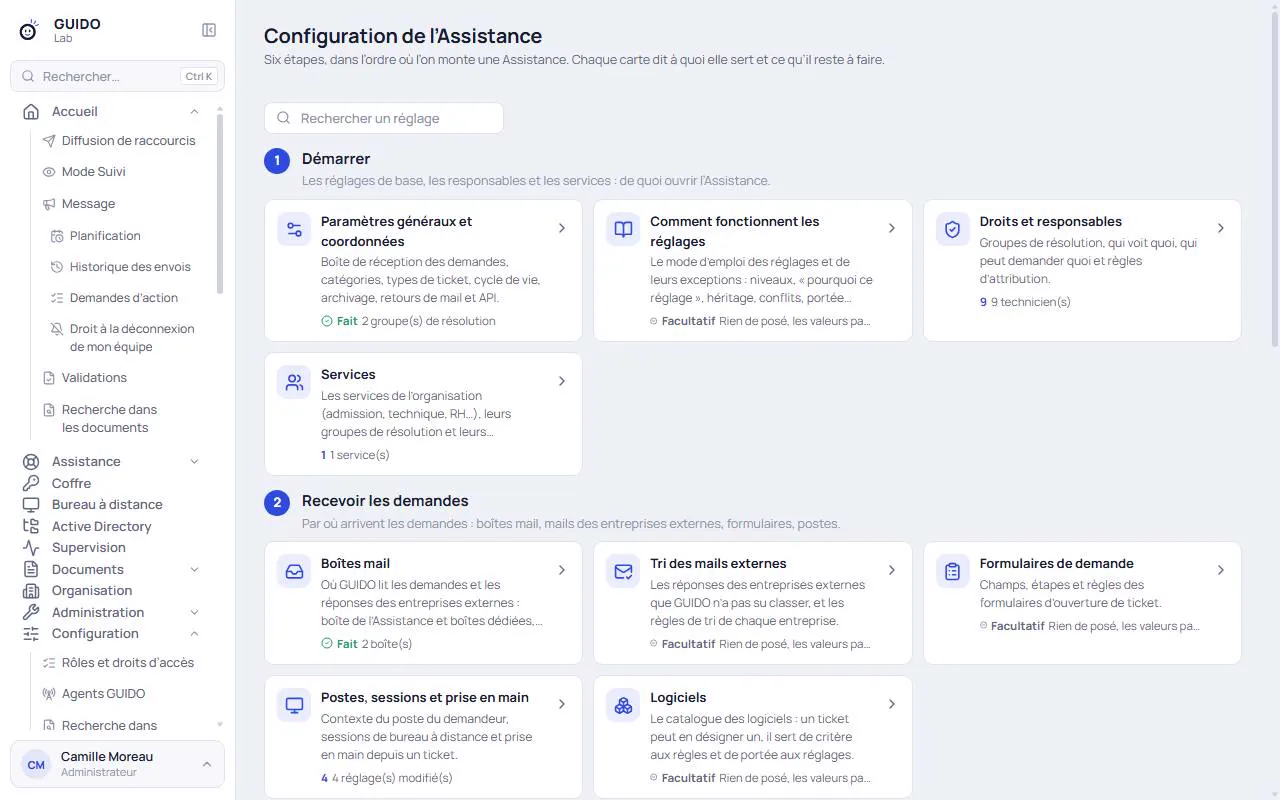
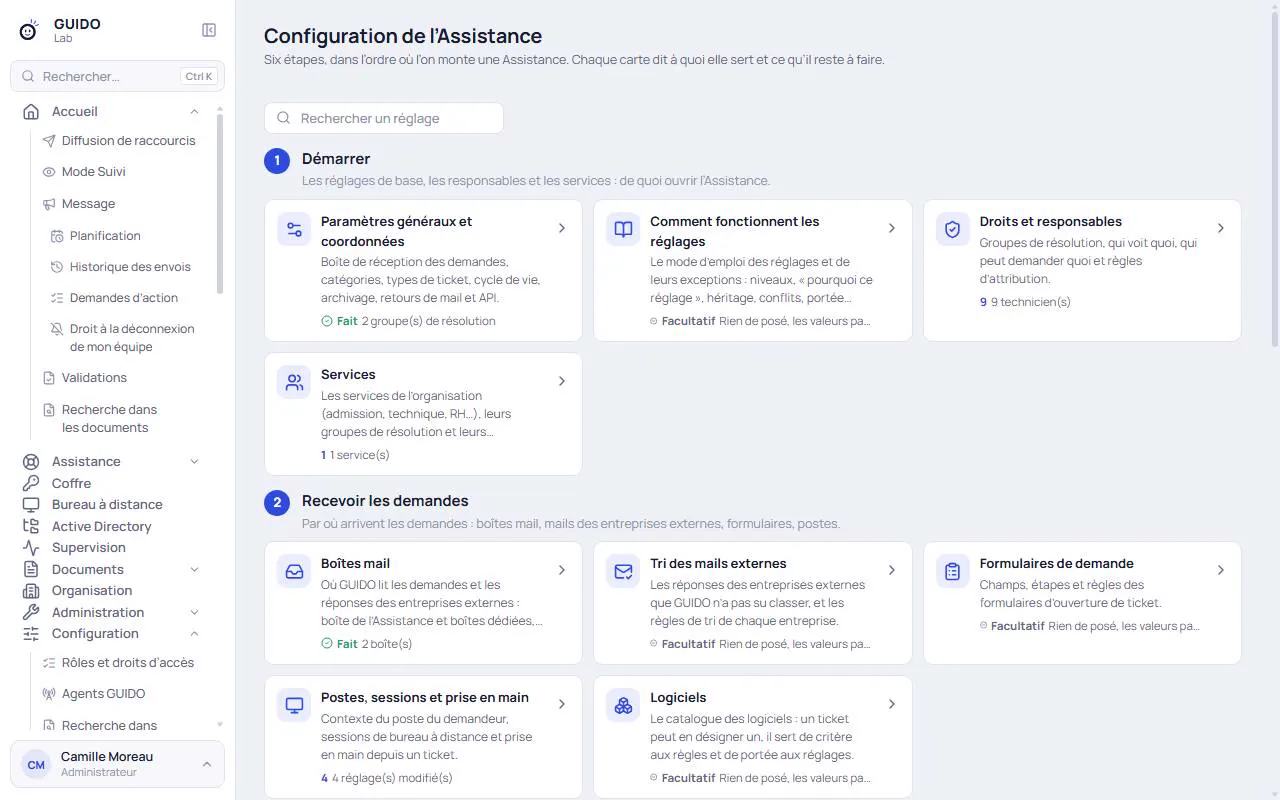
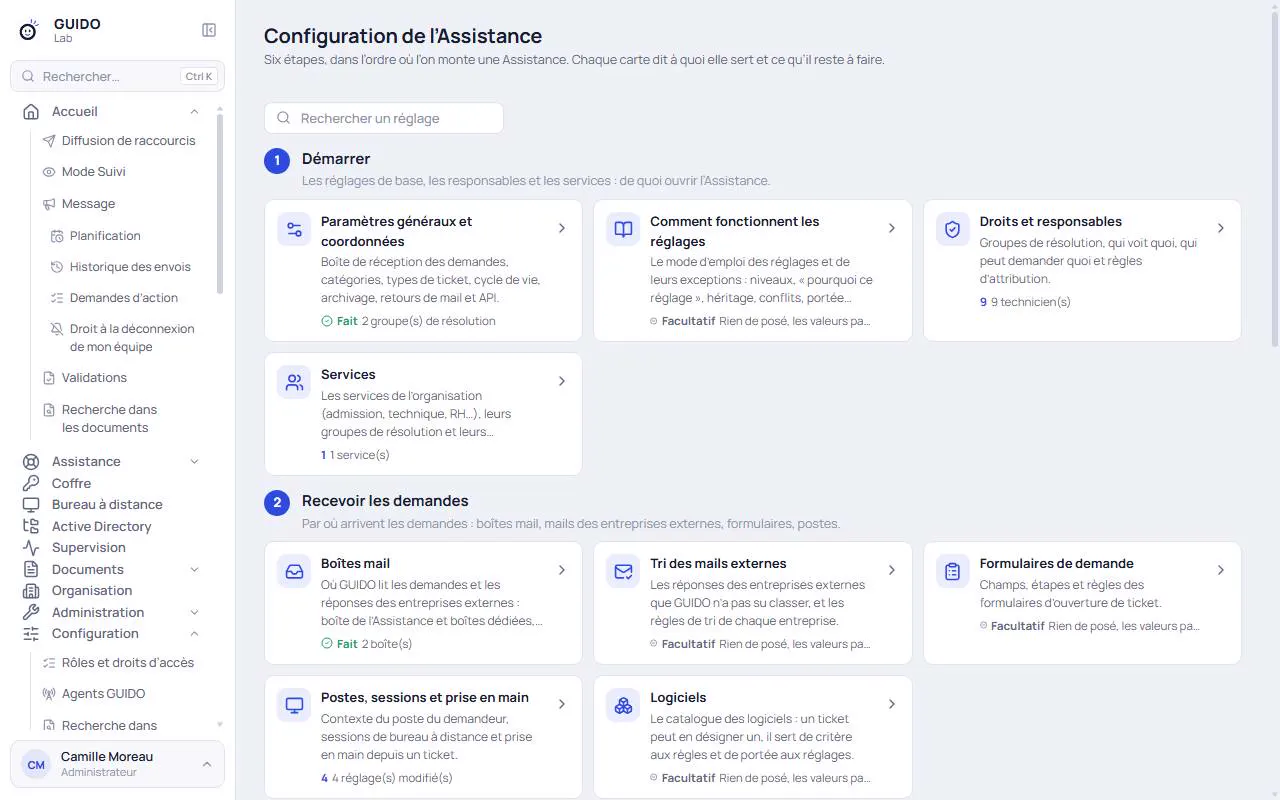
Screen Settings, Help desk, Rights and managers
- Step 2
Give each group keywords
For the hotline quick entry, enter words or phrases per group with a weight from 1 to 5. A sentence goes to the group whose words appear. A list can be pasted in one go.
Screen Settings, Help desk, Rights and managers, Group keywords
- Step 3
Write the assignment rules
Rules apply at creation, in order. For example: if the title contains “outlook”, then category Messaging and group Support N1. The “Test the rules” button shows, for a pasted message, which ones apply and the resulting assignment.
Screen Settings, Help desk, Rights and managers, Assignment rules
- Step 4
Set deadlines and alerts
For organizations under contract, a deadline policy sets handling and resolution times, in working or calendar hours. Alert and escalation rules say who to warn when a deadline approaches or is passed.
Screen Settings, Help desk, Deadlines and calendars, then Alerts and escalations
- Step 5
Notify the team and build knowledge
Each member sets their notifications event by event (bell, window, desktop, sound, email), and managers can impose a setting. On closure, the resolution can feed the knowledge base.
Screen Help desk, My notifications, and Help desk, Knowledge base